Straight2Bank

From 19 September 2020 onwards, you will enjoy the enhanced protection for your Online Banking login through an authentication step, which can be easily done with your mobile phone. After inputting your username and password, you are required to verify your identity by either one of the following ways
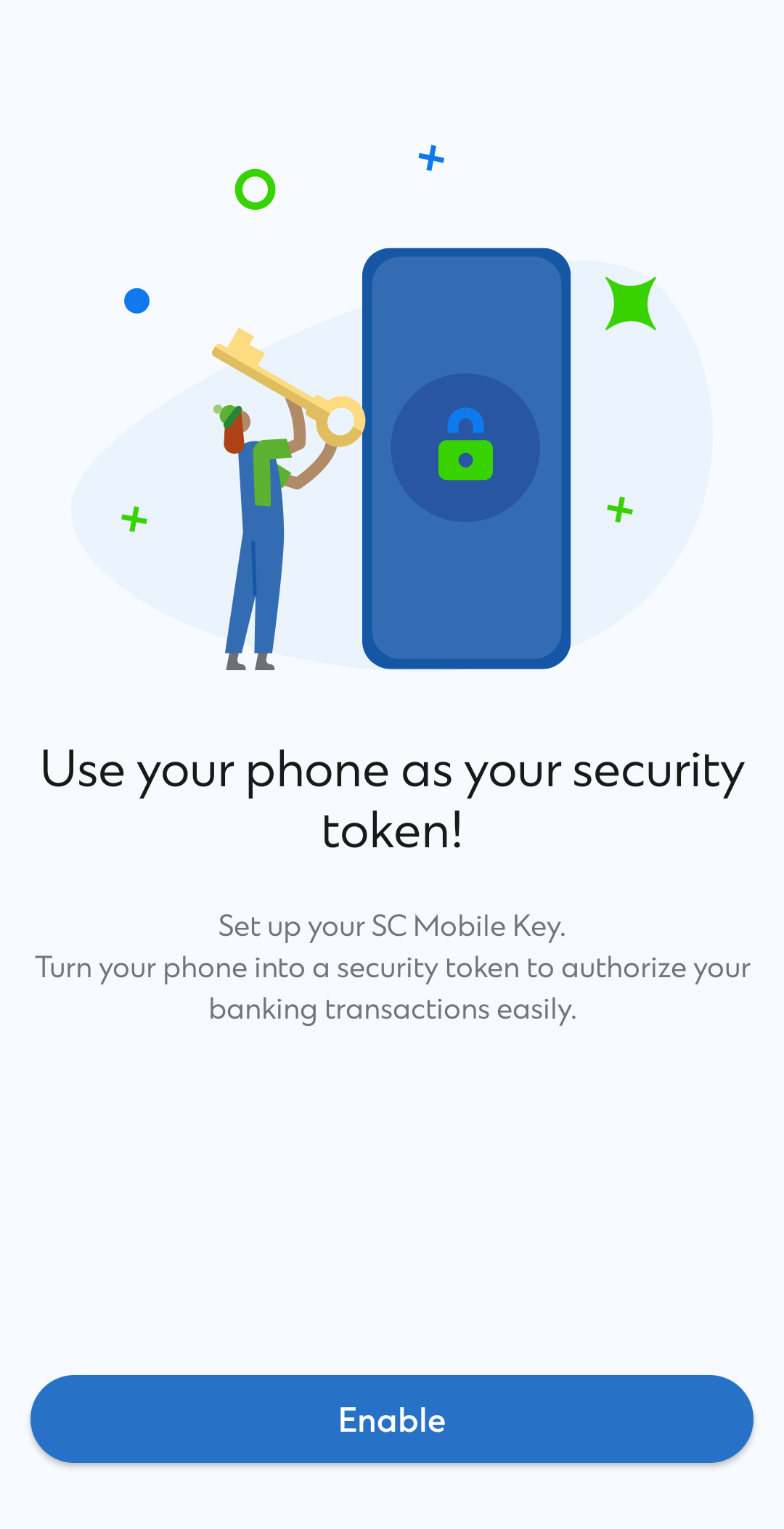
Recommended: Register SC Mobile Key to turn your phone into a security token
Input One-time password (OTP) sent via SMS to your registered mobile number
Get ready for the upgrade
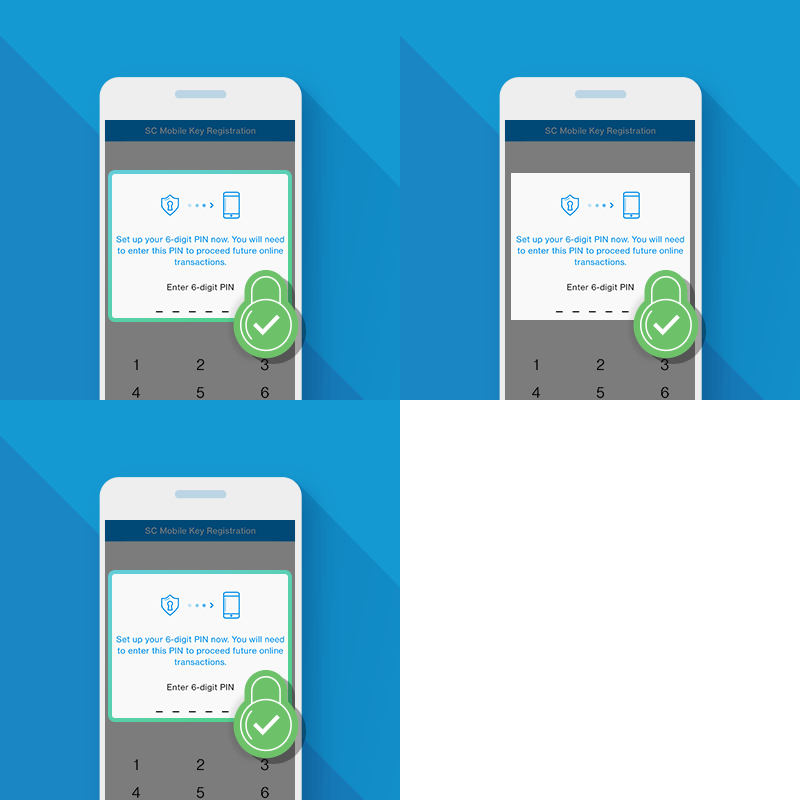
Recommended: Register SC Mobile Key to turn your phone into a security token
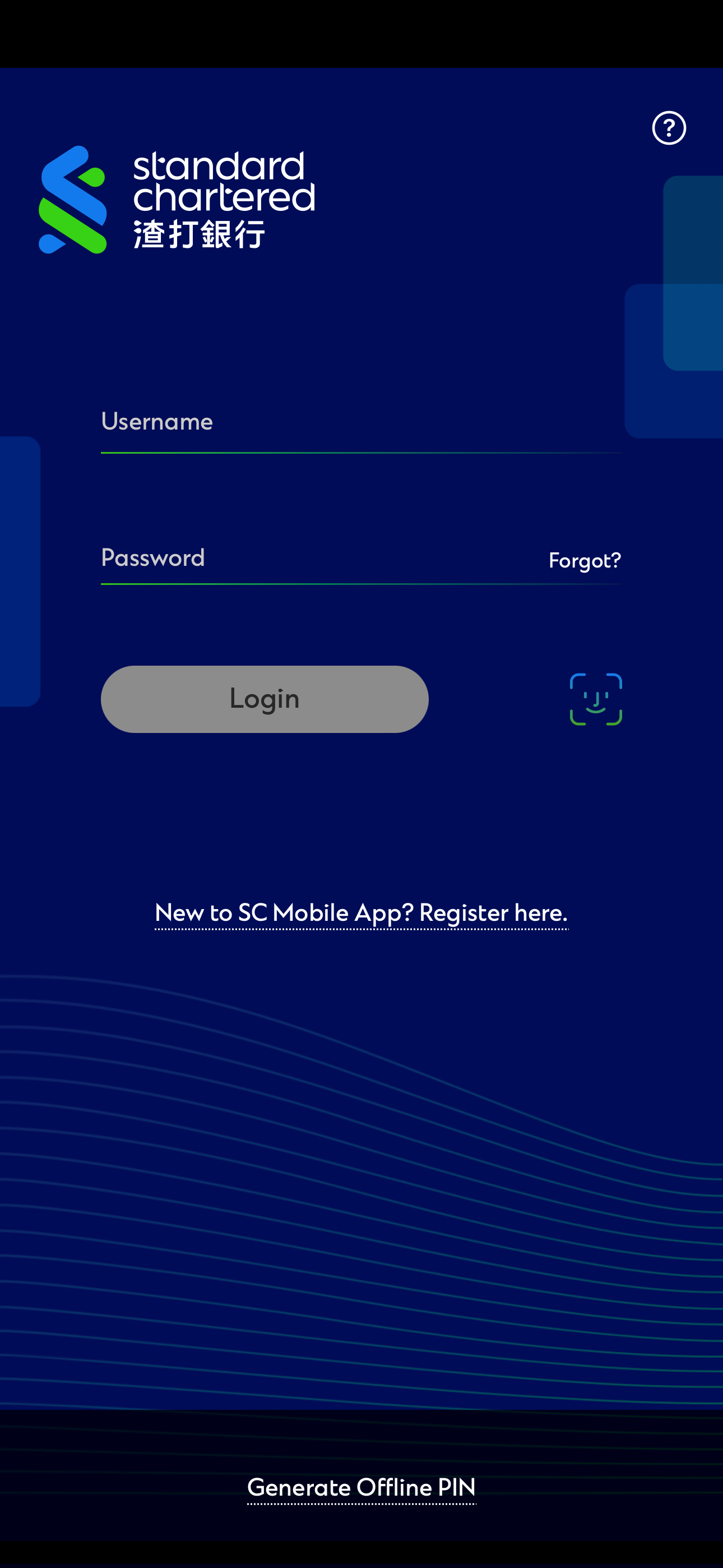
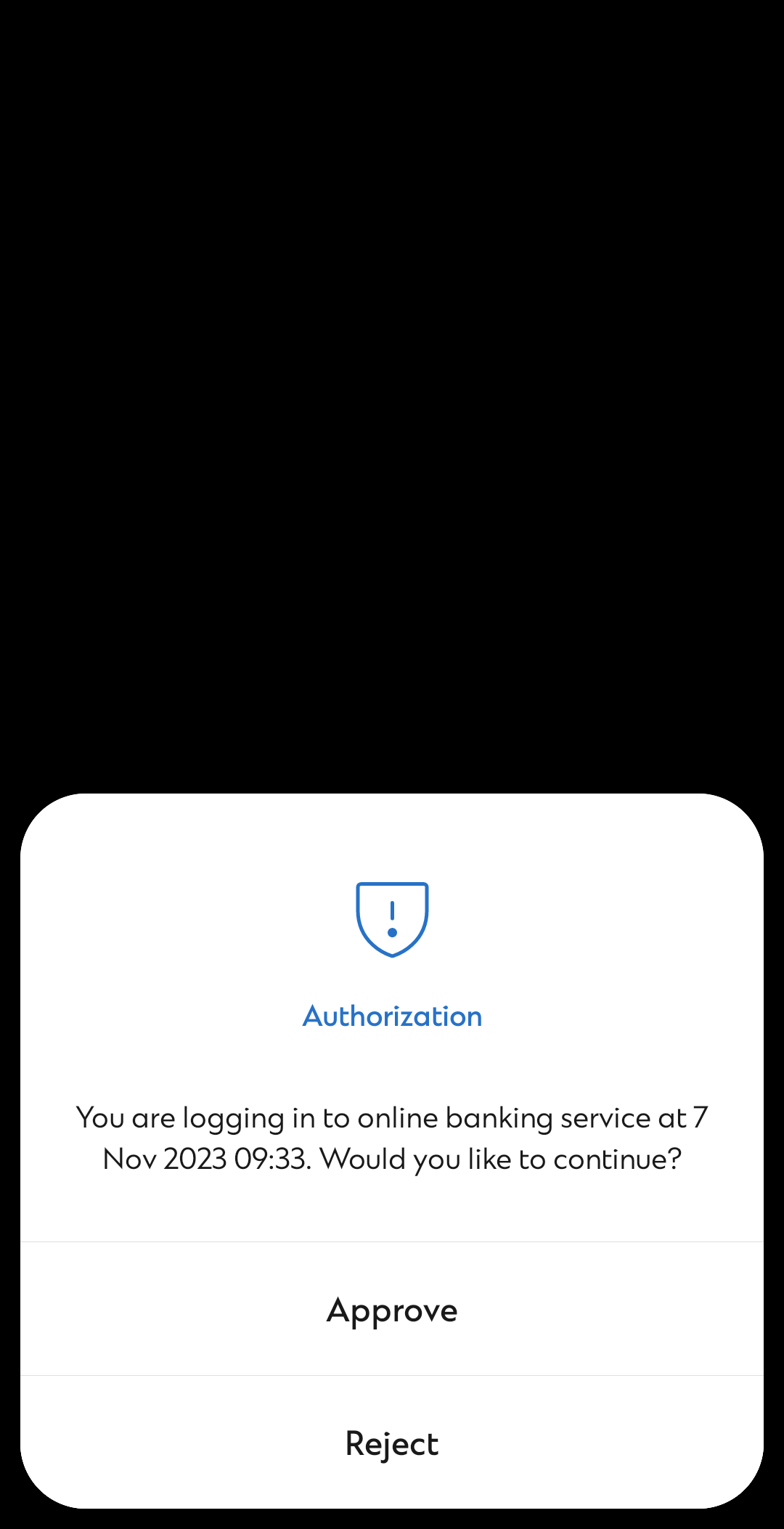
Simple steps to register SC Mobile Key to turn your phone into a security token. When every time login to Online Banking, you can verify your identity by just clicking “Approve” from SC Mobile app


Or
Input One-time password (OTP) sent via SMS to your registered mobile number
Reconfirm your registered mobile number is up-to-date if you would like to verify your identity by inputting OTP sent via SMS
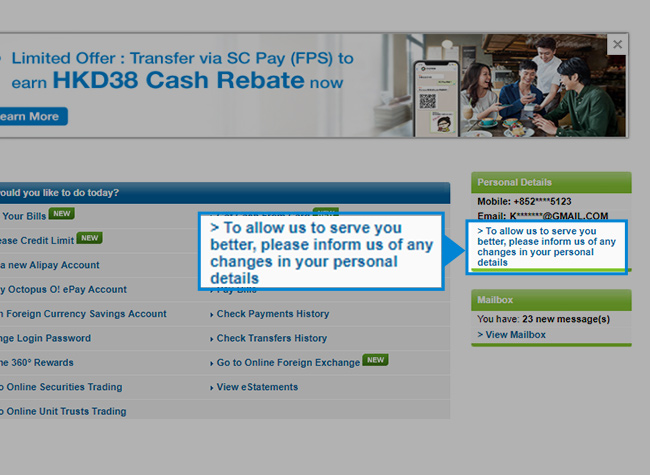
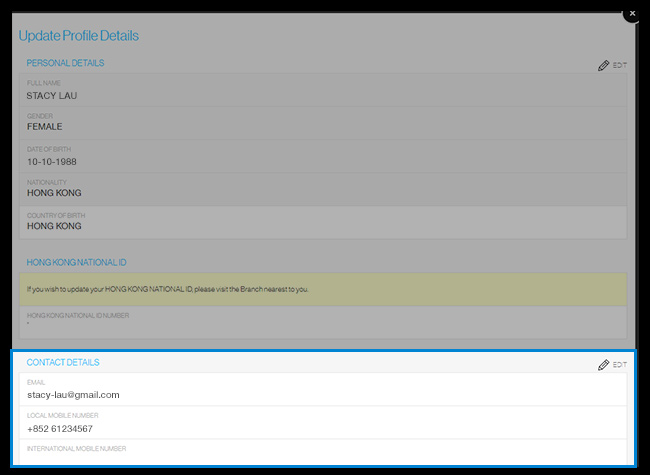
Update your mobile number by completing the following change request form. You can update other contact information (e.g. email address) with same form and let us know in one-go

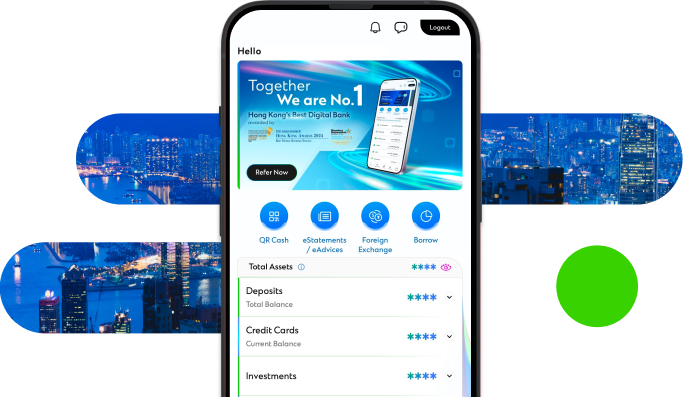
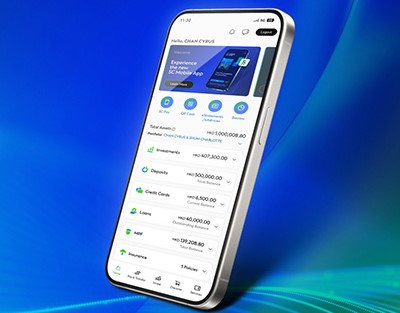
Manage your finances on the go
Experience SC Mobile App now

Scan QR code to download SC Mobile App now
for Android users without Google Play, please click here to download the Android application package (APK)