Straight2Bank
Push notification – More secured, more timely and more compact
Receive bank notice, credit card transactions information and so much more

Push notification – More secured, more timely and more compact
Receive bank notice, credit card transactions information and so much more

Get notified via a secured channel
You can be assured all messages received via Push Notification are from our secured source
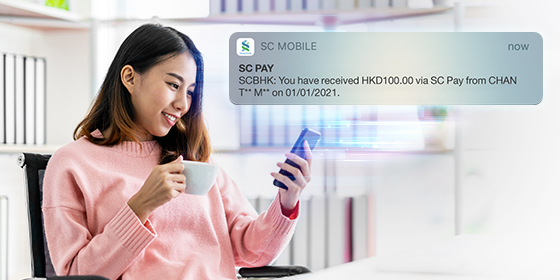
Keep updated of your transactions
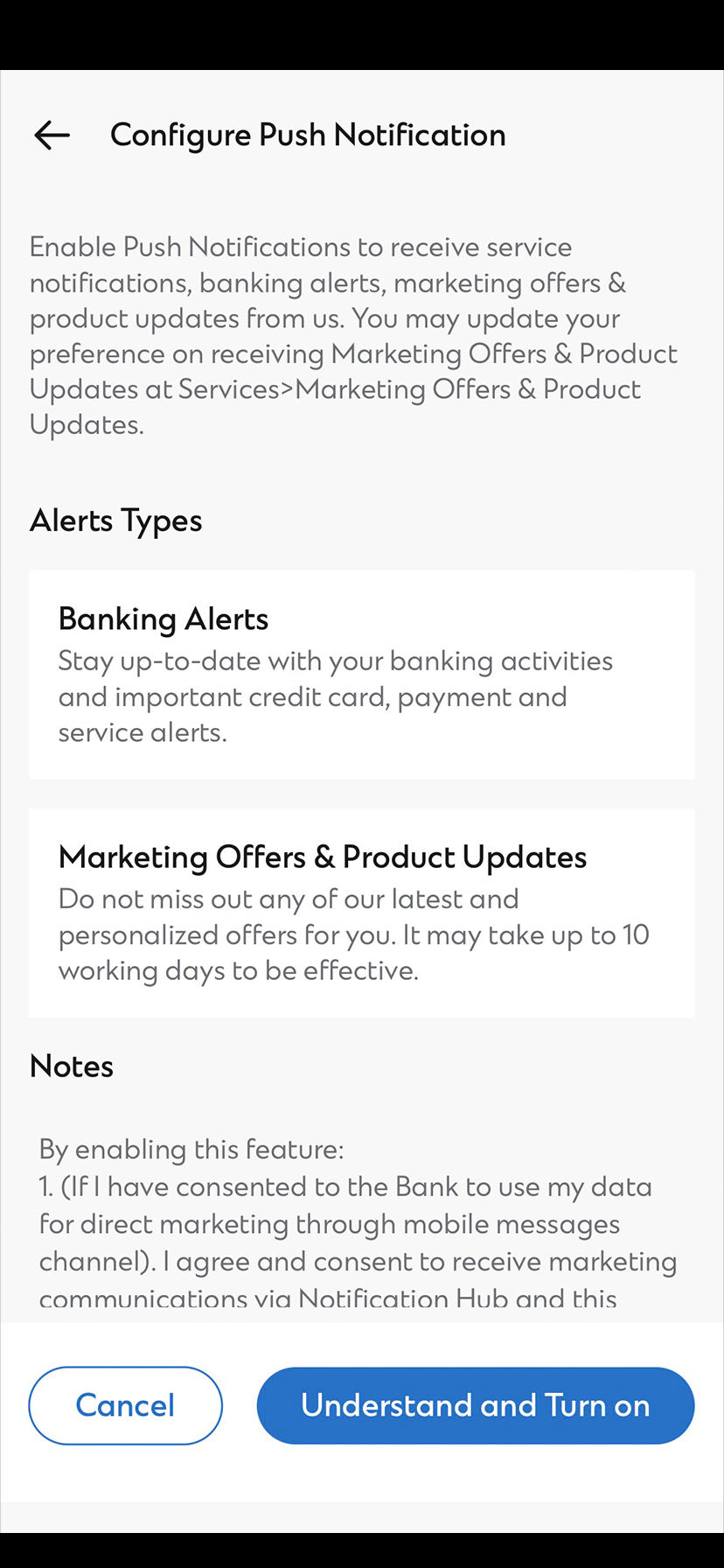
You can stay up-to-date of your banking activity via different types of instant alerts as below

Messages at a glance
With Notification Center, you can centralize the messages at one single place
TRANSACTION RELATED | |
|---|---|
| Inward transfer via FPS | QR Cash withdrawal instruction expired |
| CREDIT CARD RELATED1 | |
|---|---|
| Card-Not-Present (CNP) Transaction2 | Card application approval |
| Report lost card | Overseas card limit set up |
| Credit card overlimit | Credit card replacement |
| BANKING, INVESTMENT AND PROMOTIONS RELATED | |
|---|---|
| Bank notice update | Investment market view |
| Foreign exchange price alert | Promotions |
| OTHERS | |
|---|---|
| Bill Payment Alert | Cash Withdrawal Alert |
| Fund Transfer Alert | Purchase Alert |
| Online Time Deposit Maturity Alert | Cheque Returned Alert |
| Credit card Payment Due Date Alert | Touch ID / Face ID Activation & Deactivation Alert |
| Push Notification Activation Alert | ATM Card Application Alert |
To receive other alerts via push notification, simply turn on SMS/Email Alerts.
Click here to learn how to turn on SMS/Email Alerts.
Remarks
1 The credit card related notifications (except Payment due date notification) will be available from February 2022 onwards.
2 A Card-Not-Present (CNP) transaction refers to transactions that are completed without physical presentation of credit card, including but not limited to Online transactions, mail / telephone orders.
If you would like to continue receiving SMS for the above service notifications, you may do so by turning off the Push Notification via SC Mobile and all the Transaction Related Notification or Other Notifications via Push Notification will be suspended.
More notifications will be made available in Push Notification. Stay tuned!
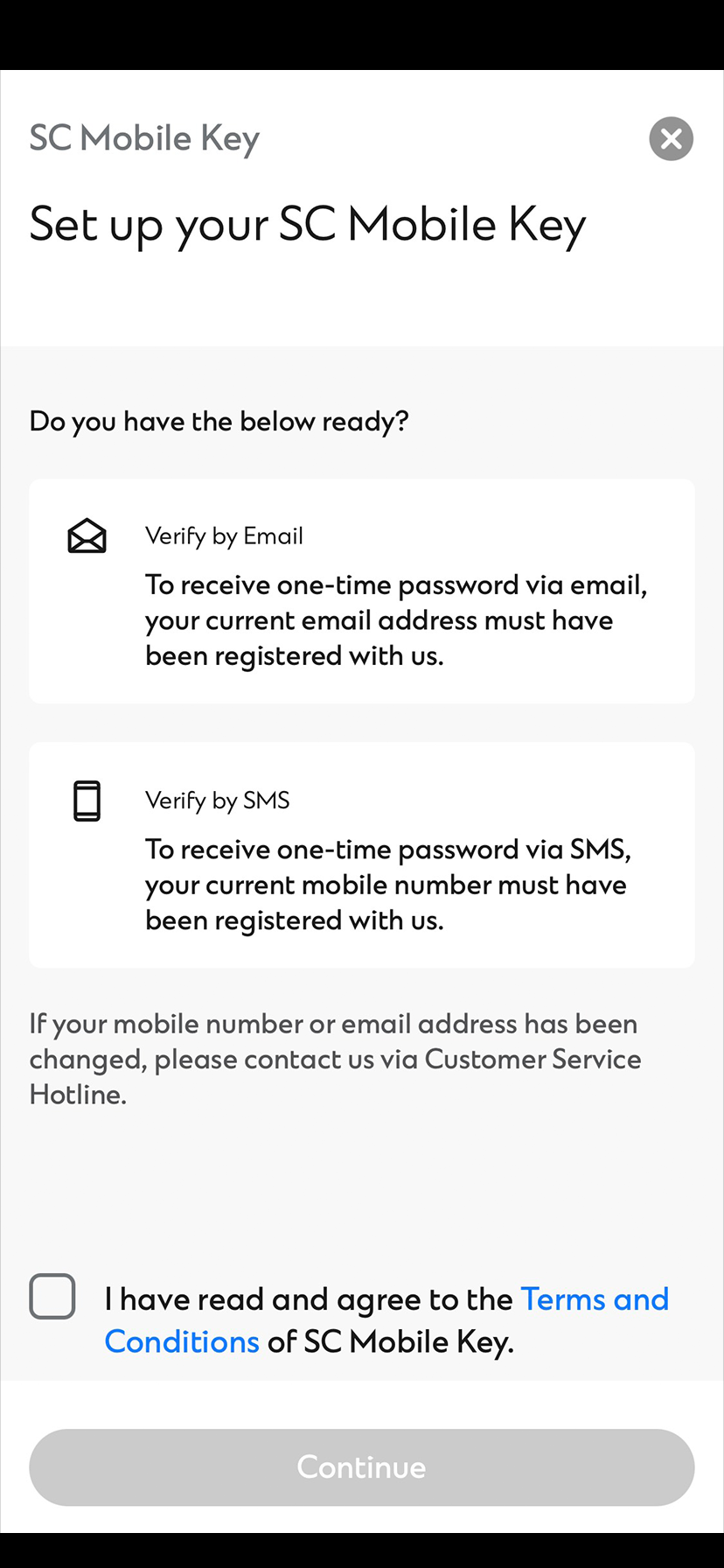
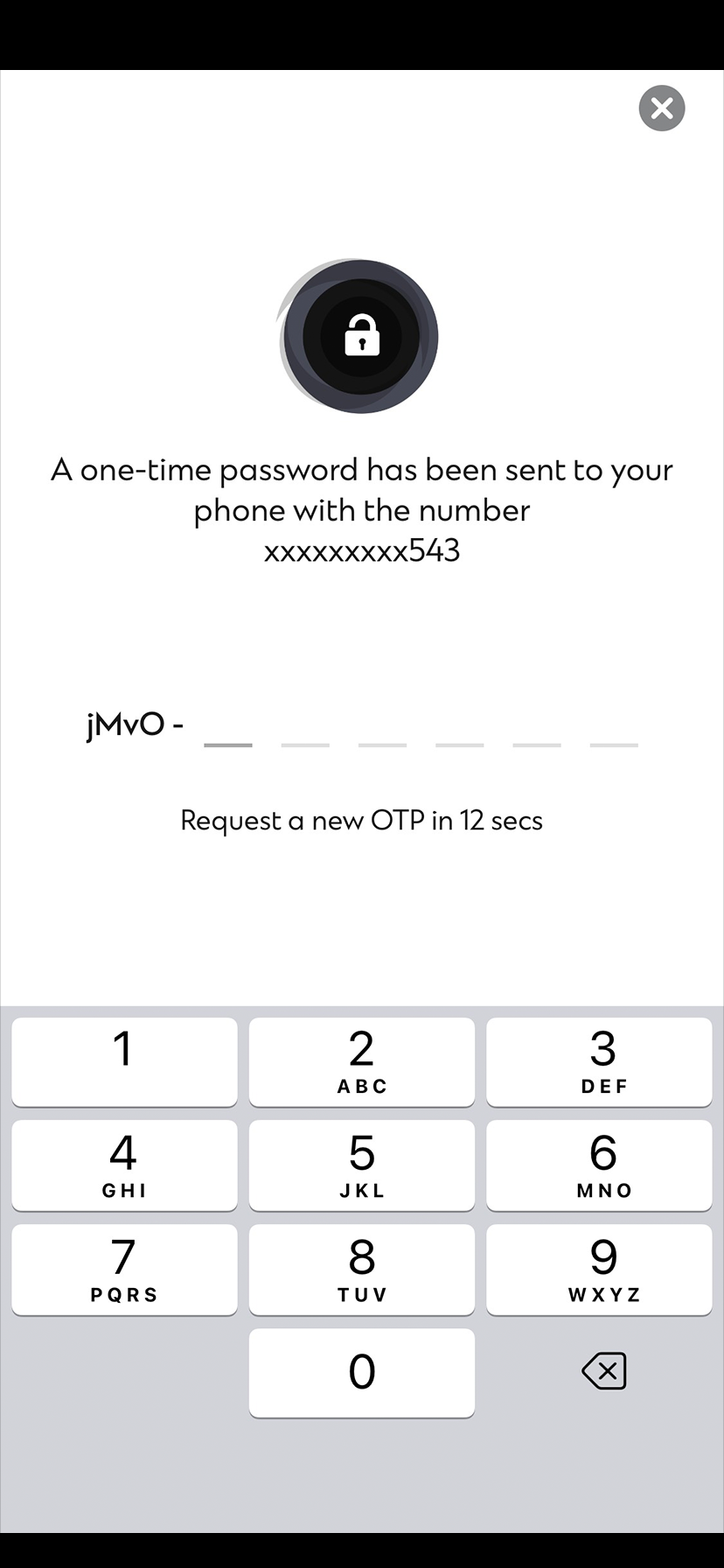
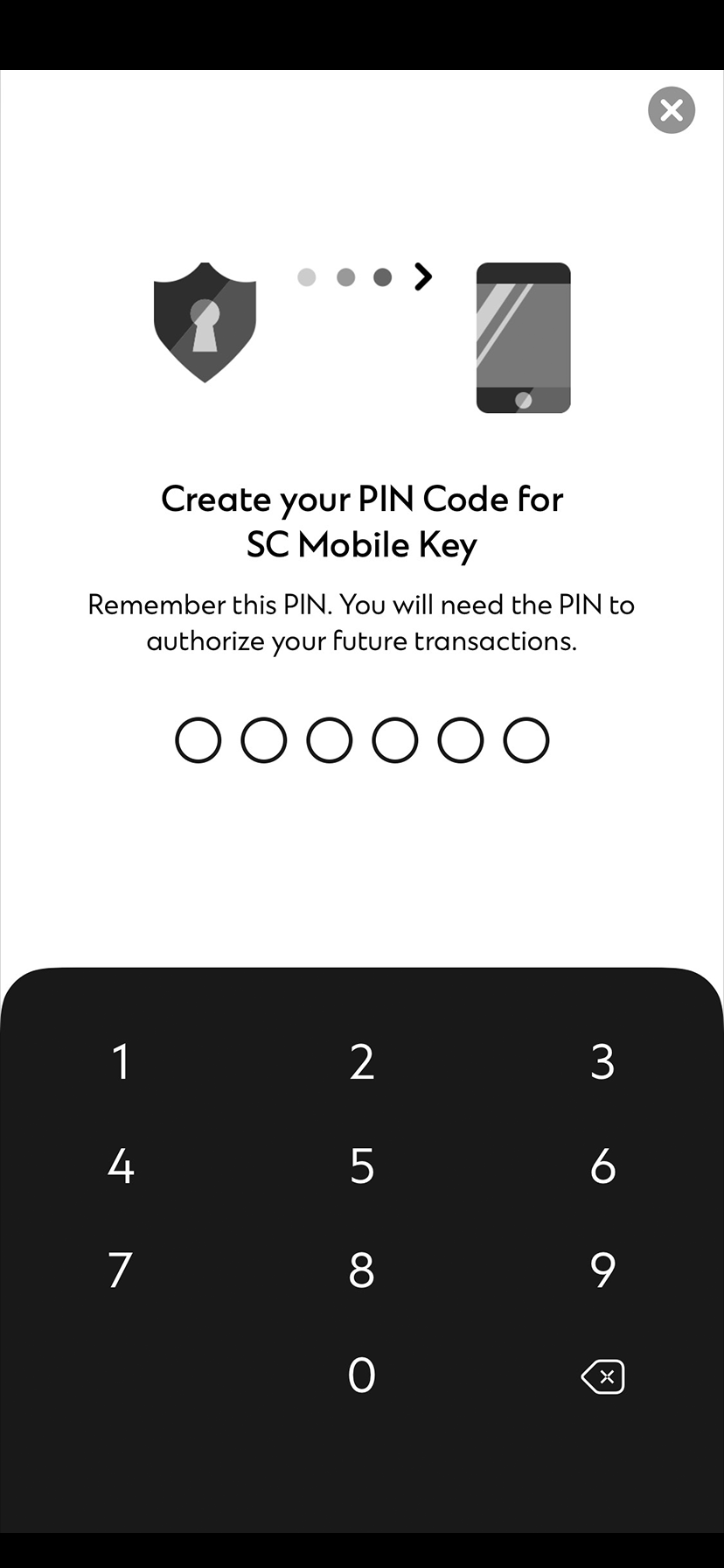
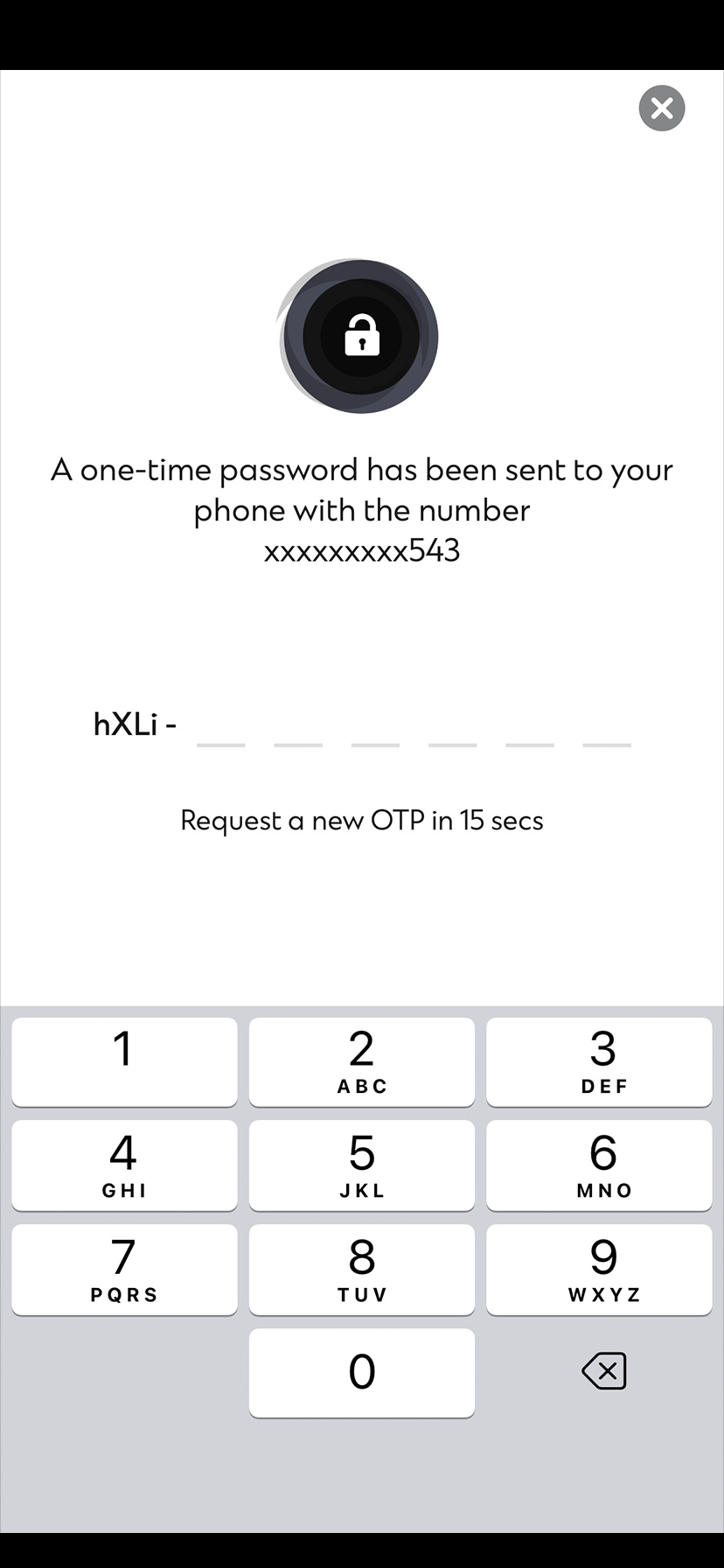
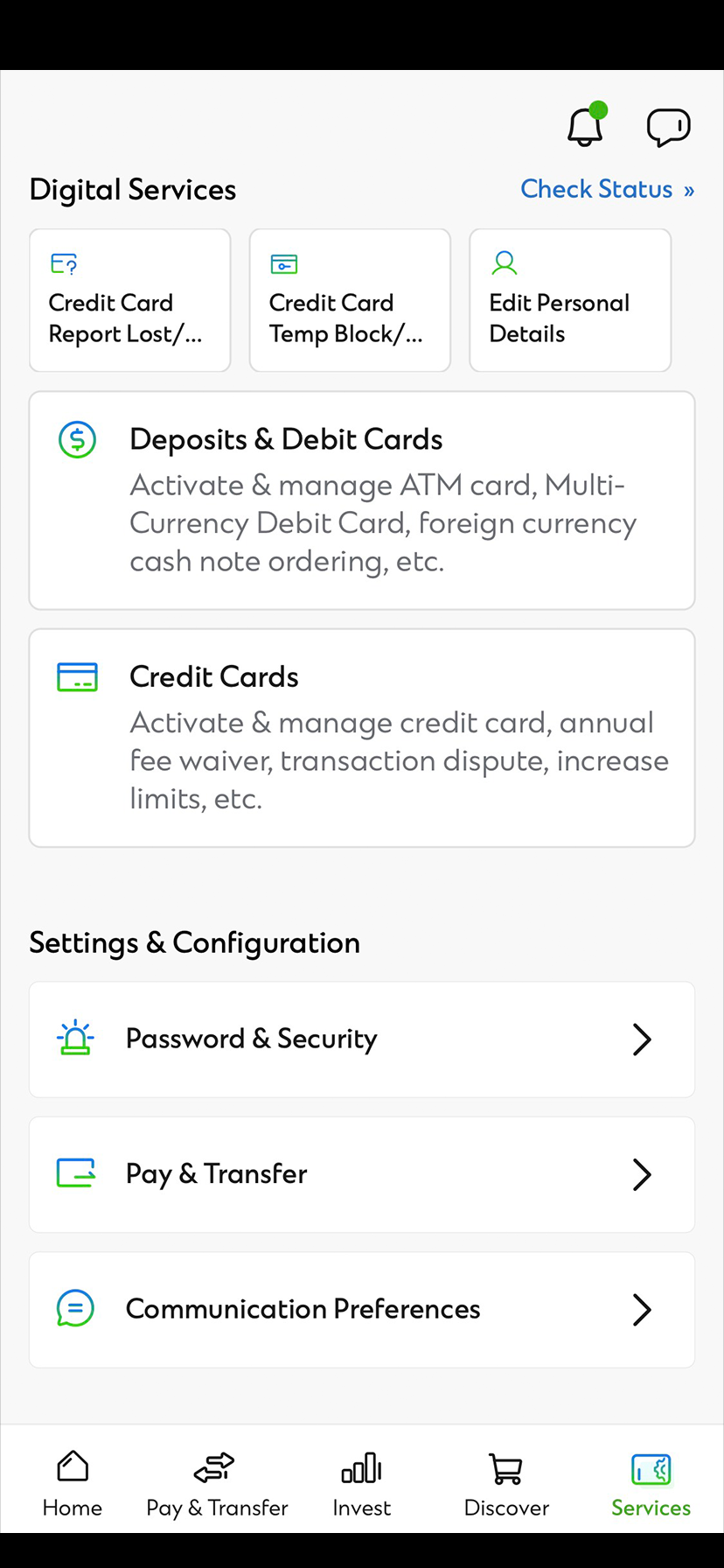
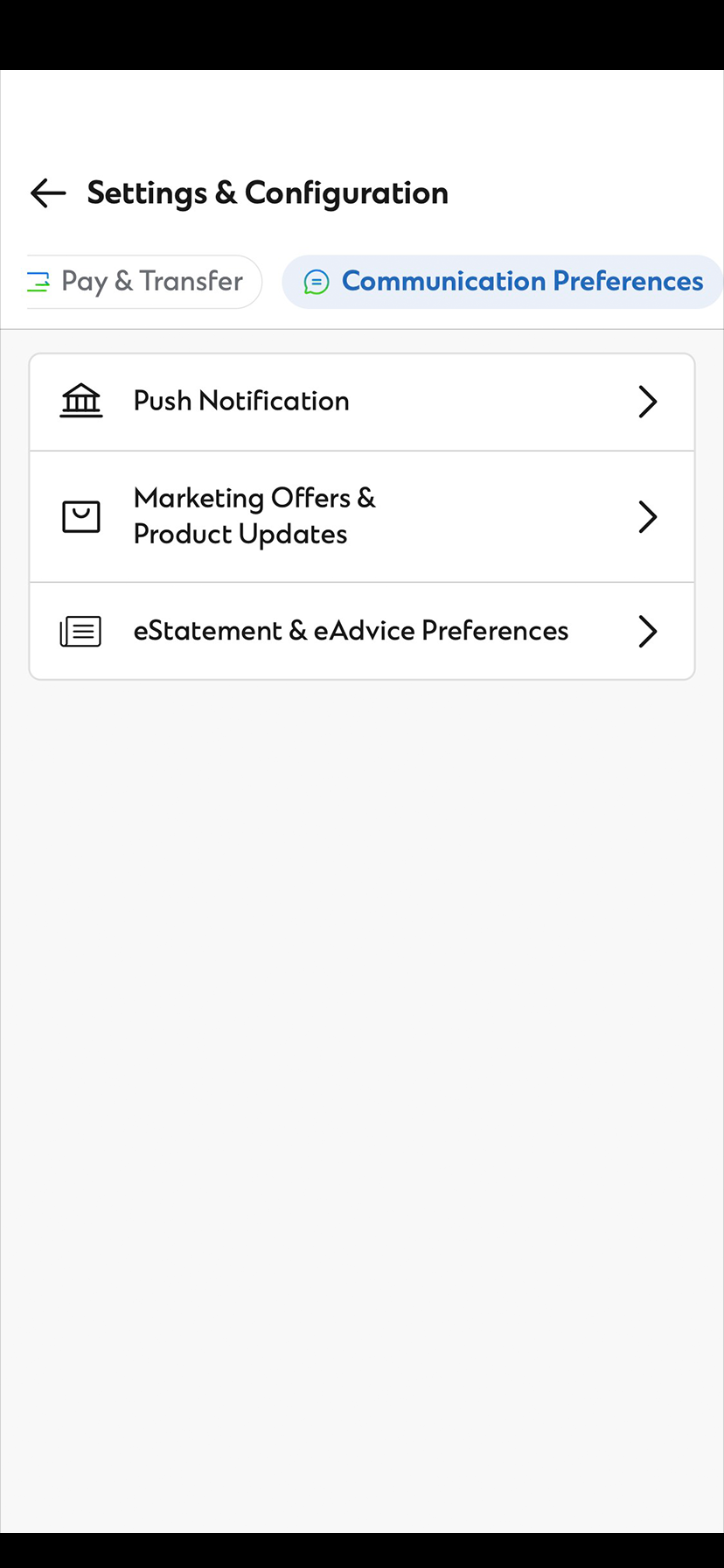
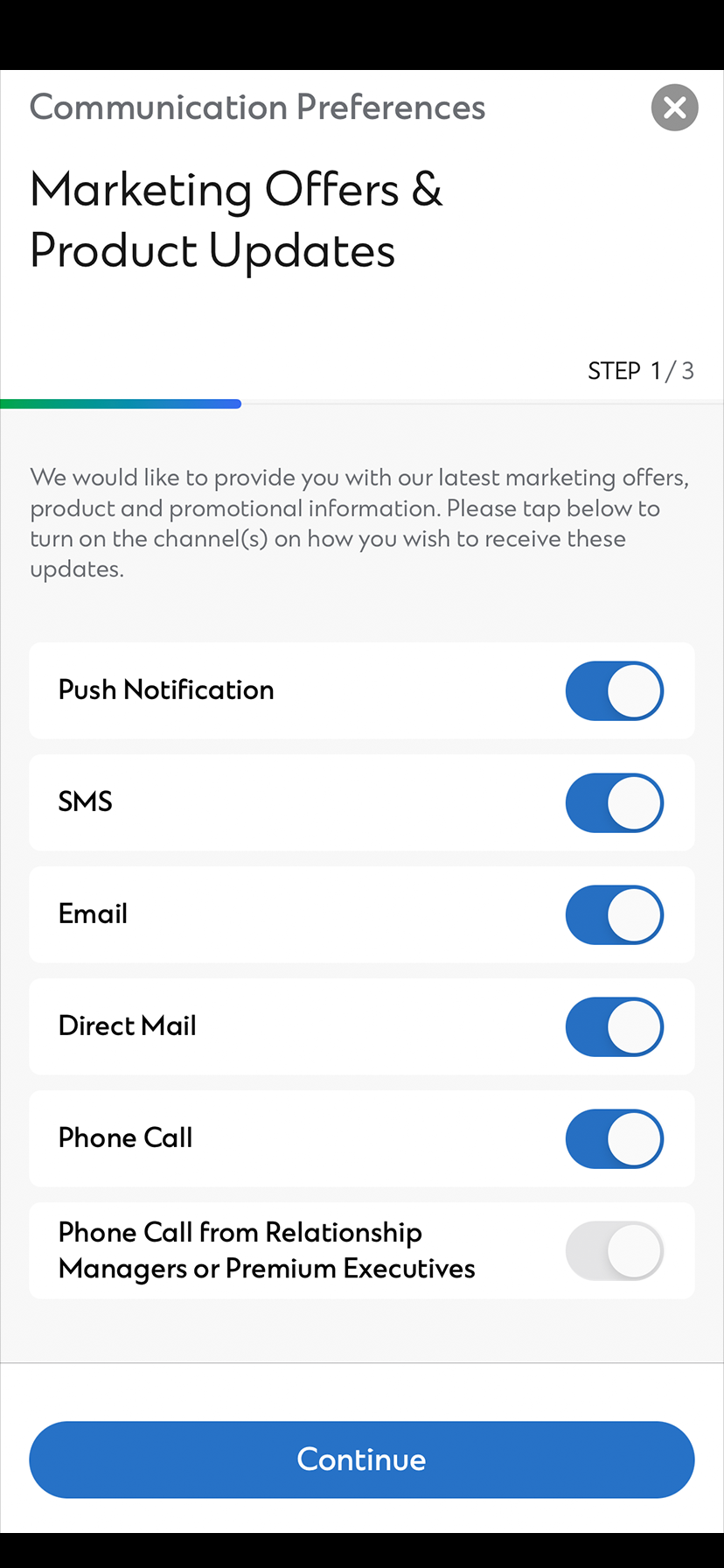
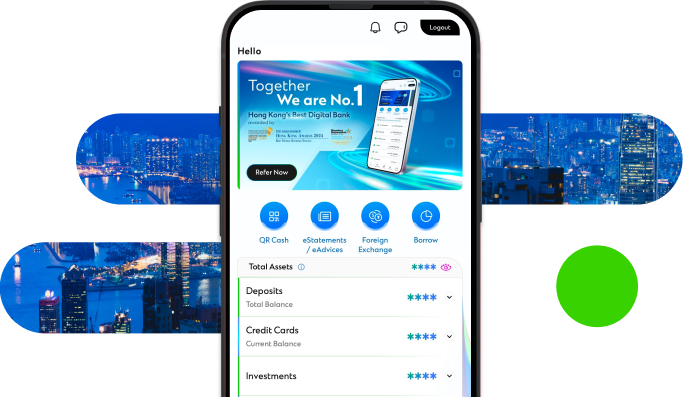
Experience SC Mobile App now

Scan QR code to download SC Mobile App now
for Android users without Google Play, please click here to download the Android application package (APK)
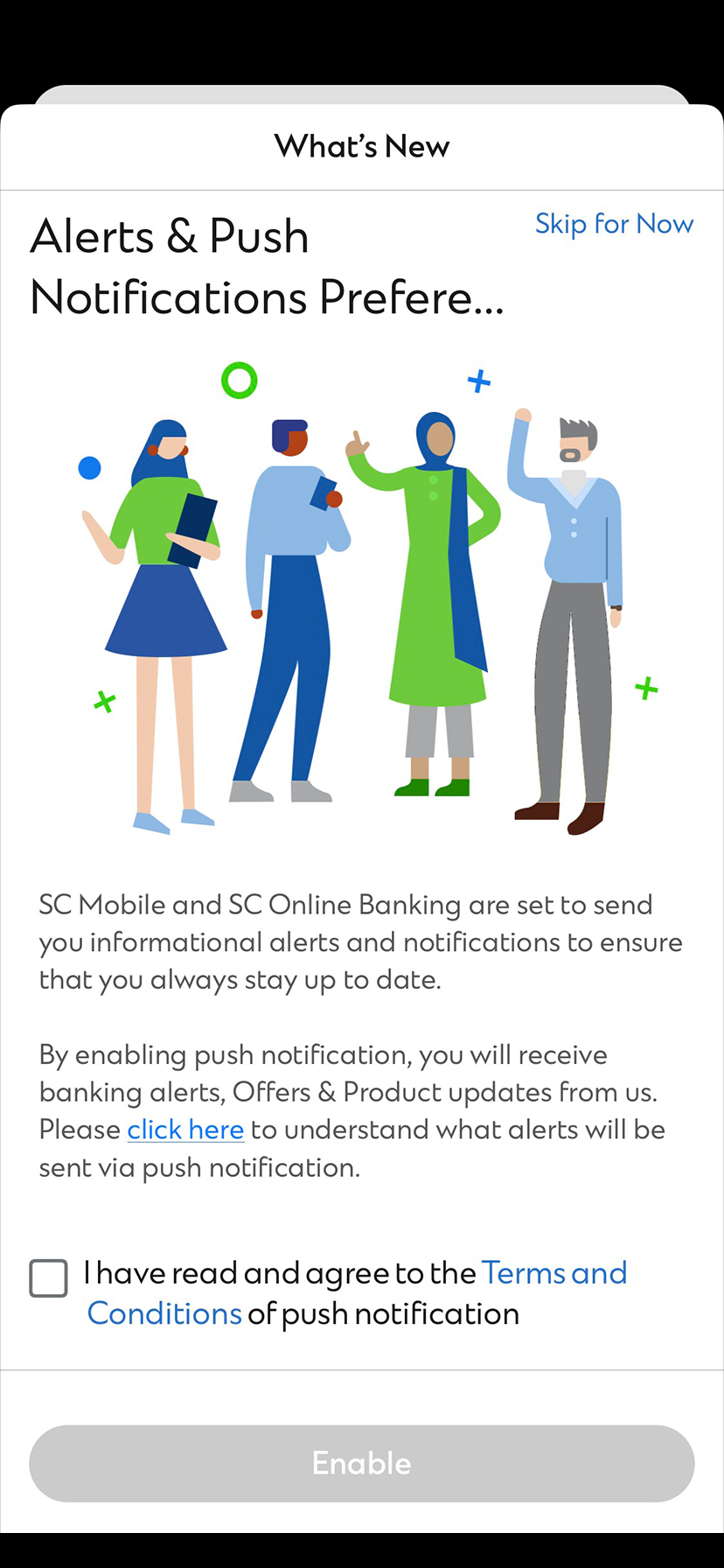
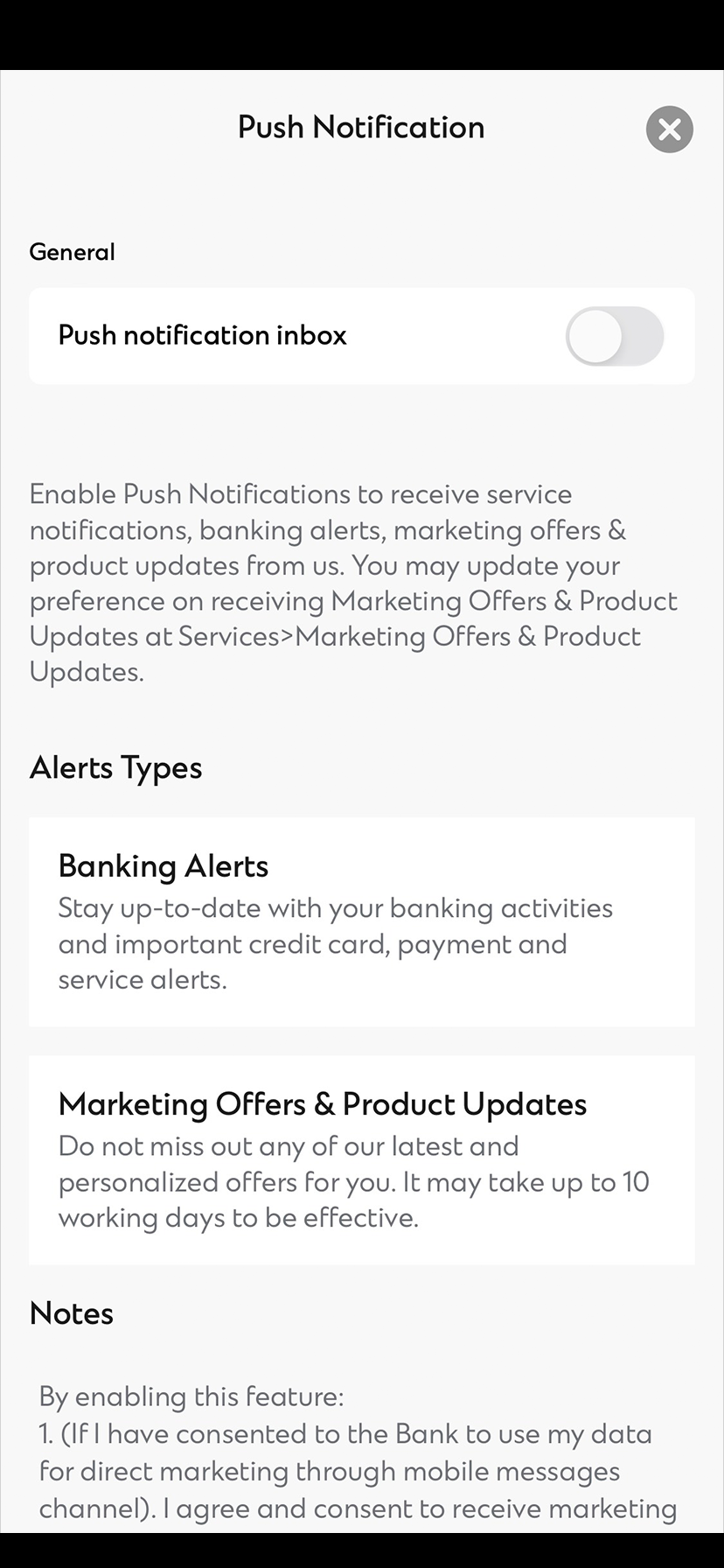
Standard Chartered Notification Hub is an enhancement to your SC Mobile App to enable you to receive push notifications for banking advices. Included as well will be a Notification Centre that will centrally store all your push notifications from Standard Chartered.
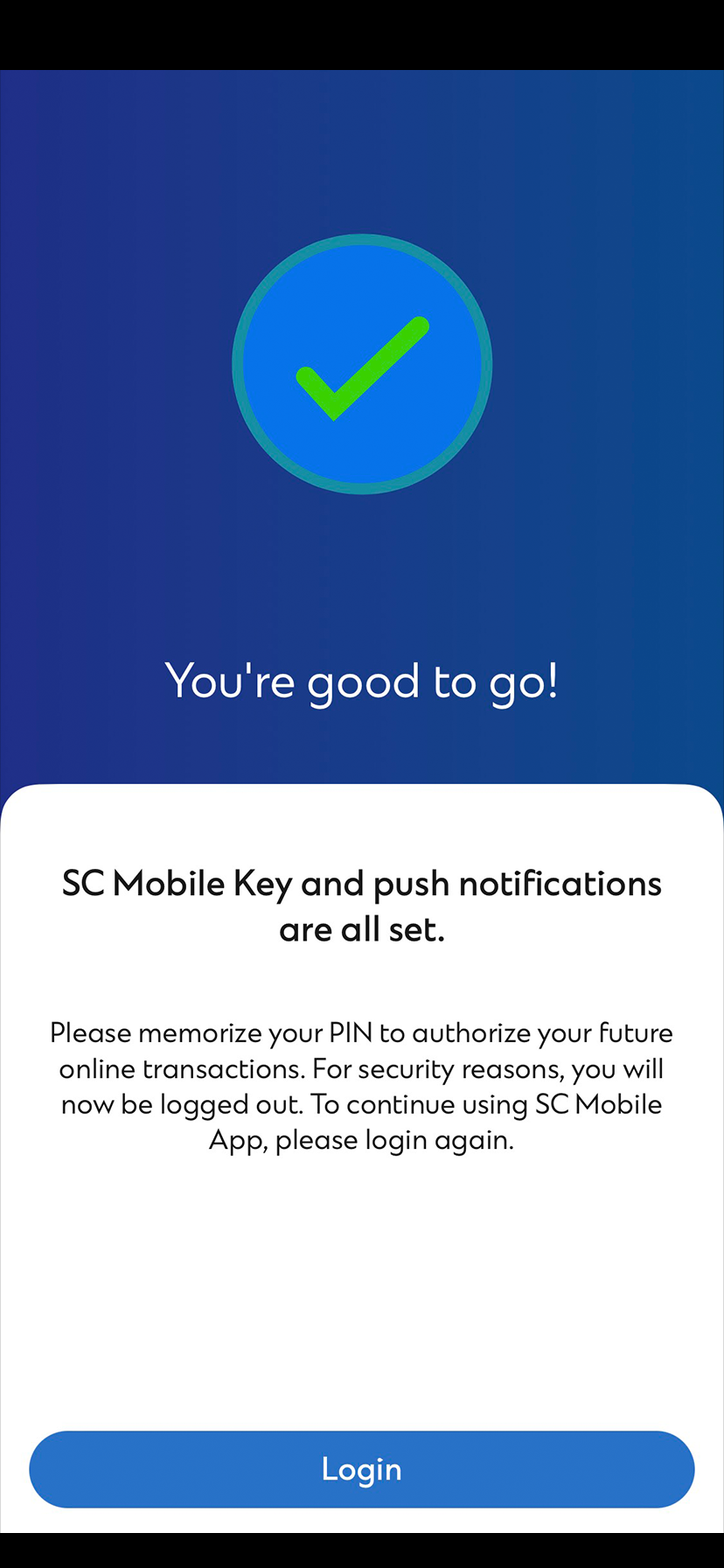
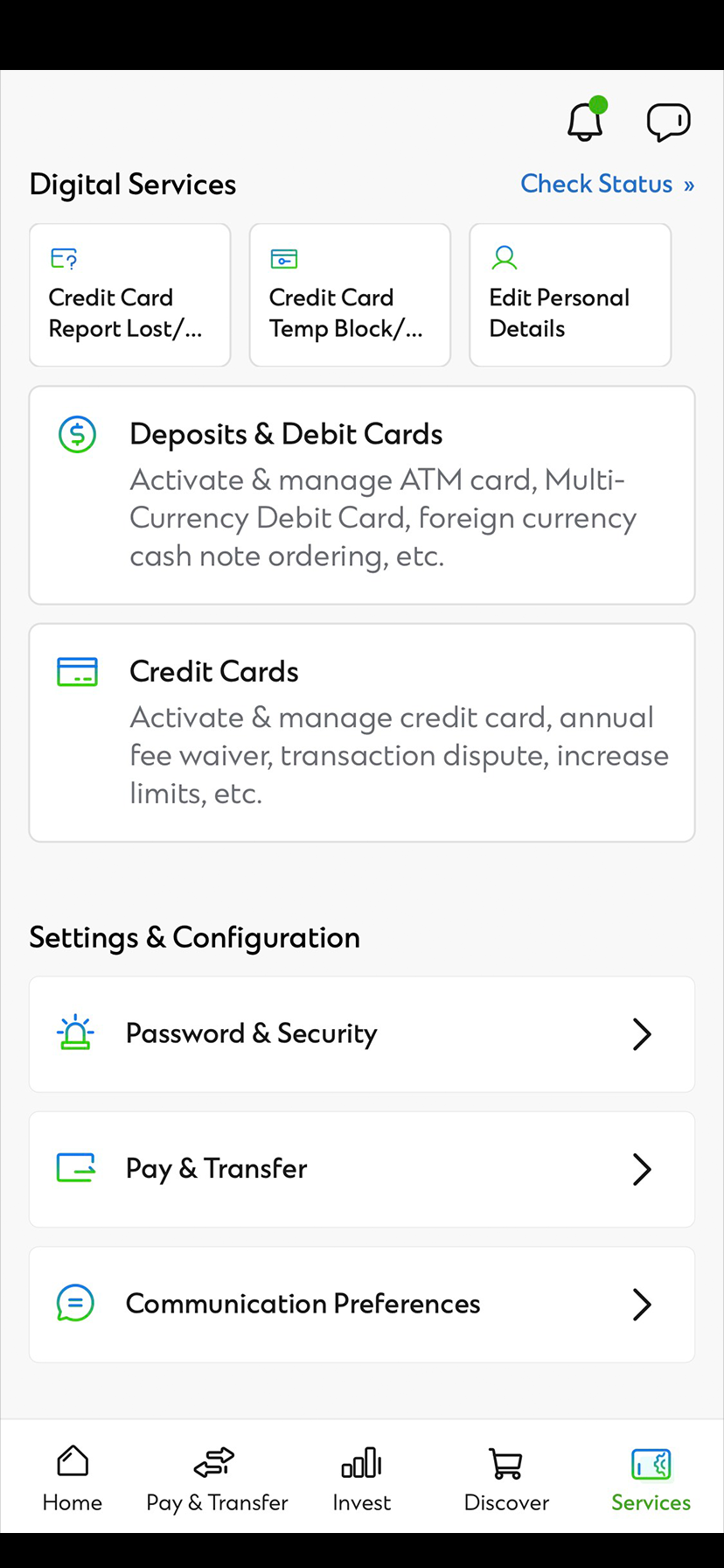
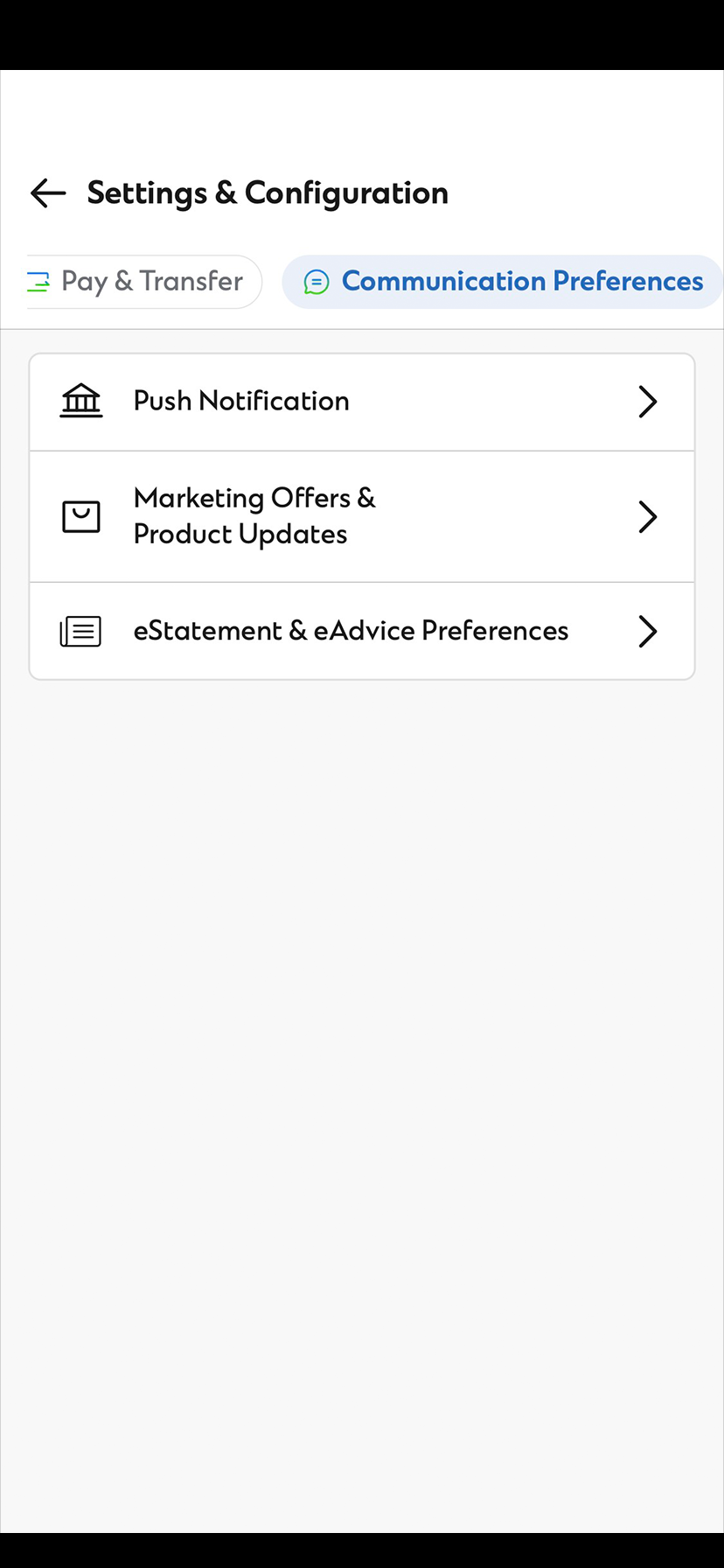
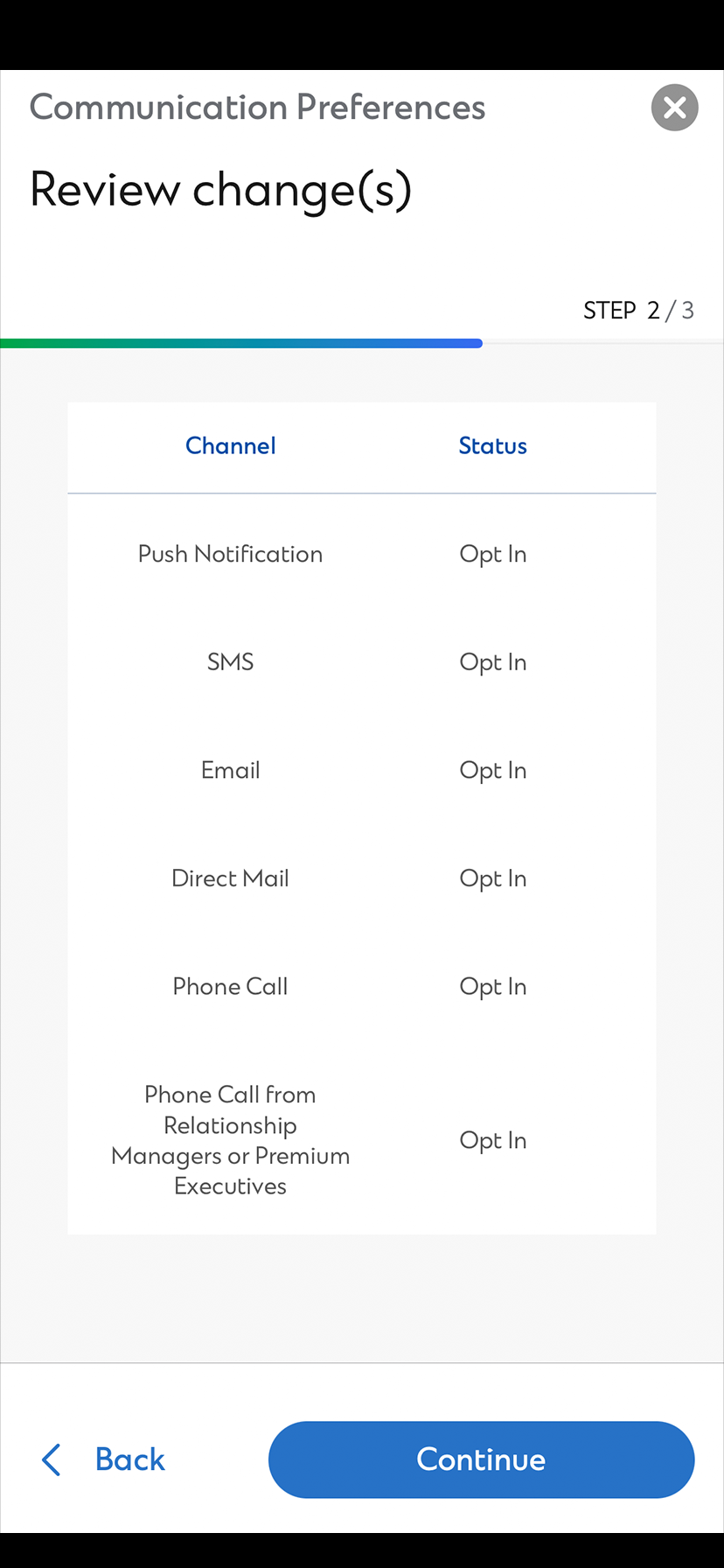
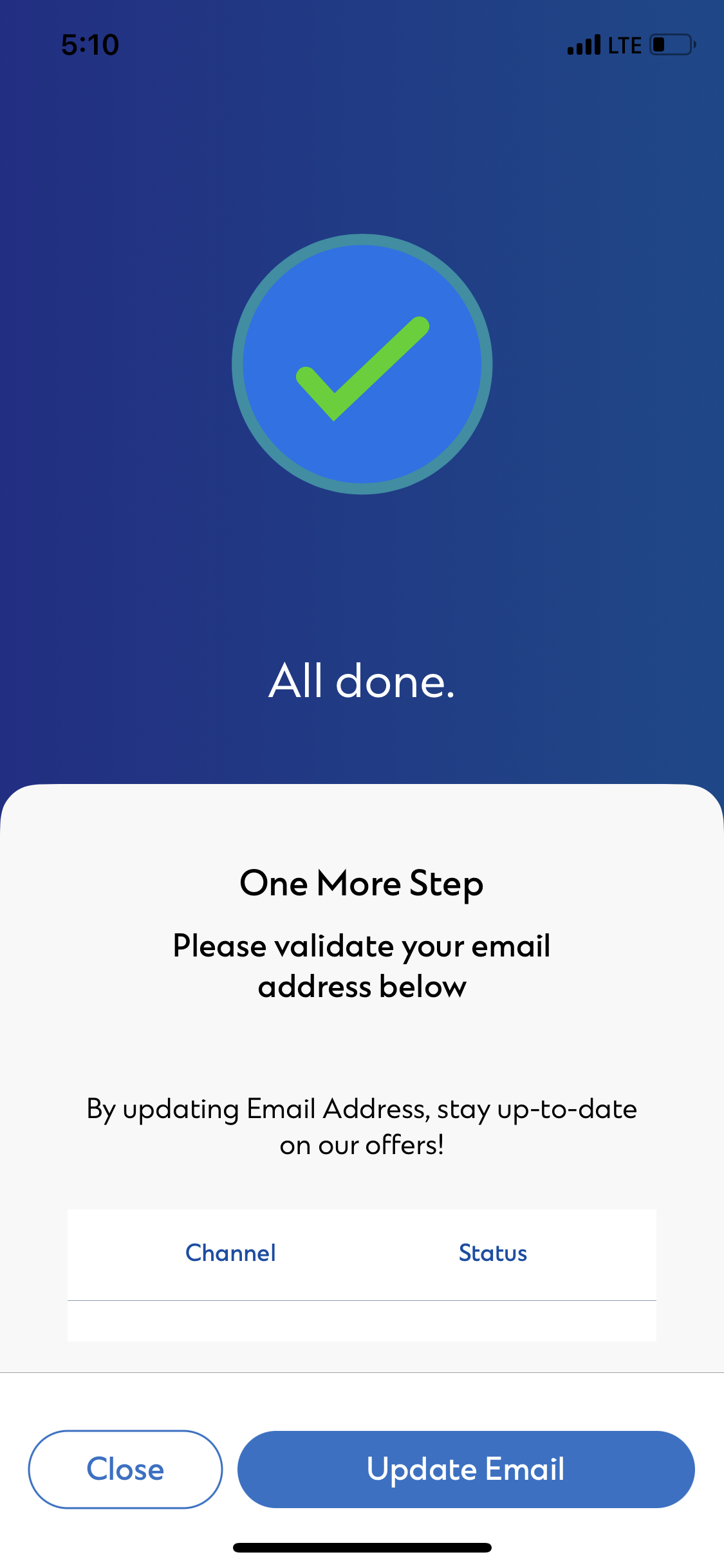
You can enable the Standard Chartered Notification Hub from “Settings” at the sidebar on SC Mobile App.
Standard Chartered Notification Hub is an opt‑in service. If you have not registered for it, you will continue to receive your registered banking alerts over Online Banking via SMS.
Login SC Mobile App with your Online Banking Username and Password then you can disable the Standard Chartered Notification Hub from “Settings” at Pre‑login or Post‑login side bar.
You will continue to receive your registered banking alerts over Online Banking via SMS.
The banking alerts that you could subscribe through “SMS Alerts” at Online Banking will send to you via Notification Hub once you have enabled Push Notification at your SC Mobile App. Service alerts such as Bill Payment, Cash Withdrawal, Fund Transfer, account Purchase, Cheque return of banking account(s) and Credit Card payment due date reminder.
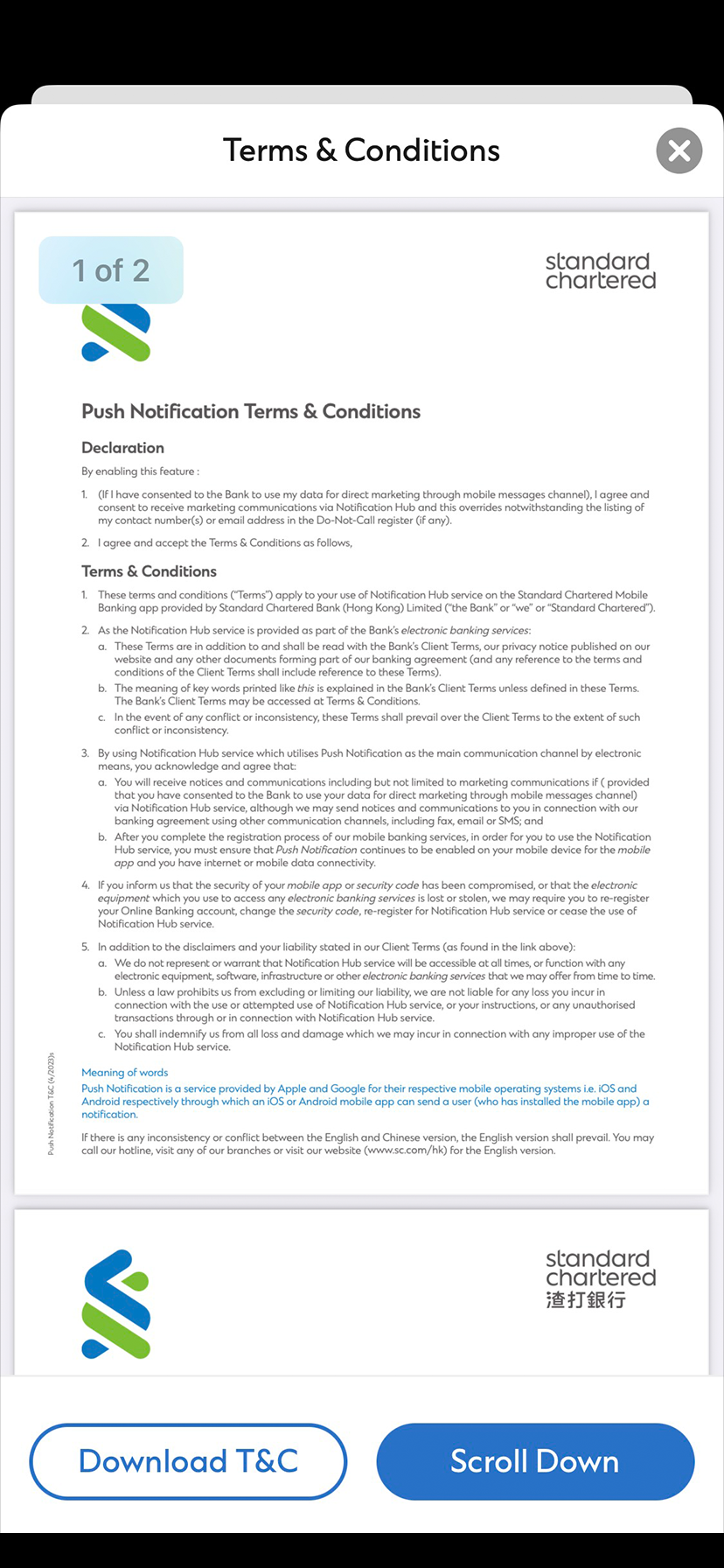
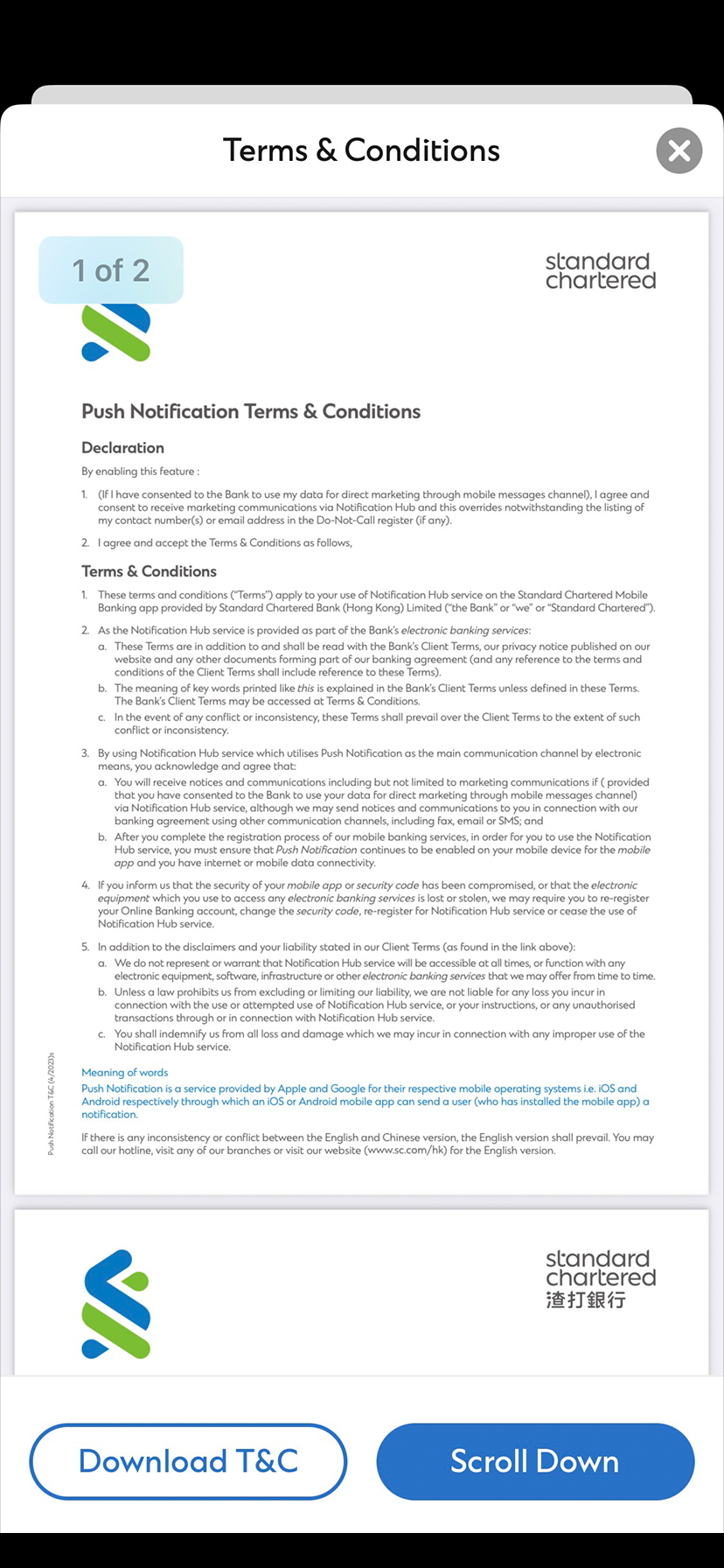
Declaration
By enabling this feature :
1. (If I have consented to the Bank to use my data for direct marketing through mobile messages channel), I agree and consent to receive marketing communications via Notification Hub and this overrides notwithstanding the listing of my contact number(s) or email address in the Do-Not-Call register (if any).
2. I agree and & accept the Terms & Conditions as follows,
Terms & Conditions
1. These terms and conditions (“Terms”) apply to your use of Notification Hub service on the Standard Chartered Mobile Banking app provided by Standard Chartered Bank (Hong Kong) Limited (“the Bank” or “we” or “Standard Chartered”).
2. As the Notification Hub service is provided as part of the Bank’s electronic banking services:
a. These Terms are in addition to and shall be read with the Bank’s Client Terms, our privacy notice published on our website and any other documents forming part of our banking agreement (and any reference to the terms and conditions of the Client Terms shall include reference to these Terms).
b. The meaning of key words printed like this is explained in the Bank’s Client Terms unless defined in these Terms. The Bank’s Client Terms may be accessed at Terms & Conditions.
c. In the event of any conflict or inconsistency, these Terms shall prevail over the Client Terms to the extent of such conflict or inconsistency.
3. By using Notification Hub service which utilizes Push Notification as the main communication channel by electronic means, you acknowledge and agree that:
a. You will receive notices and communications (including but not limited to marketing communications if provided that you have consented to the Bank to use your data for direct marketing through mobile messages channel) via Notification Hub service, although we may send notices and communications to you in connection with our banking agreement using other communication channels, including fax, email or SMS; and
b. After you complete the registration process of our mobile banking services, in order for you to use the Notification Hub service, you must ensure that Push Notification continues to be enabled on your mobile device for the mobile app and you have internet or mobile data connectivity.
4. If you inform us that the security of your mobile app or security code has been compromised, or that the electronic equipment which you use to access any electronic banking services is lost or stolen, we may require you to re-register your Online Banking account, change the security code, re-register for Notification Hub service or cease the use of Notification Hub service.
5. In addition to the disclaimers and your liability stated in our Client Terms (as found in the link above):
a. We do not represent or warrant that Notification Hub service will be accessible at all times, or function with any electronic equipment, software, infrastructure or other electronic banking services that we may offer from time to time.
b. Unless a law prohibits us from excluding or limiting our liability, we are not liable for any loss you incur in connection with the use or attempted use of Notification Hub service, or your instructions, or any unauthorized transactions through or in connection with Notification Hub service.
c. You shall indemnify us from all loss and damage which we may incur in connection with any improper use of the Notification Hub service.
Meaning of words
Push Notification is a service provided by Apple and Google for their respective mobile operating systems i.e. iOS and Android respectively through which an iOS or Android mobile app can send a user (who has installed the mobile app) a notification.