
 Straight2Bank

- SC Mobile App
- Online Banking
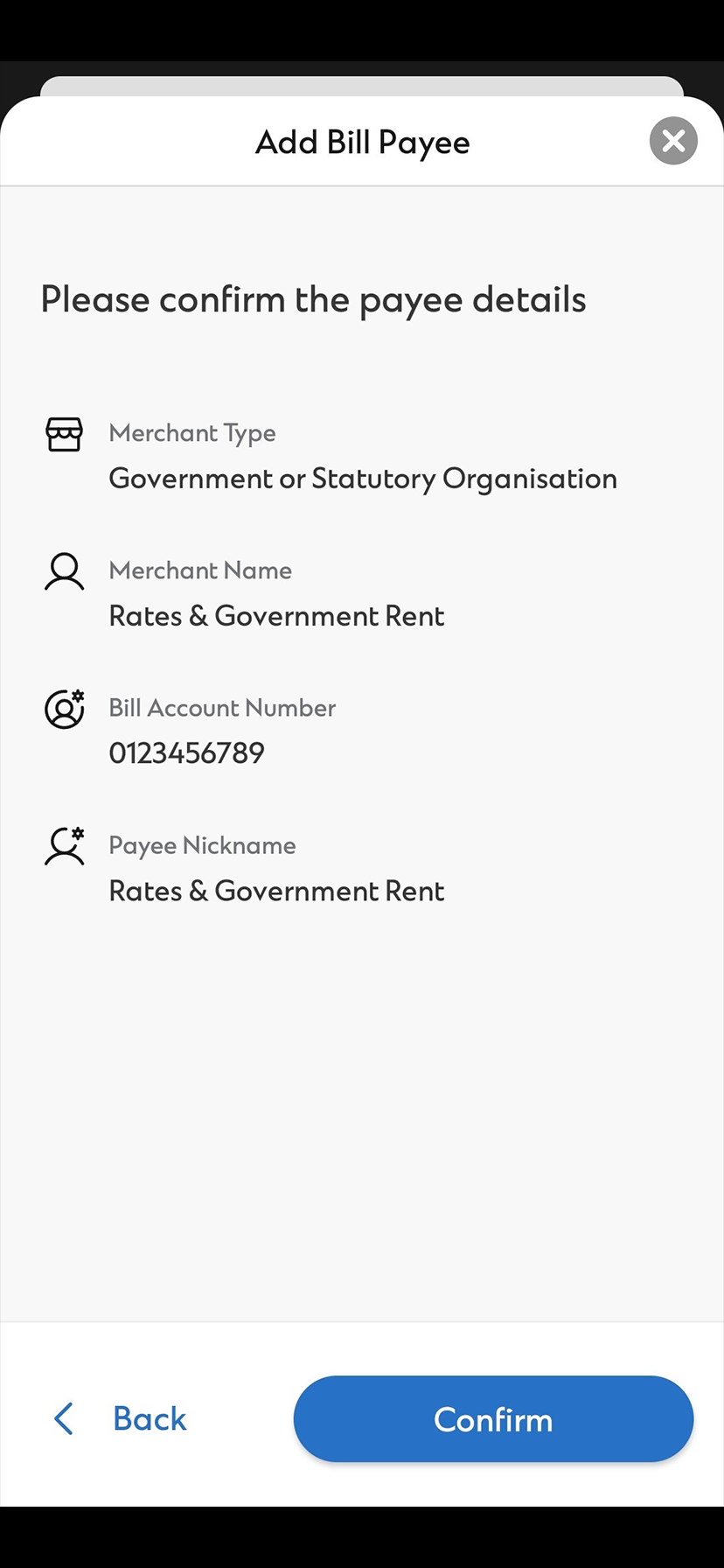
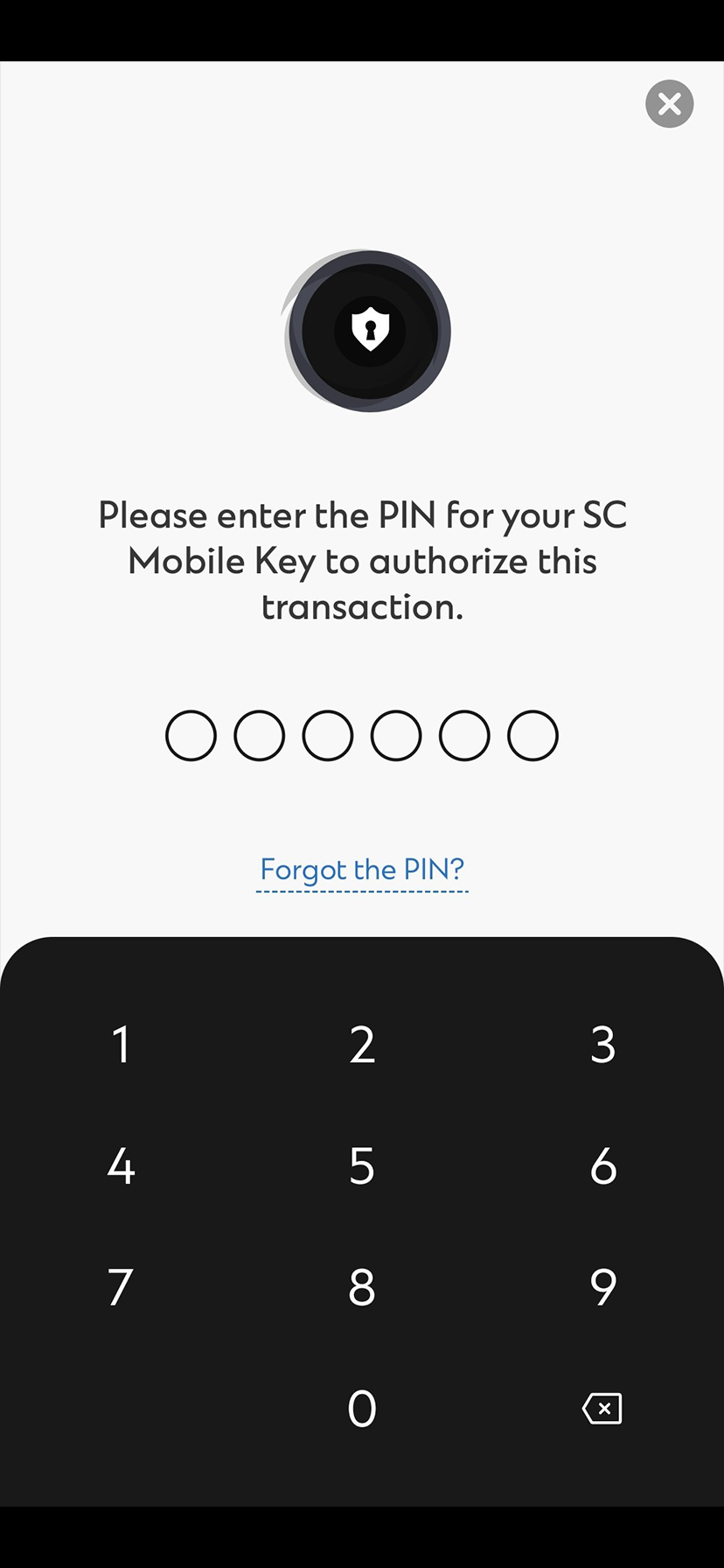
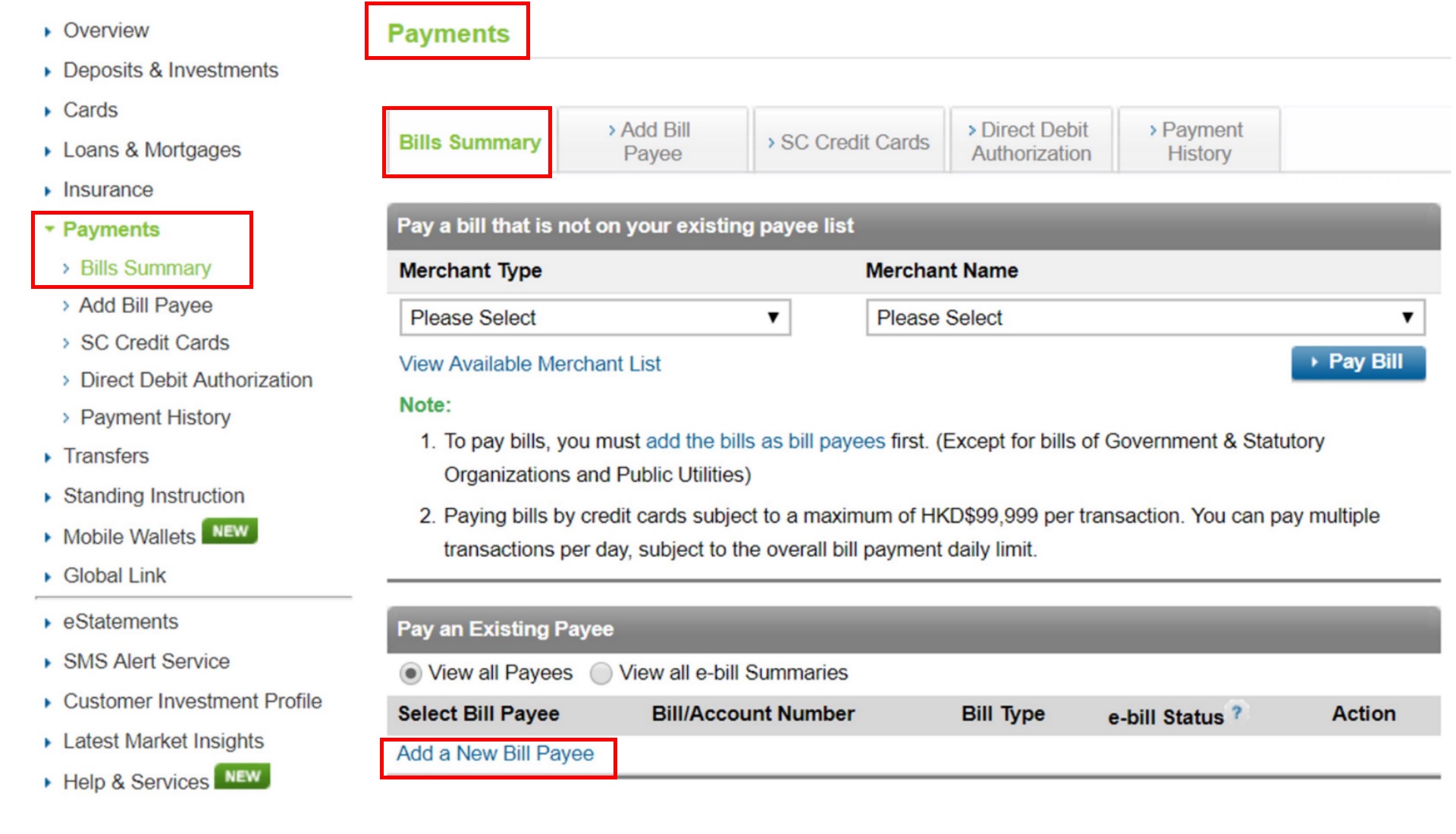
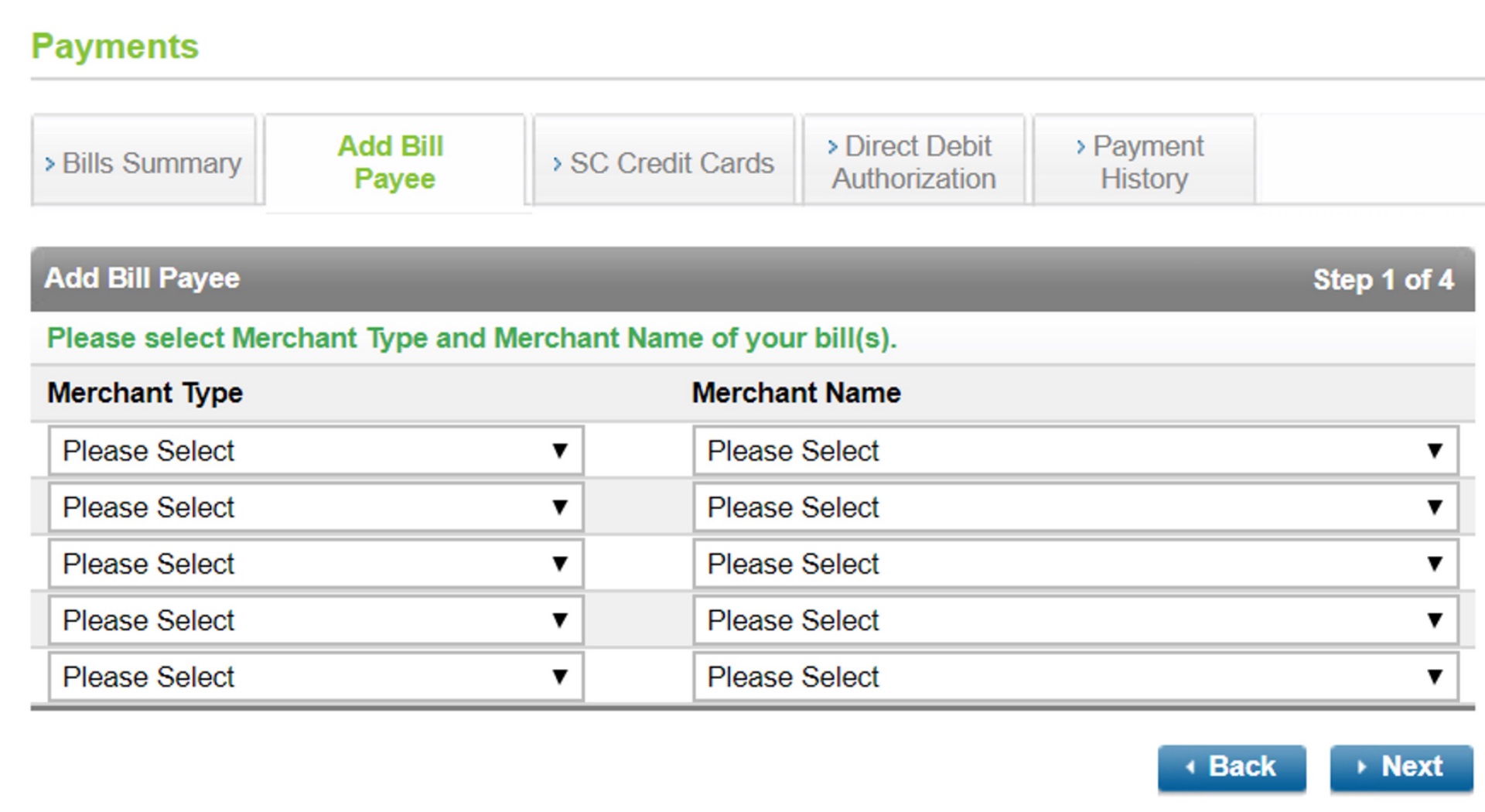
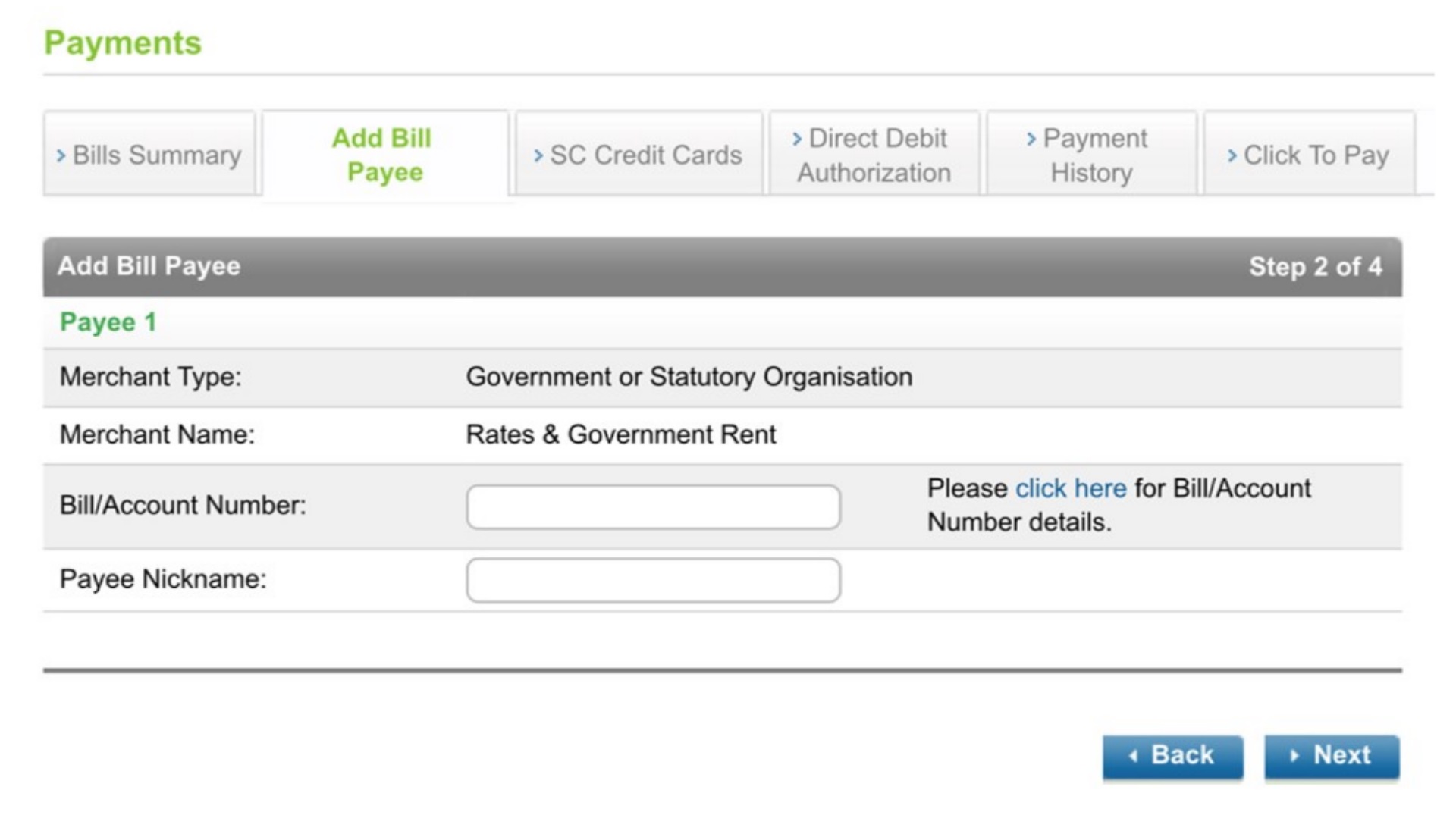
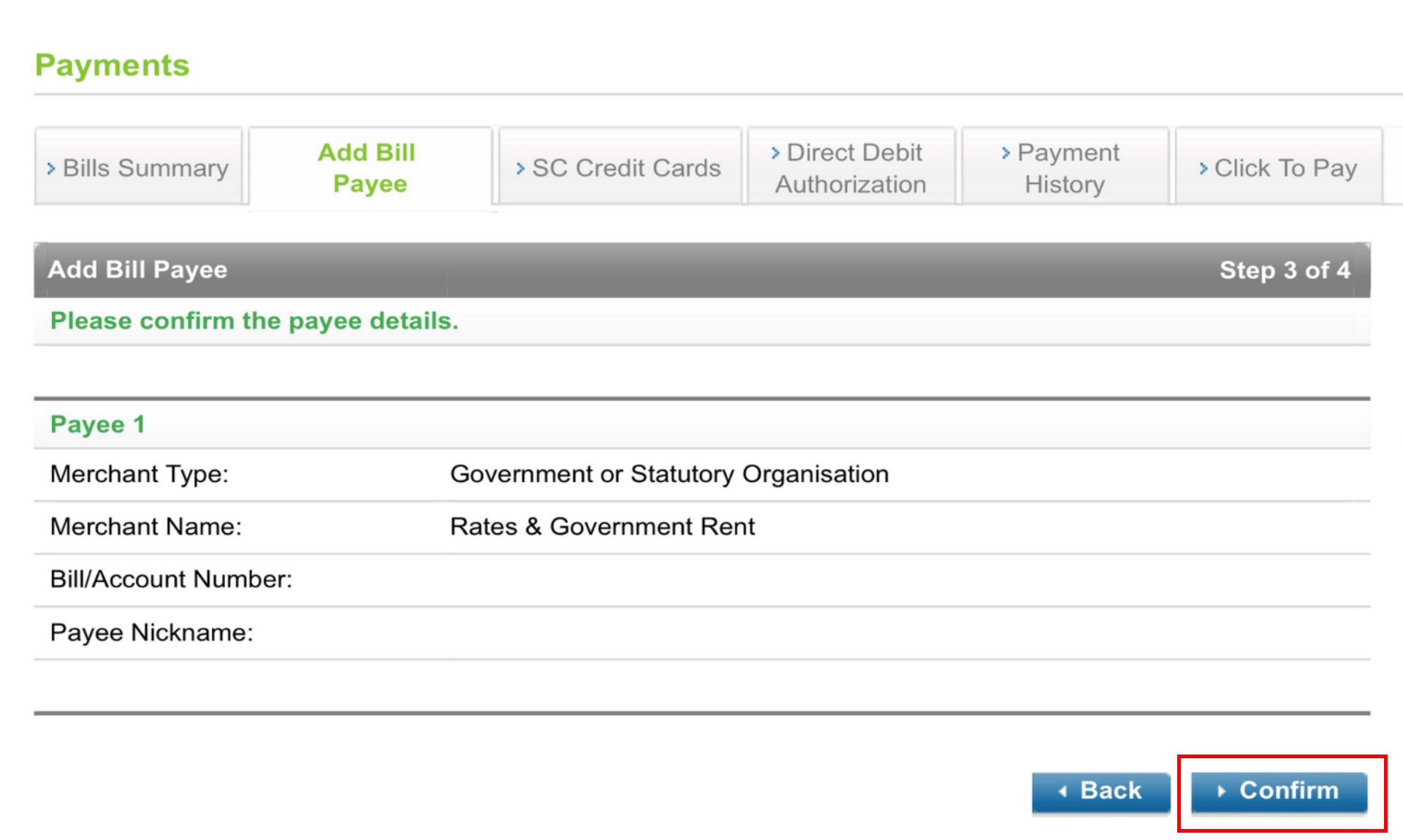
- SC Mobile App
- Online Banking
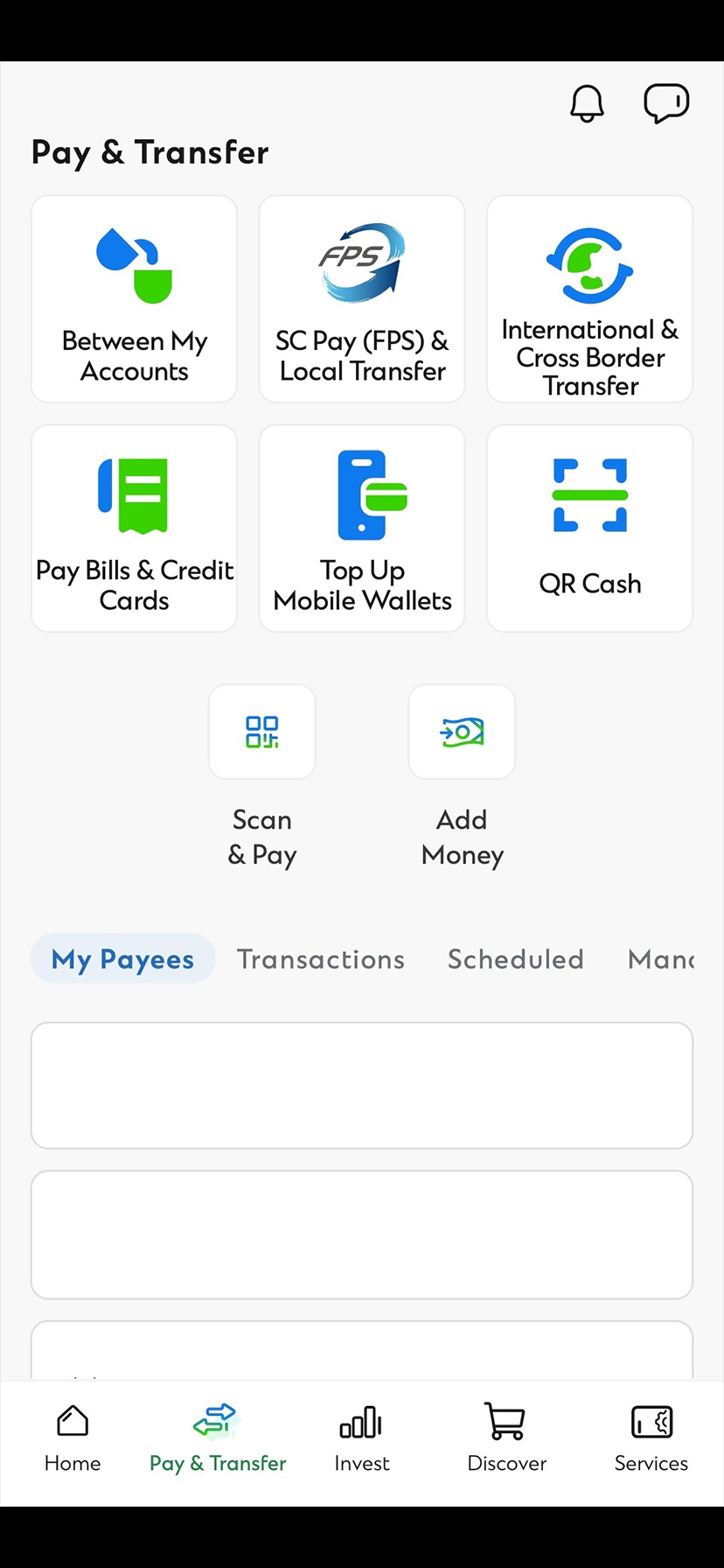
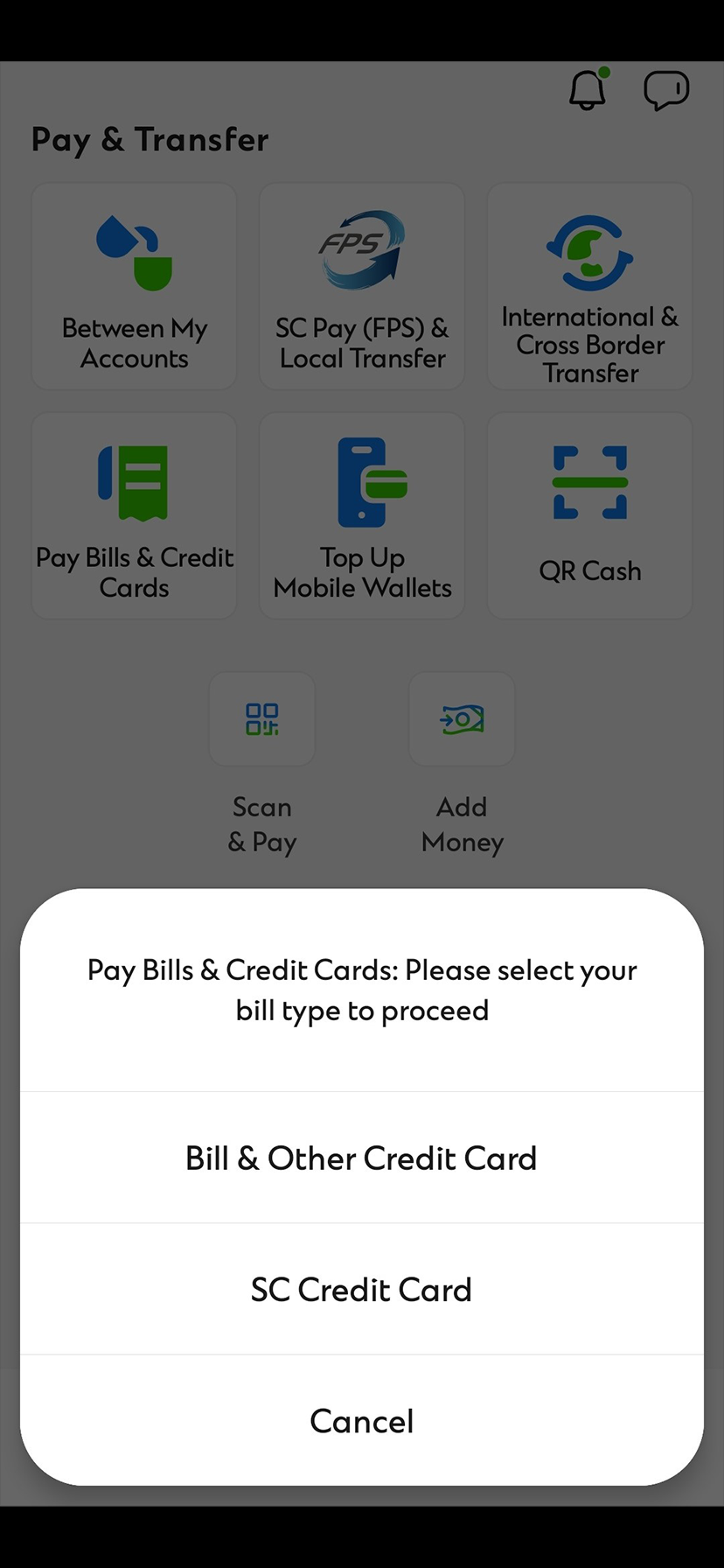
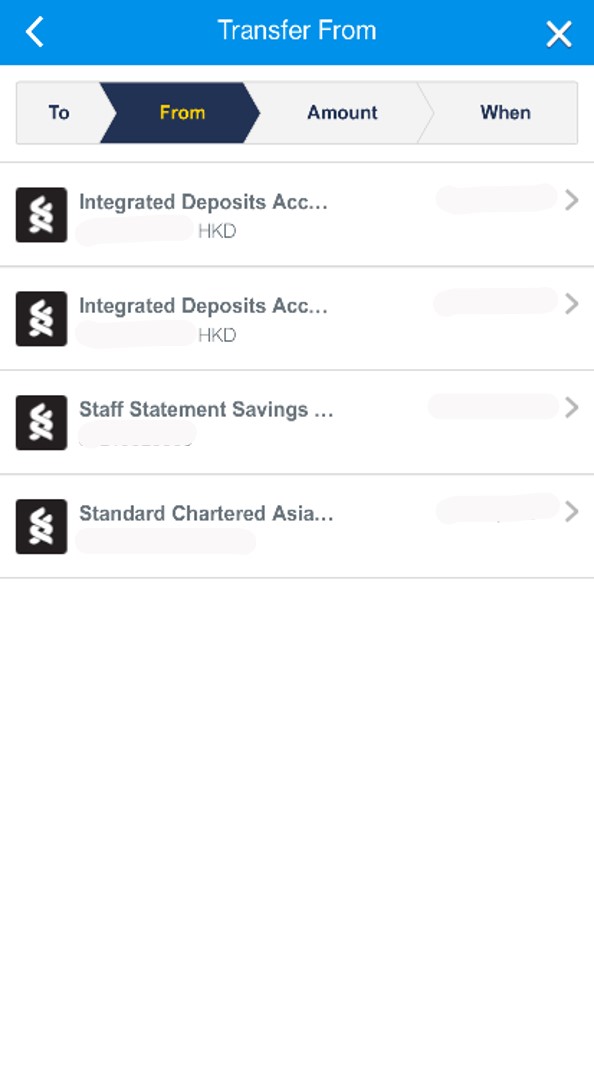
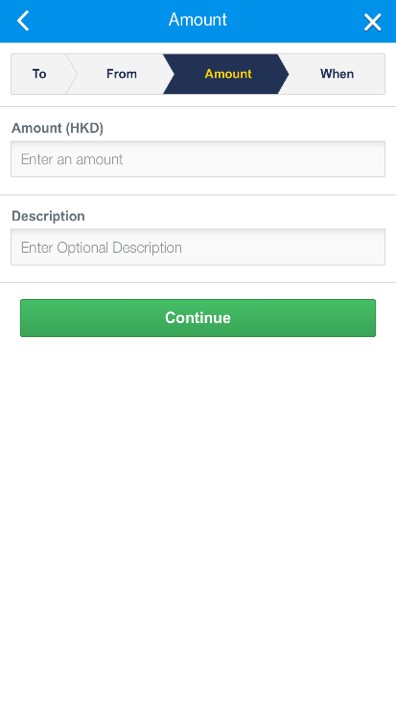
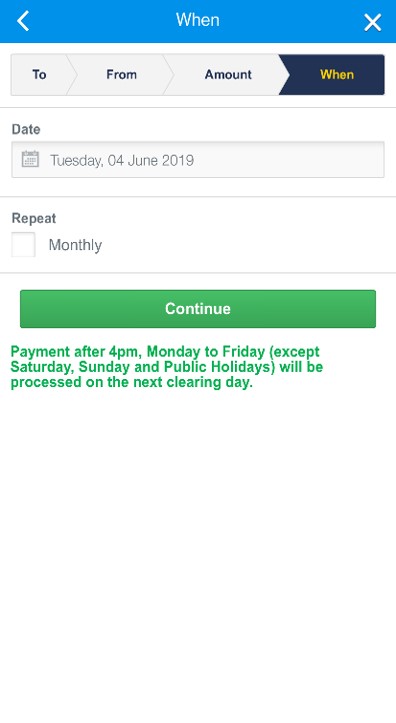
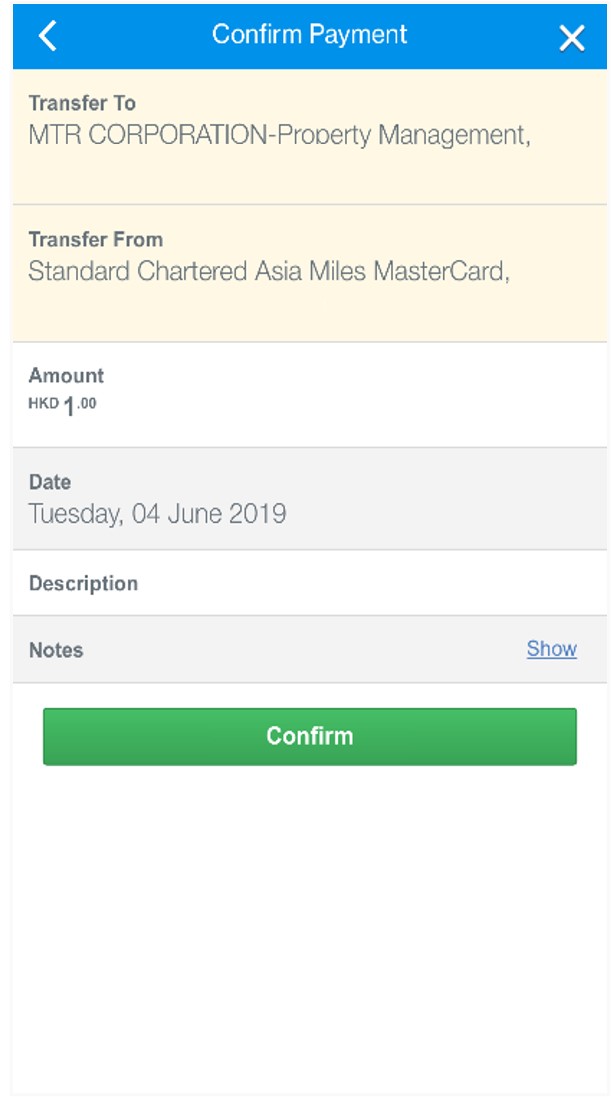
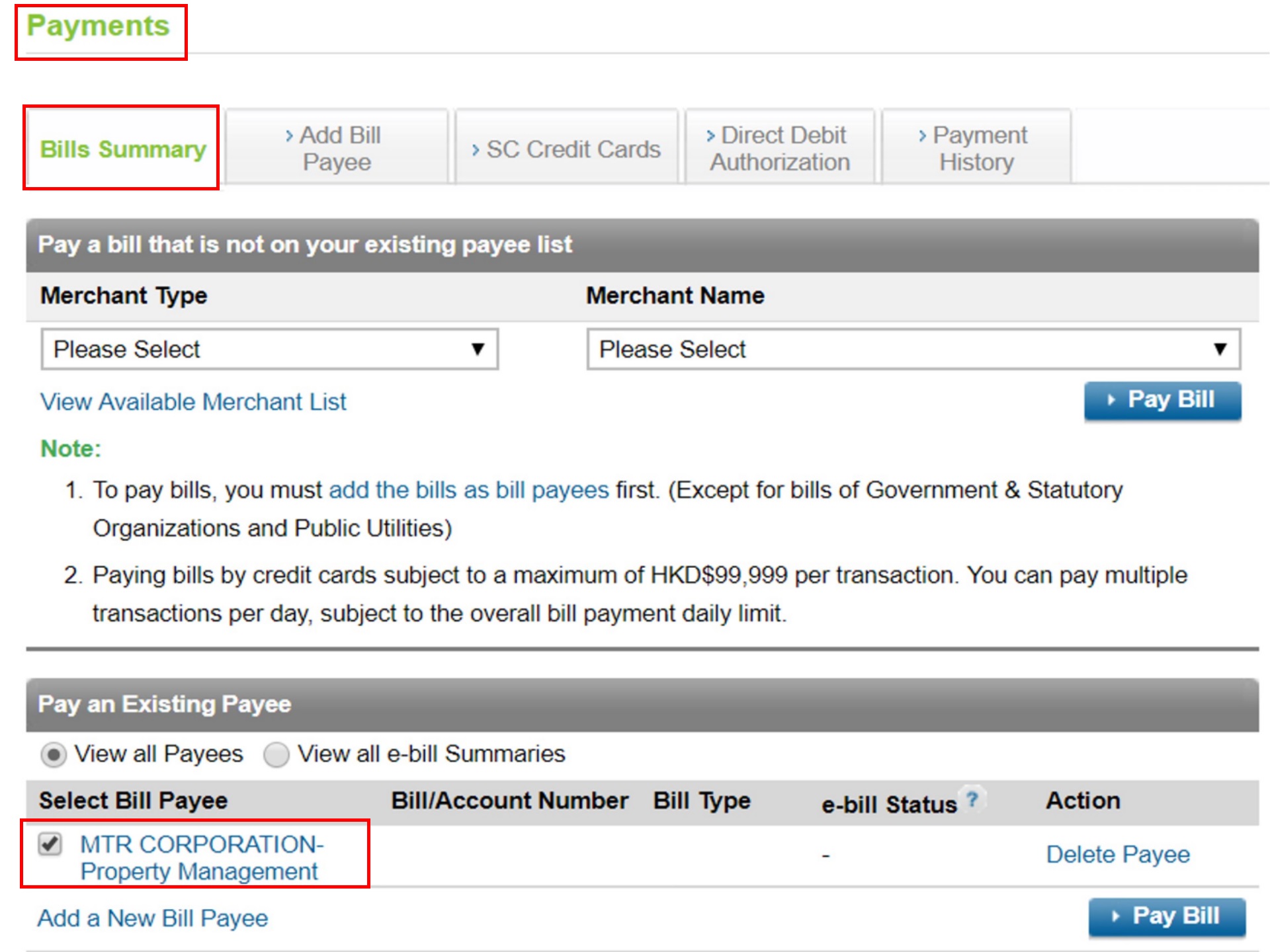
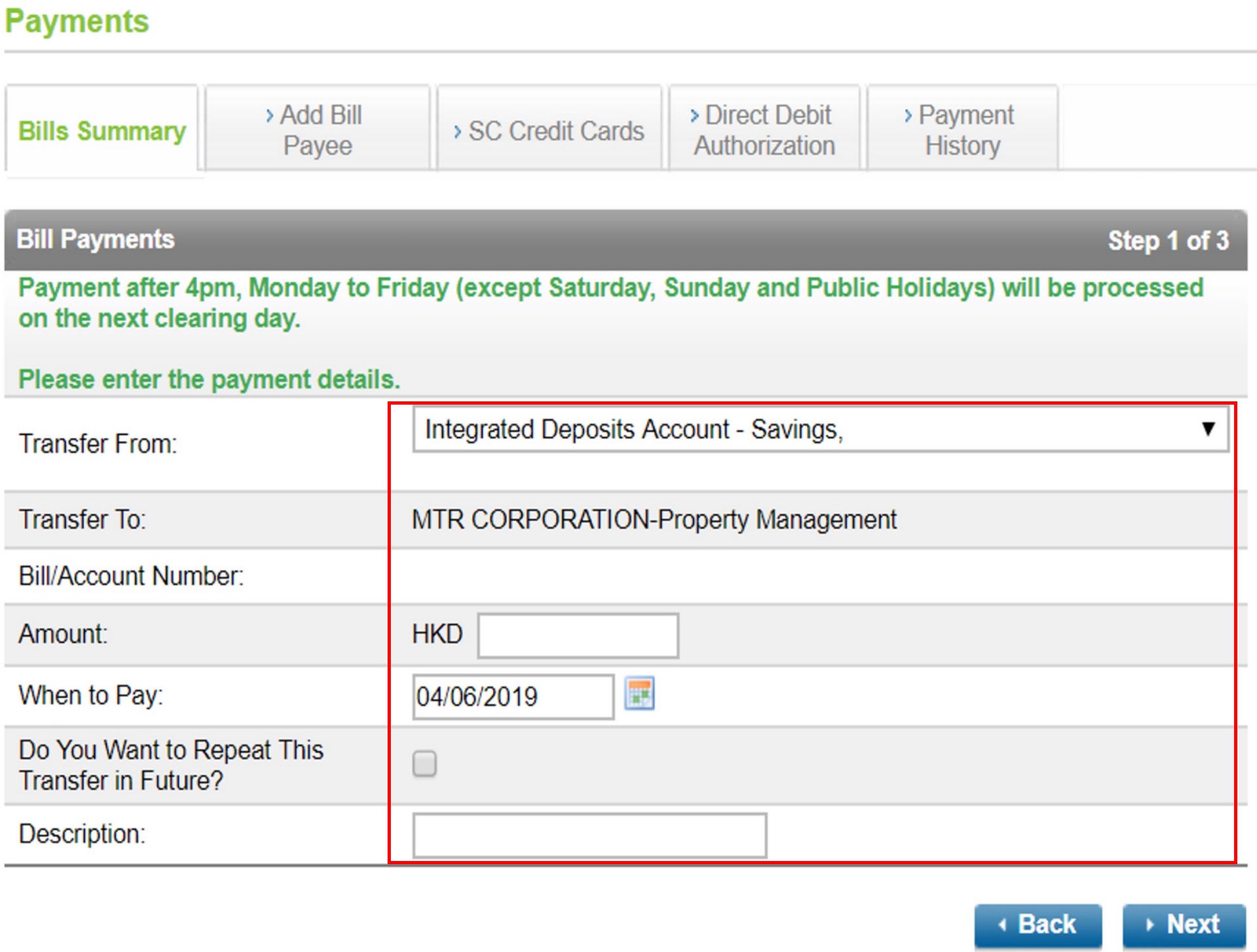
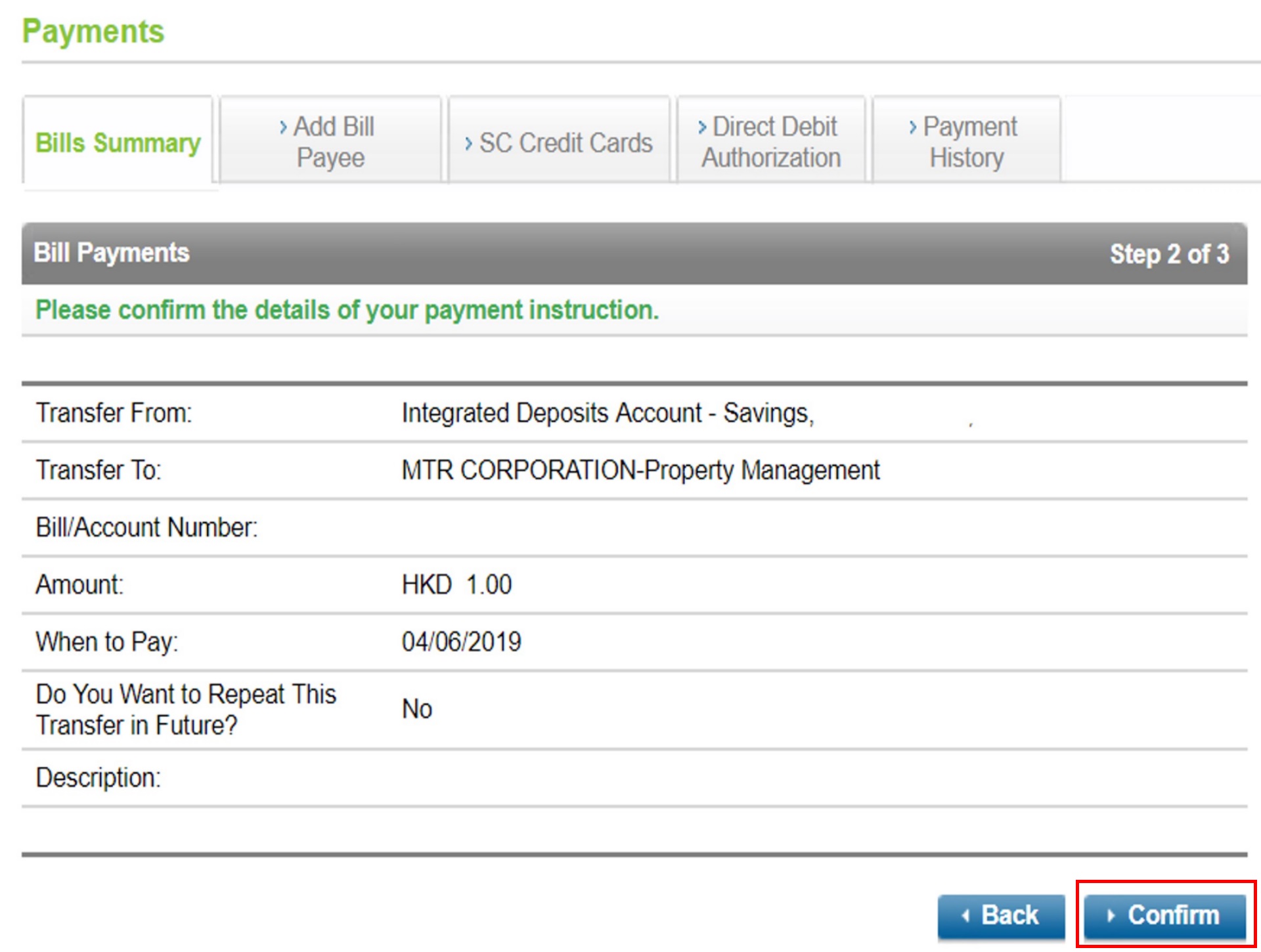
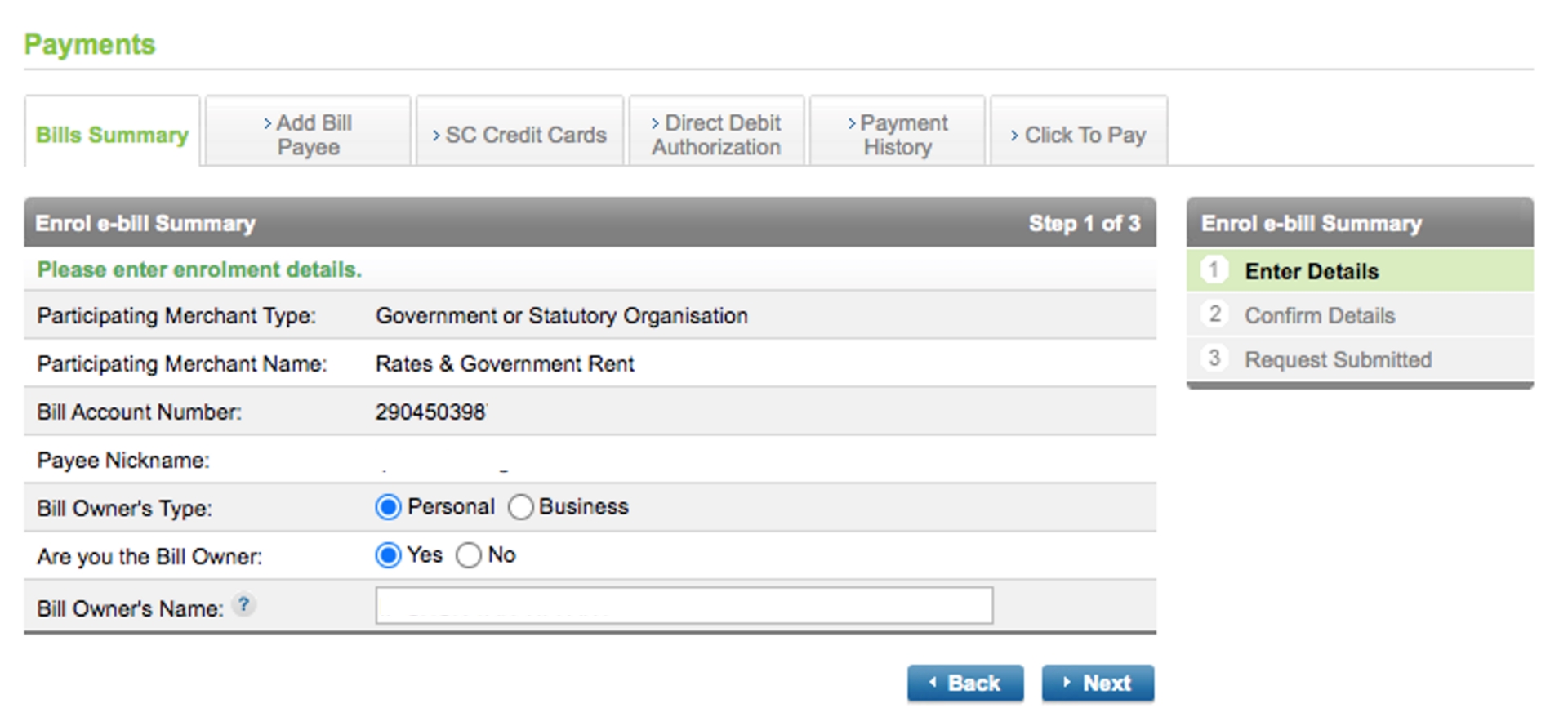
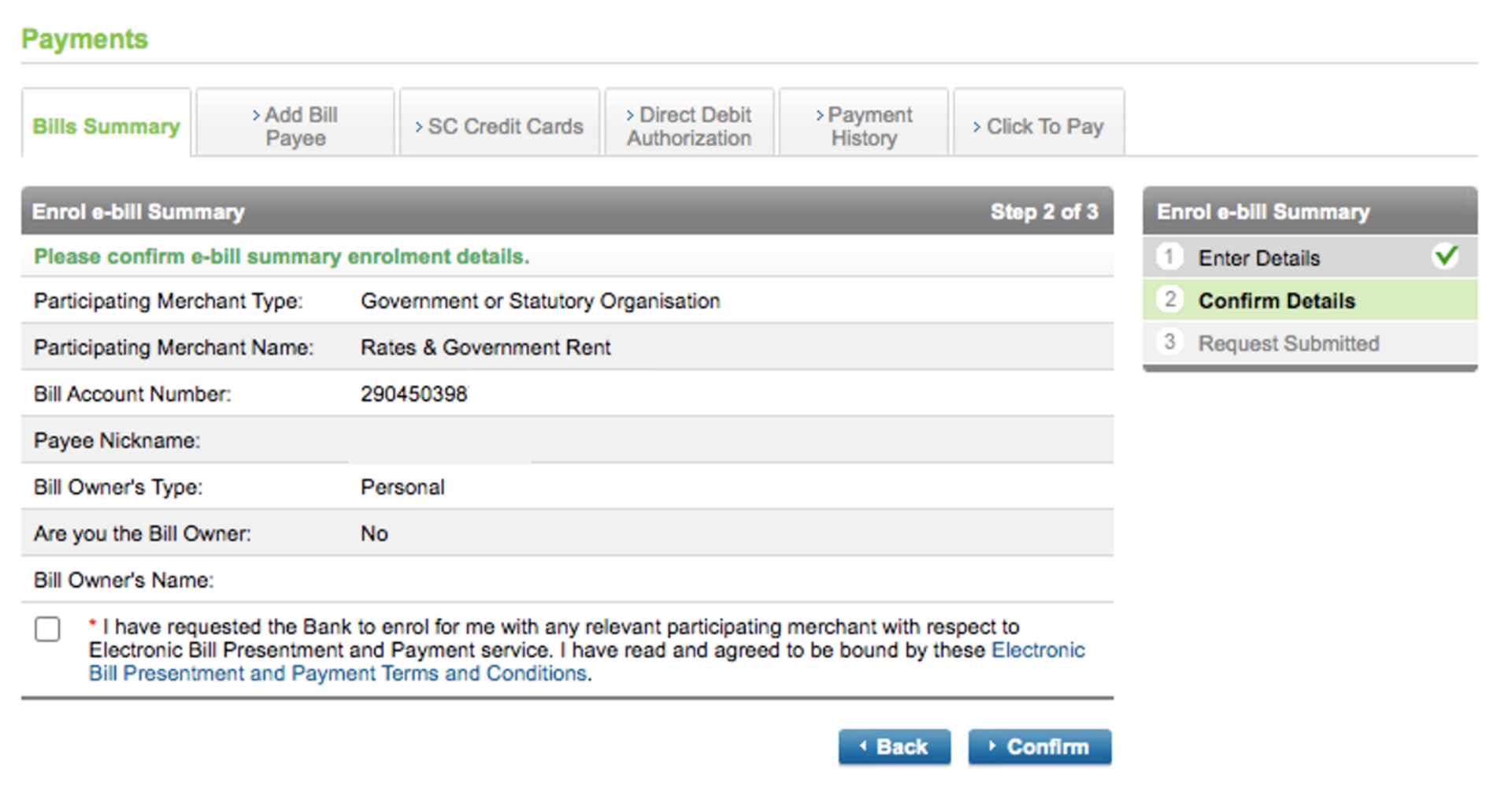
Remark 1: EBPP participating merchants include BOC Group Life Assurance Co Ltd, Citybase Property Management Limited, Government General Demand Note, Hong Kong College of Technology, Industrial and Commercial Bank of China (Asia) Ltd, OCBC Wing Hang Bank Limited and Tung Wah College.
Remark 2: From Jun 2021 onwards, EBPP service with Water Supplies Department (WSD) and Rating and Valuation Department has been terminated. Your payment to these merchants will NOT be affected.
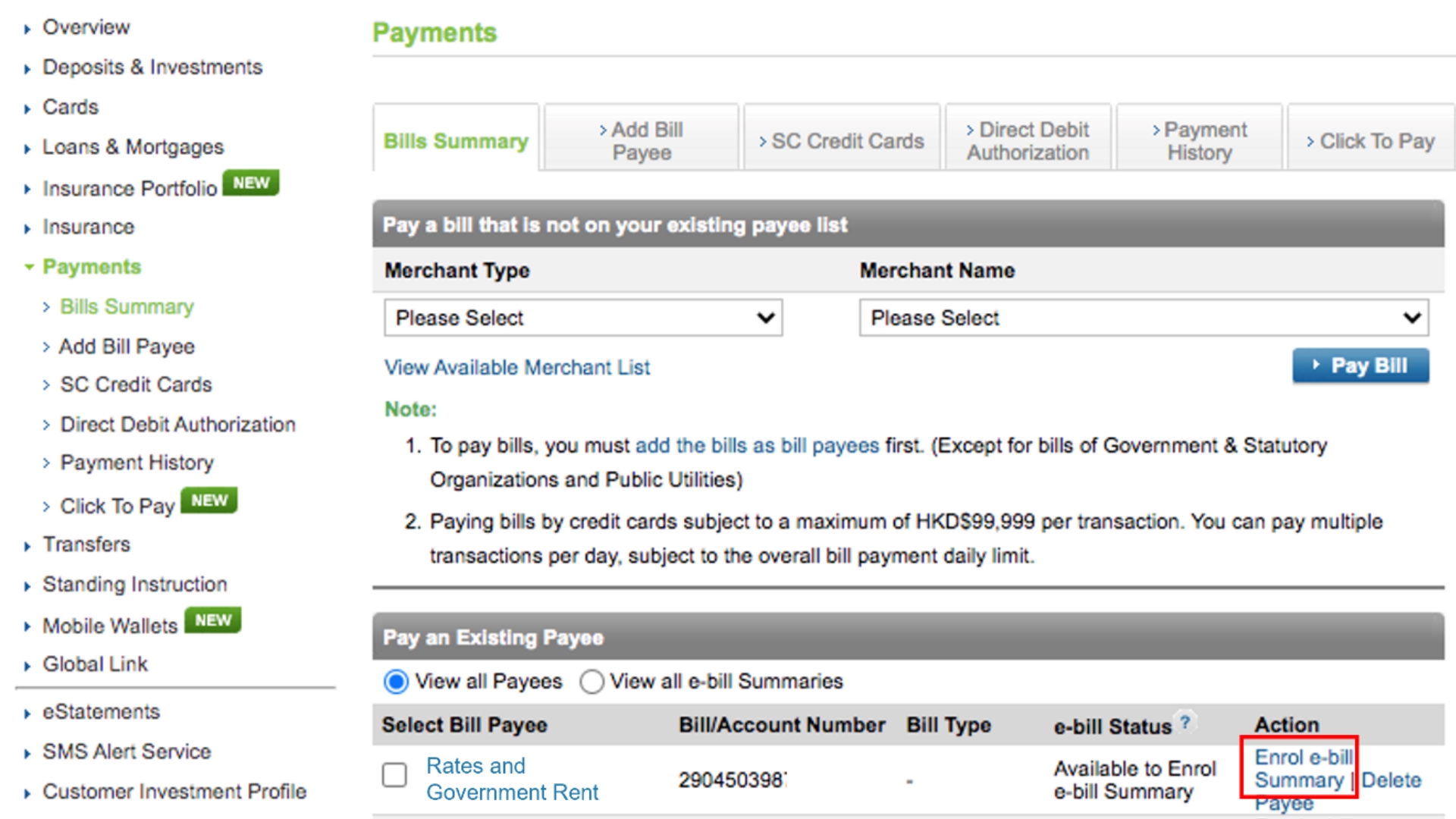
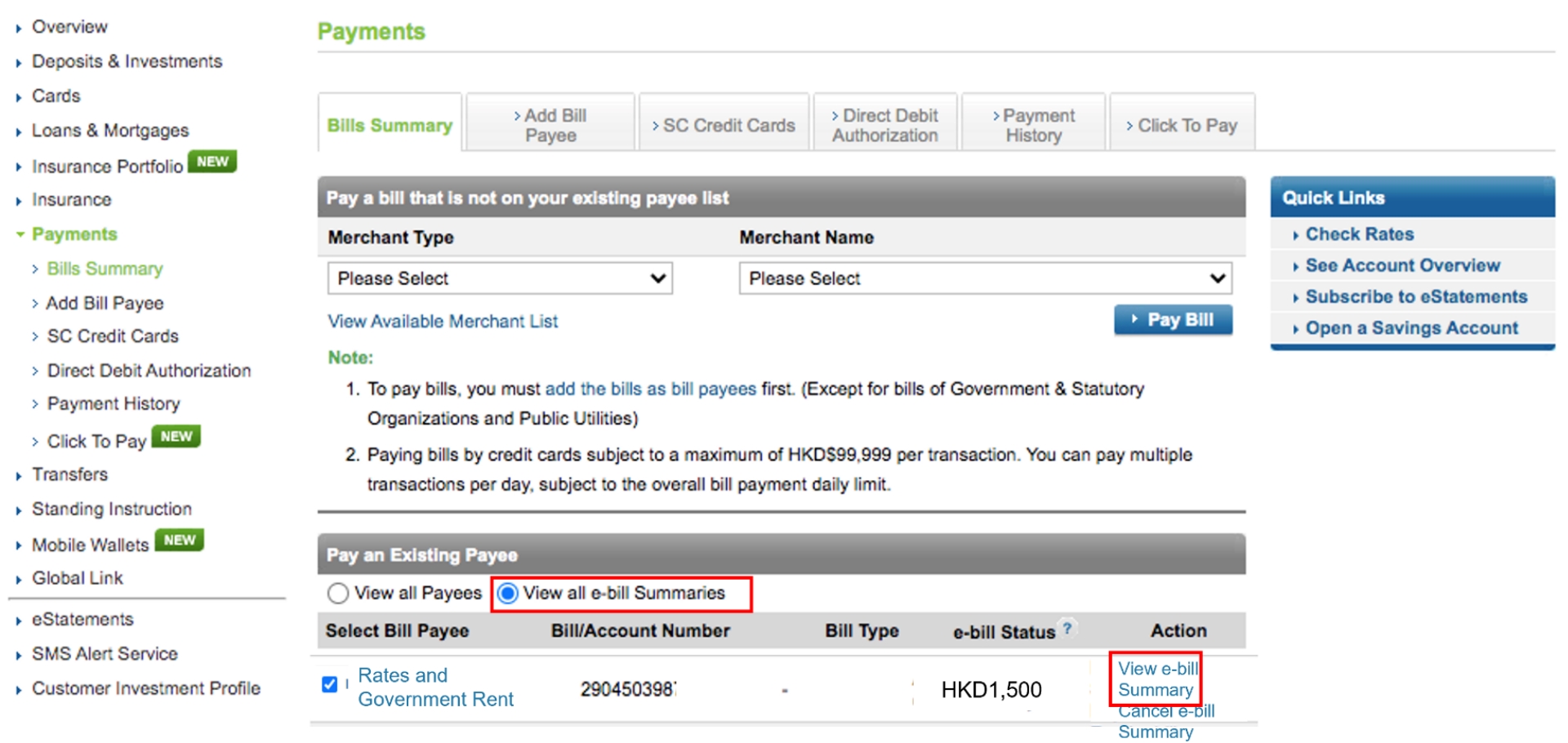
Select “Payments” > “Bills Summary” > select “View all e-bill Summaries”
Bill Payment
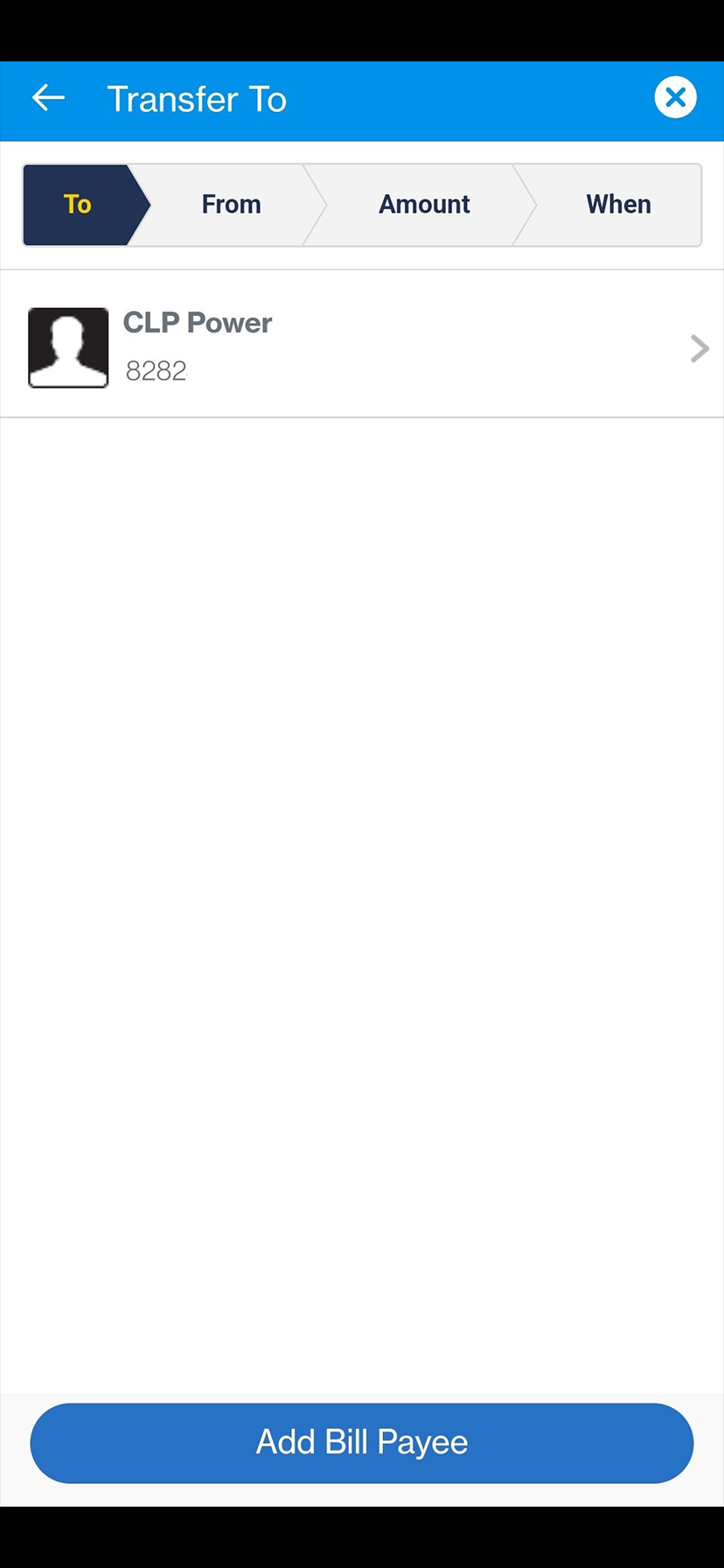
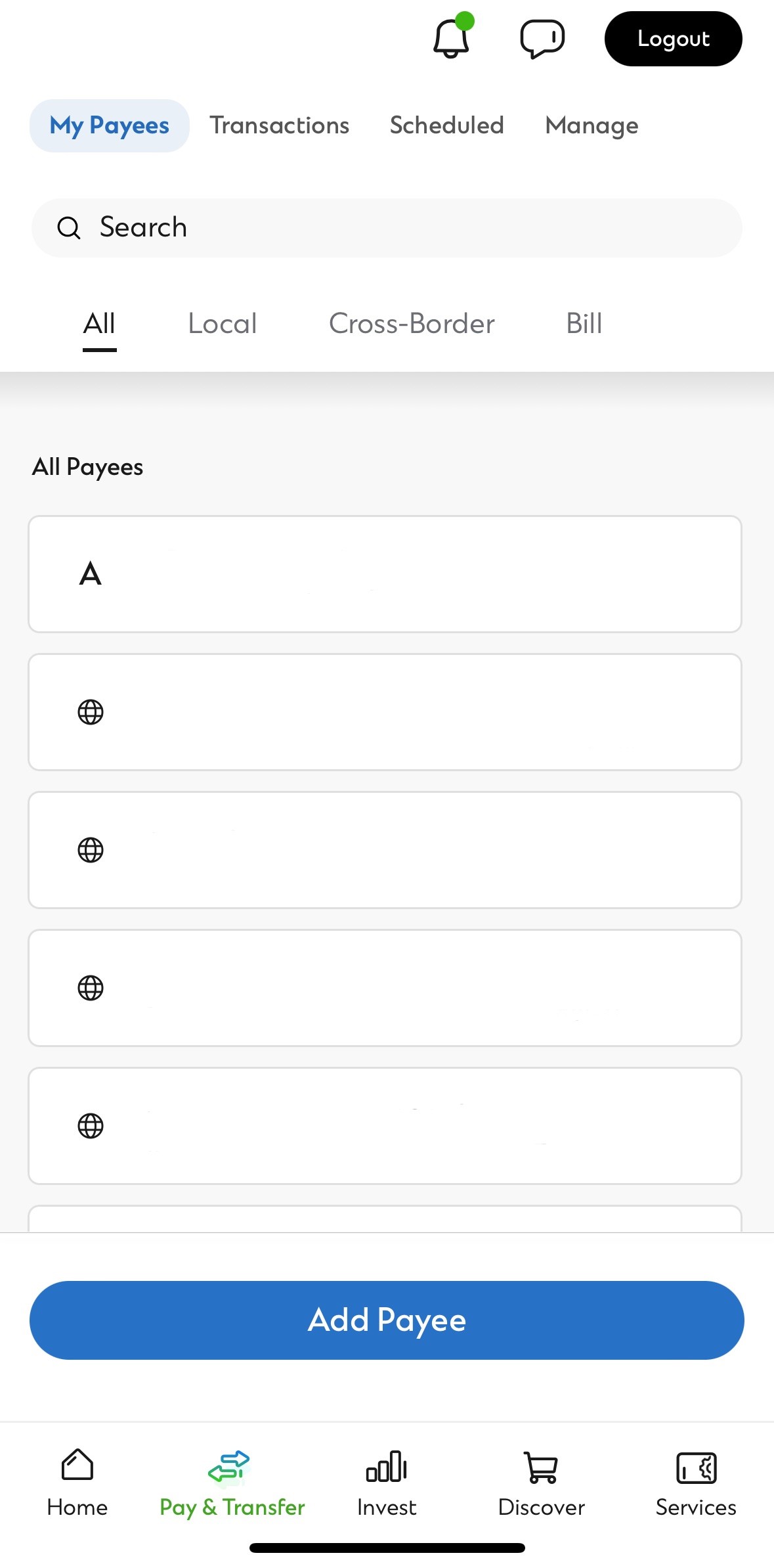
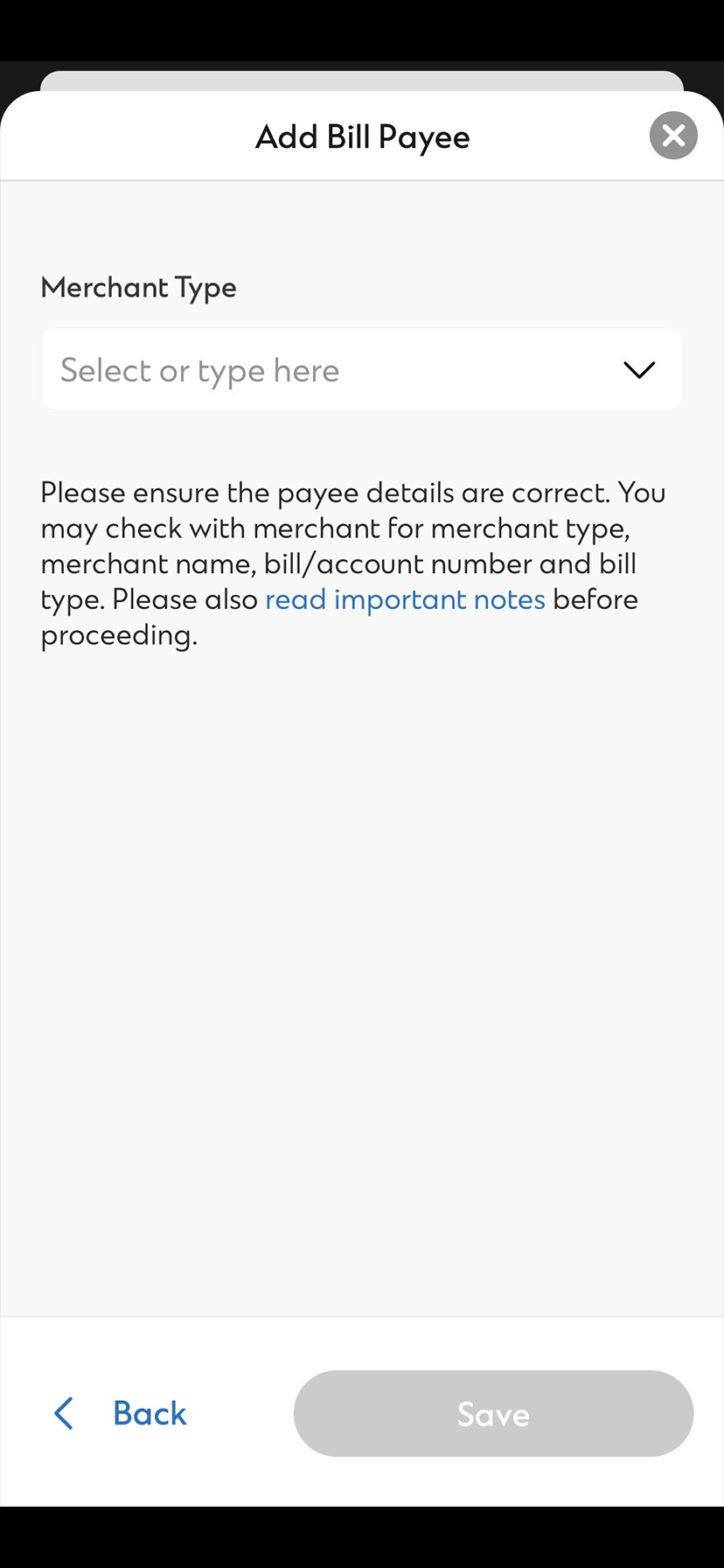
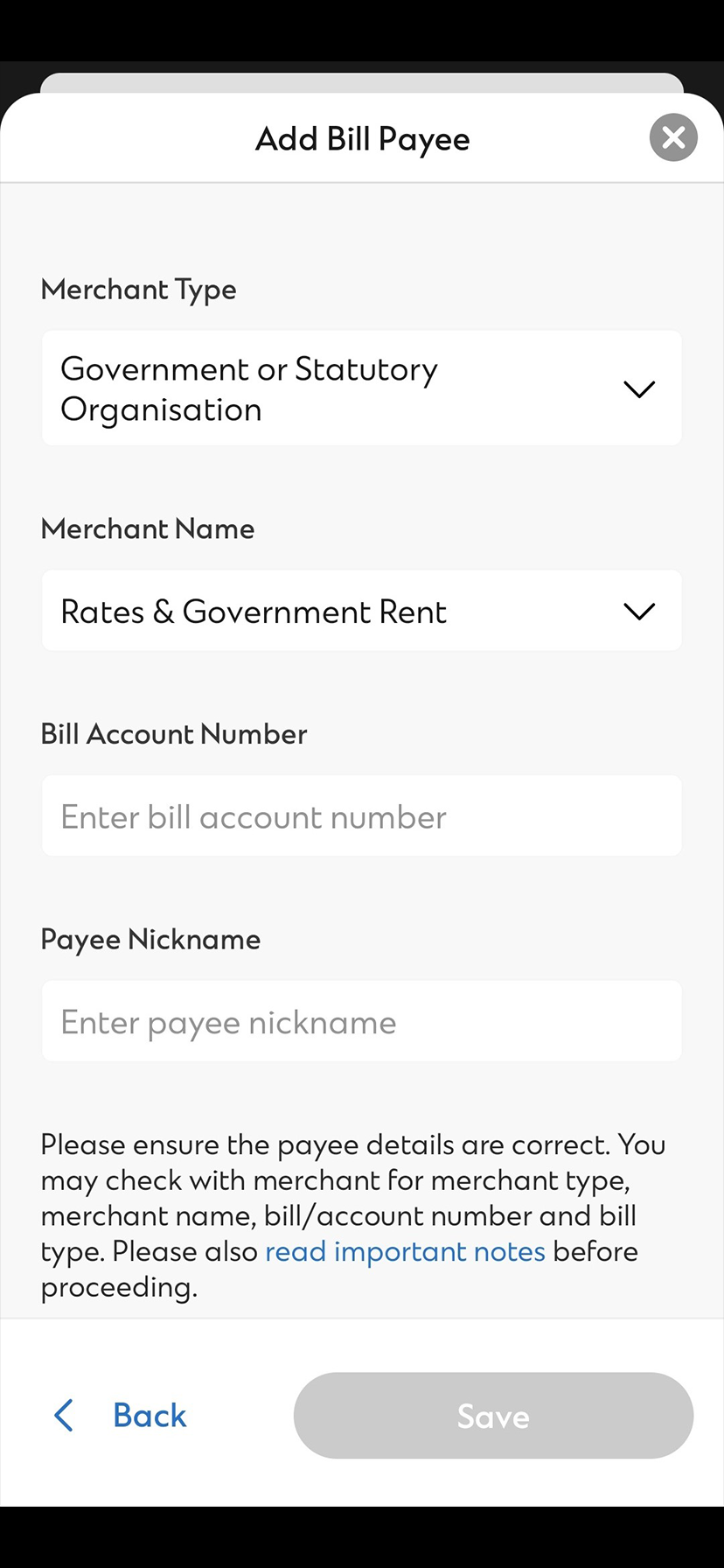
Enables Standard Chartered customers to make bill payment via the Bank’s internet banking and mobile banking.

FAQs
Electronic Bill Presentment and Payment Service (EBPP) enables Standard Chartered Online Banking customers to register, receive, view and pay bills anytime and anywhere via the Bank’s internet banking, achieving a more effective management of all bills and payments without any geographical constraints.
Merchants with EBPP service provided have “Available to Enrol e-bill Summary” in e-bill status. You can enrol an EBPP service via your Standard Chartered Online Banking. After the merchant confirms the enrolment request, you can receive and view the e-bill and make payment on the same platform.
Yes, provided that the bill owner agrees and the merchant allows third party enrolment. A related template will be prompted for you to enrol. To enrol a third party eBill, you also need to provide the bill owner’s personal information such as date of birth (month & year), a partial identity number or subscription code (if applicable) for merchant validation.
The standard service lead time for merchants should be no more than 60 days. You will also be informed by us via SMS about the result of your request.
When an e-bill is ready in your Standard Chartered Online Banking, you will receive reminder from us via SMS. Please log on Standard Chartered Online Banking ‘View & Pay Bills’ page and check the e-bill summary.
