
 Straight2Bank
Samsung Pay
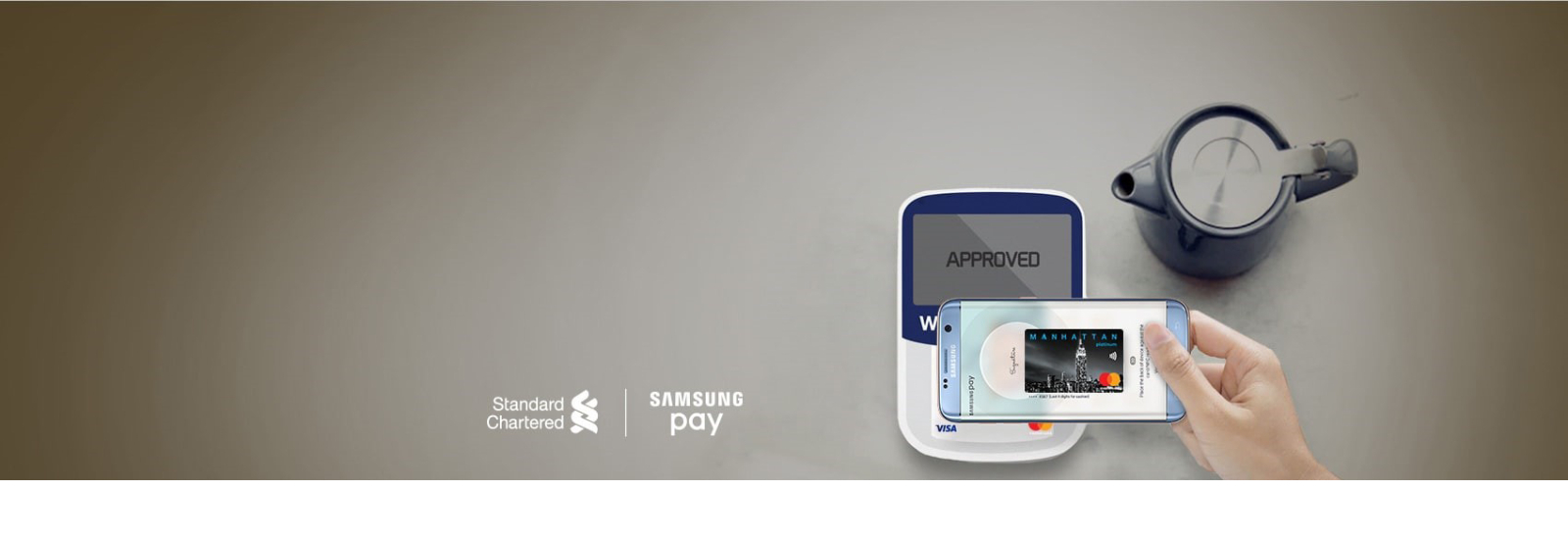
Samsung Pay – The easier, faster, more secure way to pay
Pay with these two simple steps.
STEPS | |
|---|---|
| 1. SWIPE UP to launch Samsung Pay | 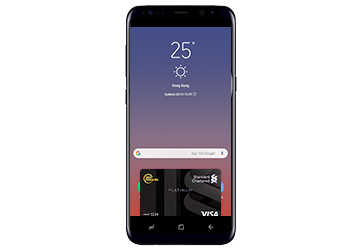 |
| 2. Authenticate and Tap with your iris*, fingerprint or 4-digit pin and put your phone over the terminal to pay
(Iris Scanner might not work properly due to environmental factors) | 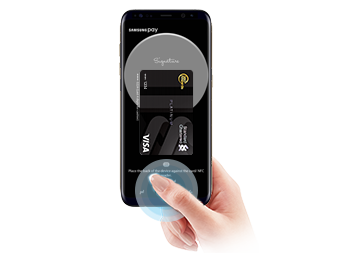 |
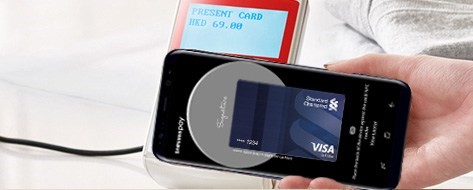
Works almost anywhere
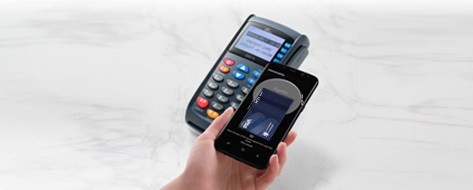
Samsung Pay works at almost any retailer in Hong Kong, making shopping or dining easier and more convenient than ever before.
Shop safely with peace of mind
When you use Samsung Pay, your actual card number is never shared with the merchant and is not stored on the device, further protecting your personal information.

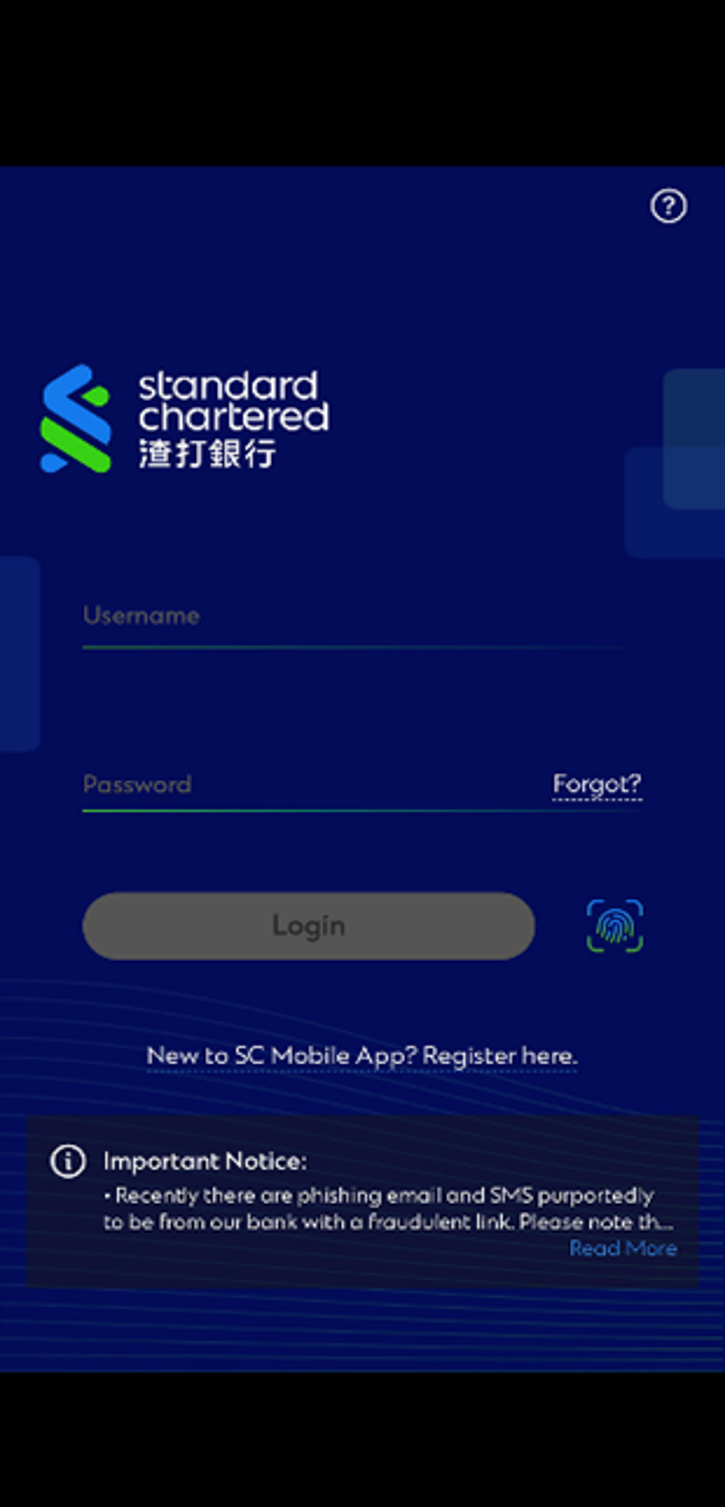
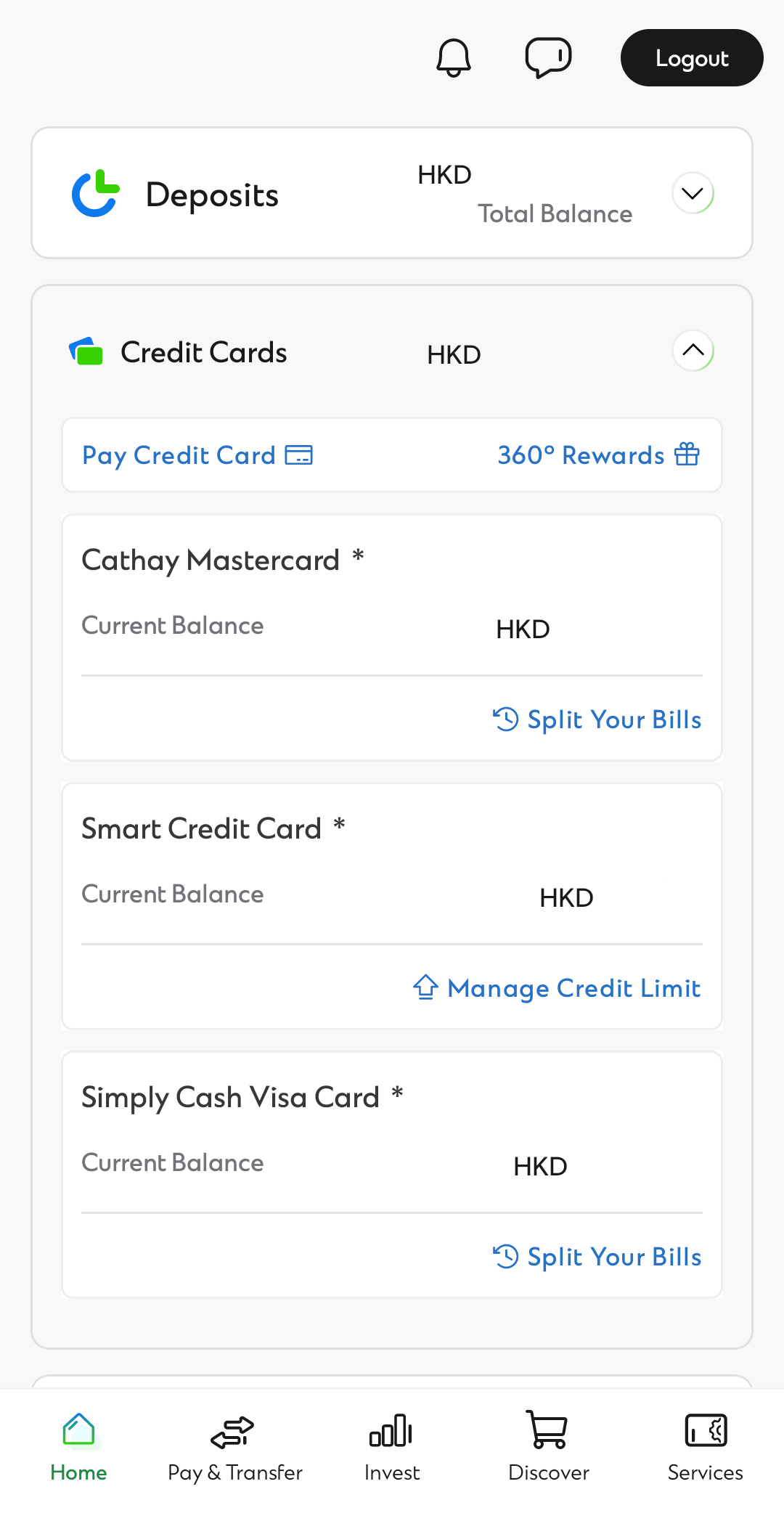
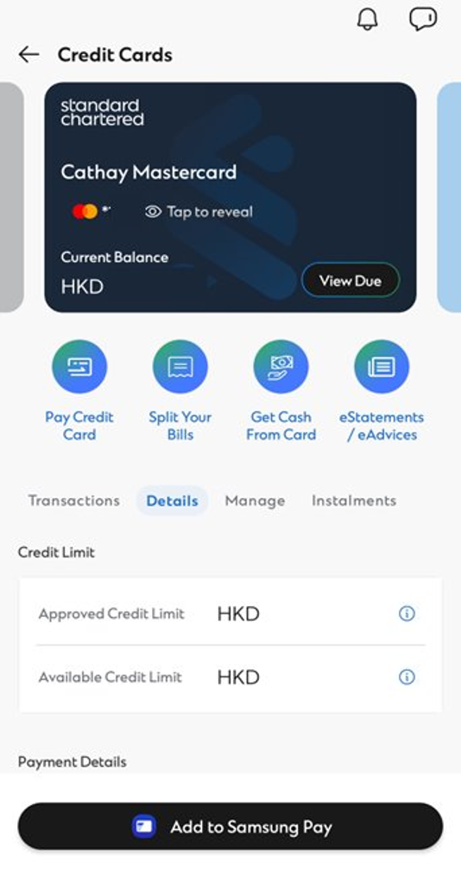
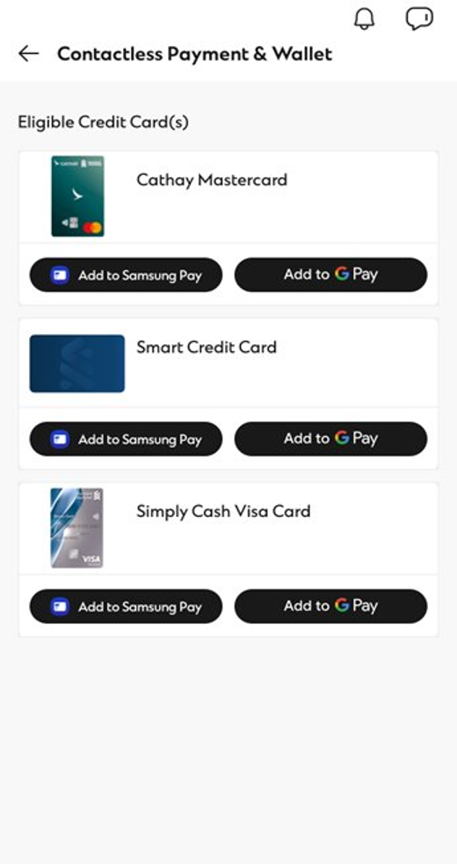
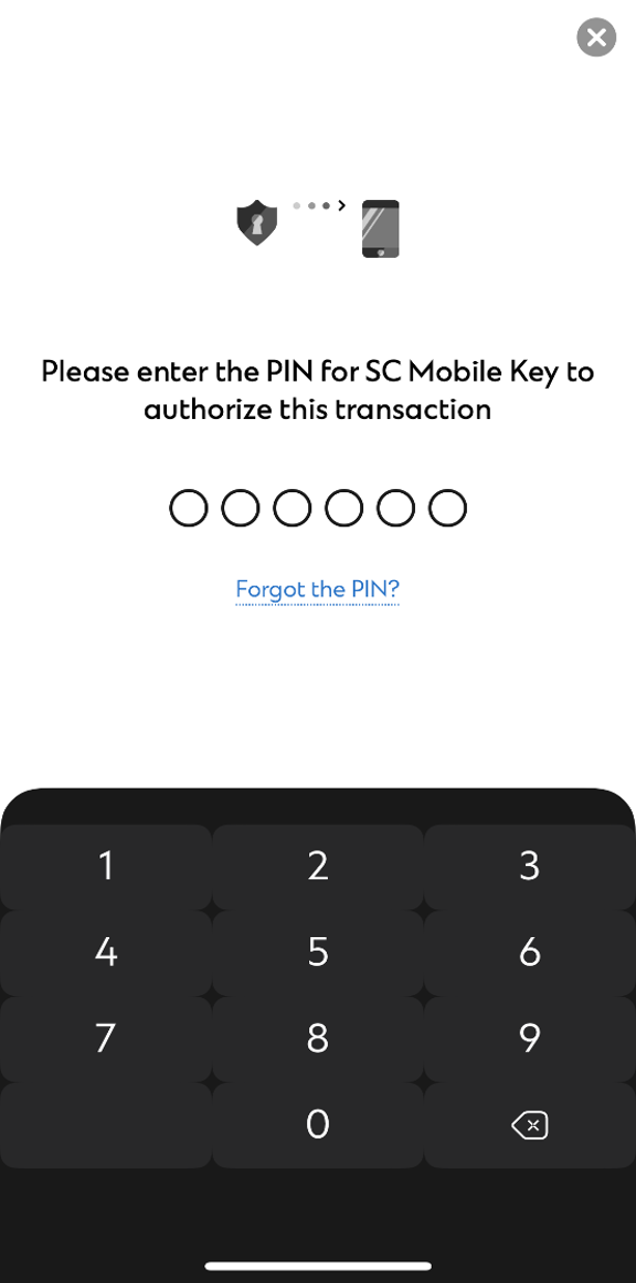
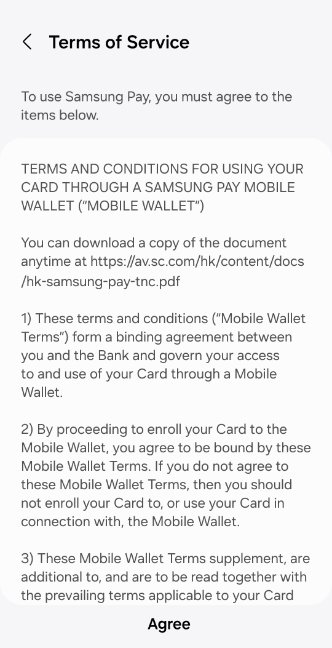
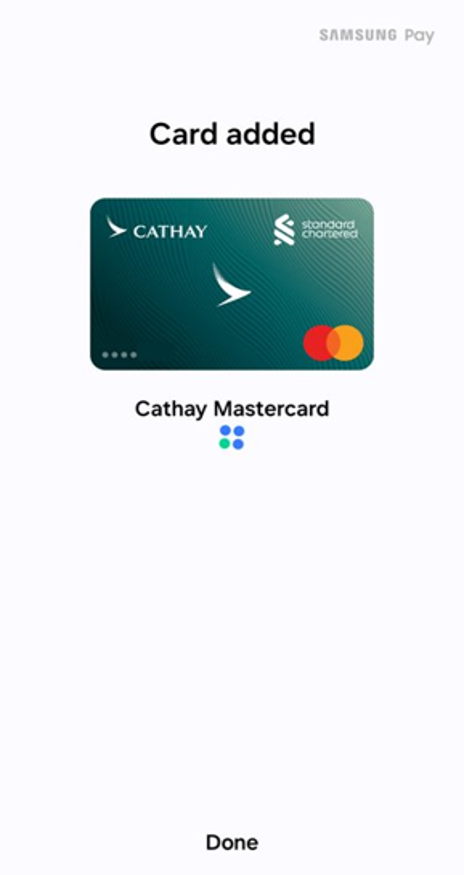
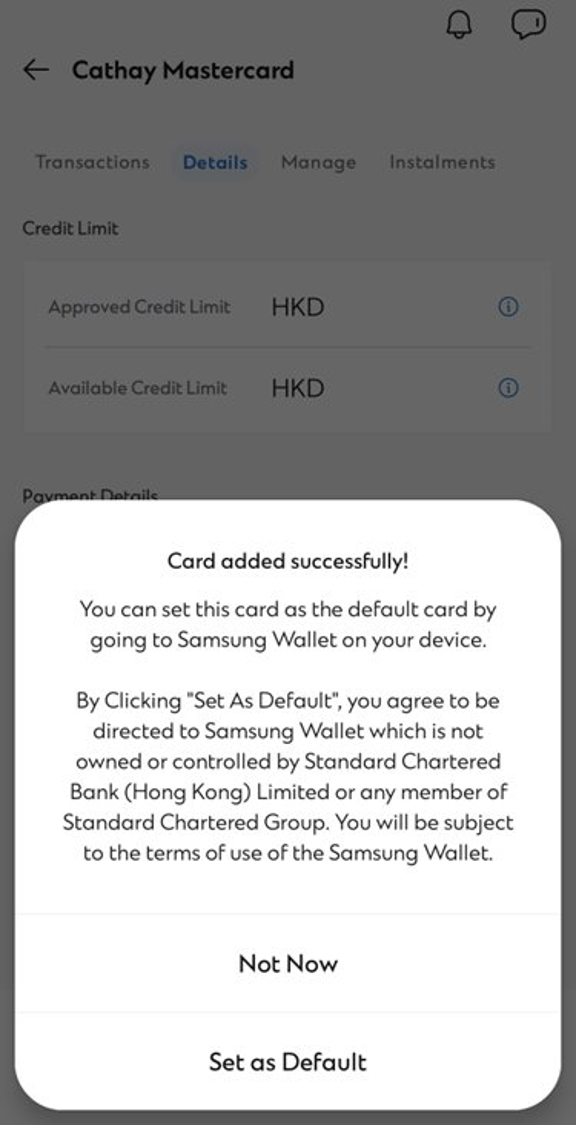
Setup is simple with Samsung Pay (for credit cards only)
Store your credit cards in Samsung Wallet app to make payments via Samsung Pay.
FAQs
The following cards issued by Standard Chartered (Hong Kong) Bank are eligible to use Samsung Pay: Standard Chartered Credit Card and its Co-branded Card, MANHATTAN Credit Card and its Co-branded Card (except Standard Chartered WorldMiles Card, Standard Chartered UnionPay Credit Card, Standard Chartered Business Card and Standard Chartered Corporate Card).
No, we will not charge you for using Samsung Pay.
Samsung Pay will initially launch on the Galaxy Note 9, Galaxy A8 Star, Galaxy S9+, Galaxy S9, Galaxy A8+, Galaxy Note8, Galaxy S8+, Galaxy S8, Galaxy S7 edge, Galaxy S7, Galaxy S6 edge+, Galaxy Note5, Galaxy C9 Pro, Galaxy C7 Pro, Galaxy C5 Pro, Galaxy Watch, Gear S3 and Gear Sport. In addition, you can also use the above devices for payment in supported mobile apps. Kindly visit this link for more information and updates about Samsung Pay services: https://www.samsung.com/hk_en/samsungpay/
Always keep your phone locked when not in use and do not leave your phone unattended.
Samsung Pay uses proprietary Magnetic Secure Transmission (MST) and Near Field Communication (NFC) to make contactless mobile payments. MST and NFC enables Samsung Pay to make secure transactions with almost every card terminal in the world.
Magnetic Secure Transmission(MST) support devices:
Galaxy Note 9, Galaxy S9+, Galaxy S9, Galaxy A8+, Galaxy Note8,Galaxy S8+, Galaxy S8, Galaxy S7 edge, Galaxy S7, Galaxy S6 edge+ and Galaxy Note5 and Gear S3
Near Field Communication (NFC) support devices:
Galaxy Note 9, Galaxy A8 Star, Galaxy S9+, Galaxy S9, Galaxy A8+, Galaxy Note8,Galaxy S8+, Galaxy S8, Galaxy S7 edge, Galaxy S7, Galaxy S6 edge+, Galaxy Note5, Galaxy C9 Pro, Galaxy C7 Pro and Galaxy C5 Pro, Galaxy Watch, Gear S3 and Gear Sport
Also, you can use Samsung Pay for payment in supported mobile apps as of version 2.8.47. Simply tap the button “Pay with Samsung Pay” and authenticate with your iris, fingerprint or PIN to complete the payment.
Samsung Pay currently support Visa, MasterCard and American Express for online payment. Kindly visit this link for more information and updates about Samsung Pay services. Link: https://www.samsung.com/hk_en/samsungpay/
You can add up to 10 bank cards in Samsung Pay.
There is no “default” card in Samsung Pay. When you open the app or activate the Simple Pay feature by swiping up from the Home Key on supported screens, the first card displayed is either the last card you registered or the last card you viewed or used.
Open Samsung Pay, touch the card you want to remove, touch “More”, then touch “Delete Card”, confirm by touching “Delete” and verify the card deletion with your fingerprint, iris image or by your 4 digit Samsung Pay PIN.
All purchases made with Samsung Pay can be returned according to the store’s policies. If you return an item paid for with Samsung Pay, the store may require you to tap your phone onto either the card reader or the NFC reader to complete the return.
If you have any questions when using the Samsung Pay application, please contact Samsung Pay Customer Service Hotline 2121-9088. If you have any other questions on your device, please contact Samsung Customer Service Hotline 3698-4698.
Galaxy Note 9, Galaxy A8 Star, Galaxy S9+, Galaxy S9, Galaxy A8+, Galaxy Note8, Galaxy S8+ and Galaxy S8 have Samsung Pay preloaded. If it does not appear, download via Google Play. For Galaxy S7 edge, S7, S6 edge+, Note5, C9 Pro, C7 Pro and C5 Pro, update via settings > About Device > download updates manually. For Galaxy Watch, Gear S3 and Gear Sport, install Samsung Gear app and open Samsung Pay.
^Availability almost anywhere is based on compatibility of Samsung Pay on MST and/or NFC payment terminals, with some supported for use only after software upgrades.
*Iris authentication on Galaxy Note9, Galaxy Note8, Galaxy S9+, Galaxy S9,Galaxy S8+ and Galaxy S8 only.
# Only selected devices support MST technology
All images and videos are for reference only. Samsung Pay is a trademark of Samsung Electronics Co., Ltd.
