
 Straight2Bank

SC Mobile Key adds an extra layer of protection for your banking experience
By turning your frequently used mobile phone into a virtual security token, you can manage your finance safely by authenticating your login and banking transactions.

Strengthen Login Security
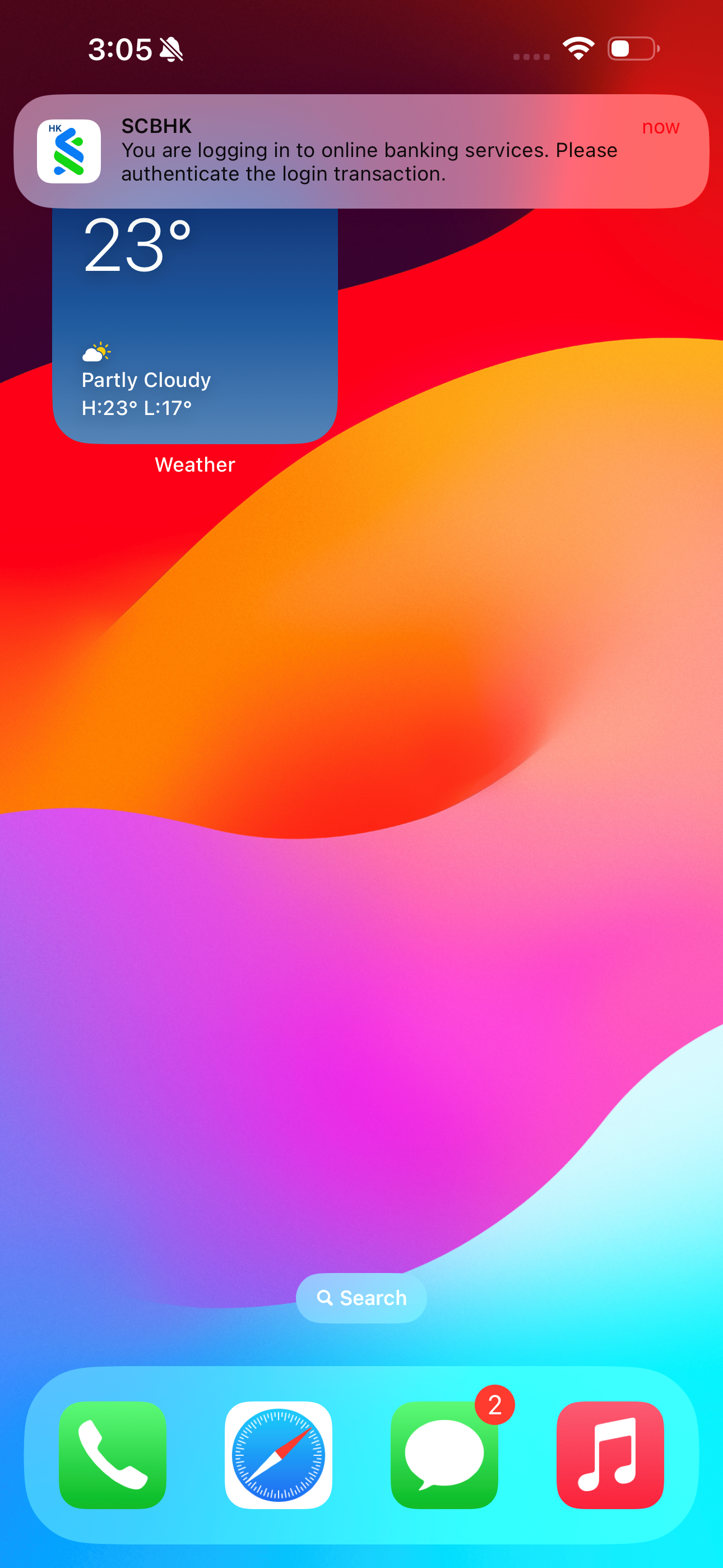
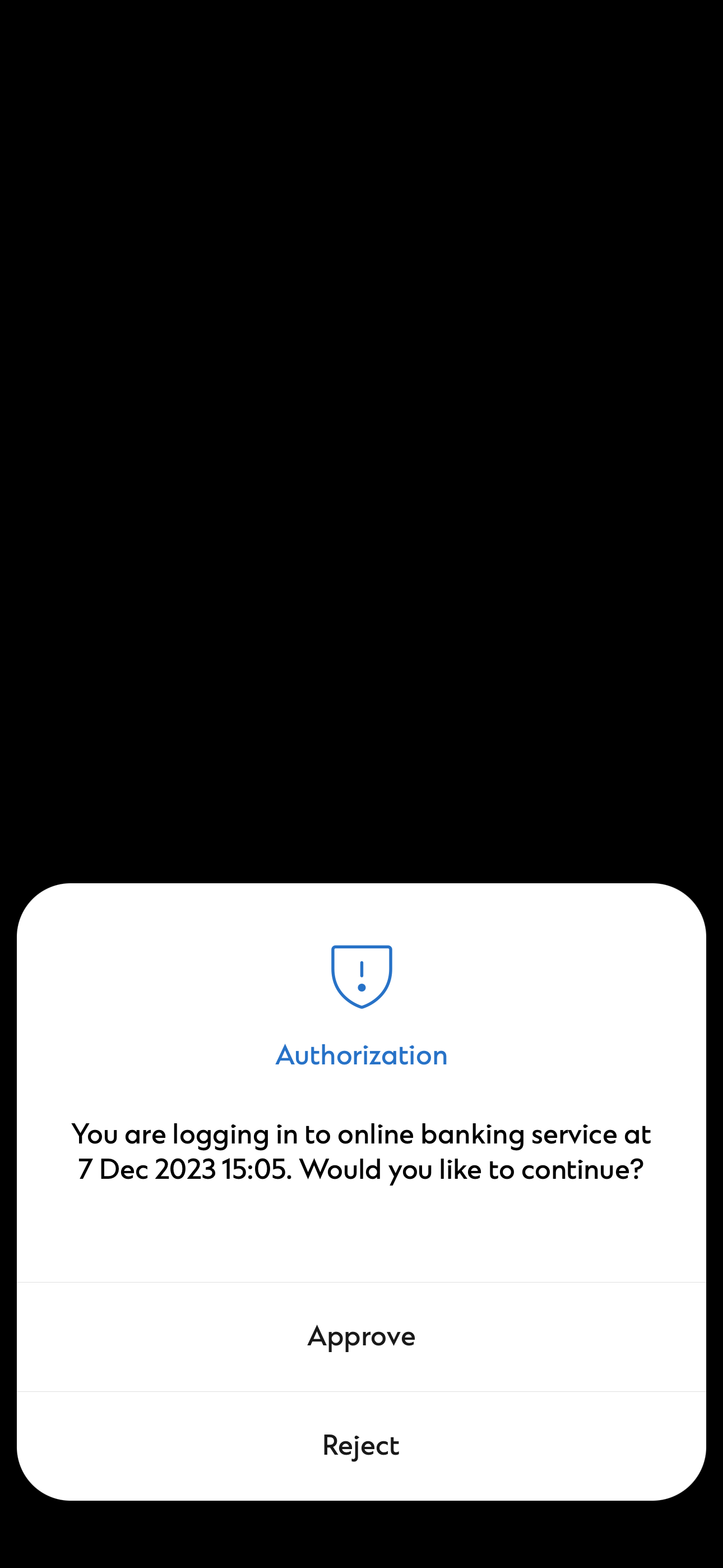
You will be prompted with a notification instantly for any online or mobile banking login.
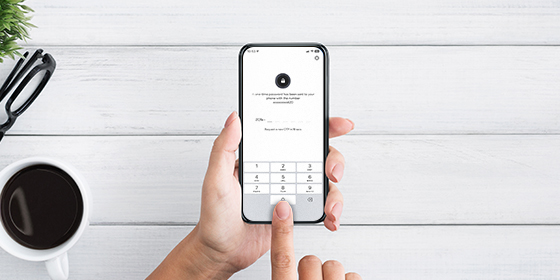
Prevent stealing of your account
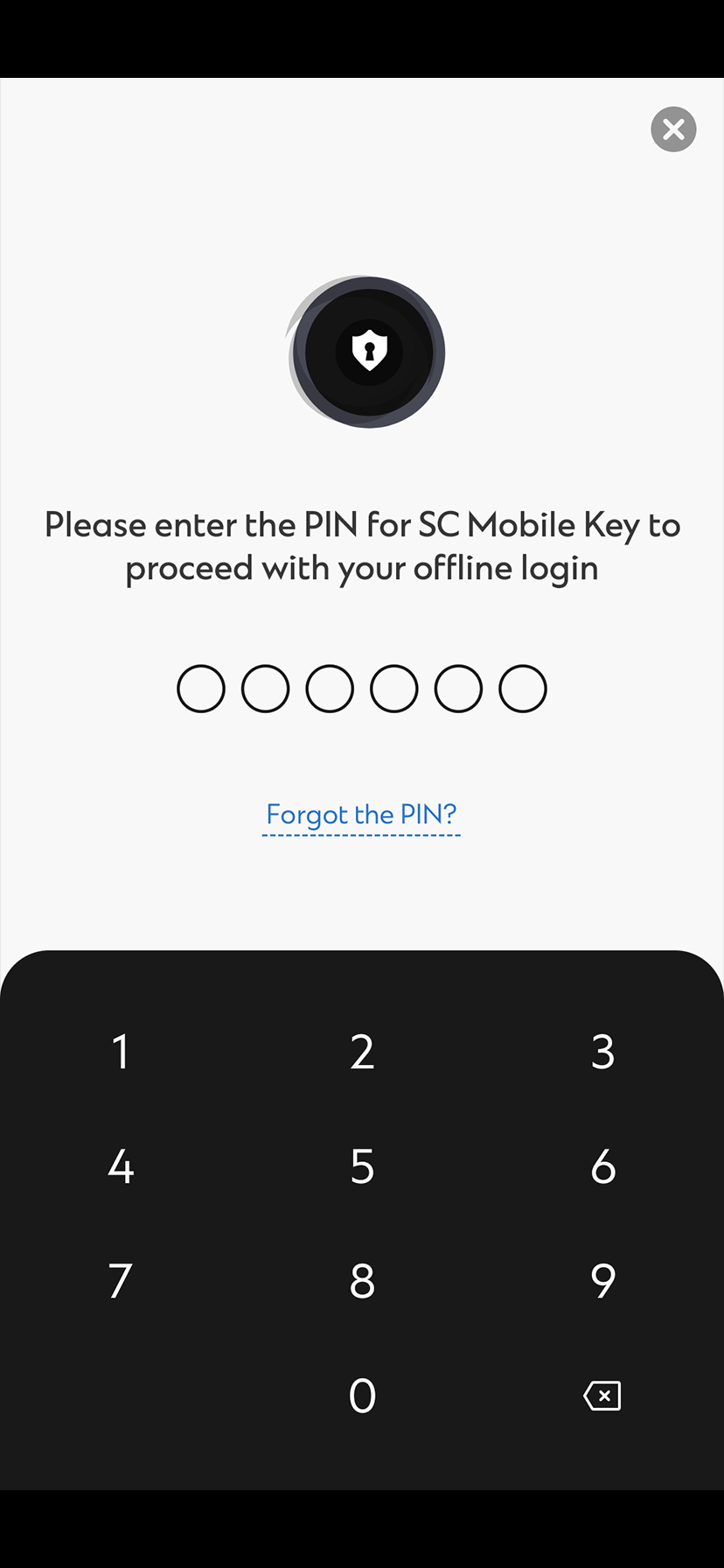
When performing high risk transactions such as adding a new payee or updating personal details, you are required to input a 6-digit PIN for authentication. This can prevent your account from being fraudulently used.

Replace physical security device
Turn your frequently used mobile phone into a virtual security device. You will not need to worry about carrying the physical security device.

Offline Mode
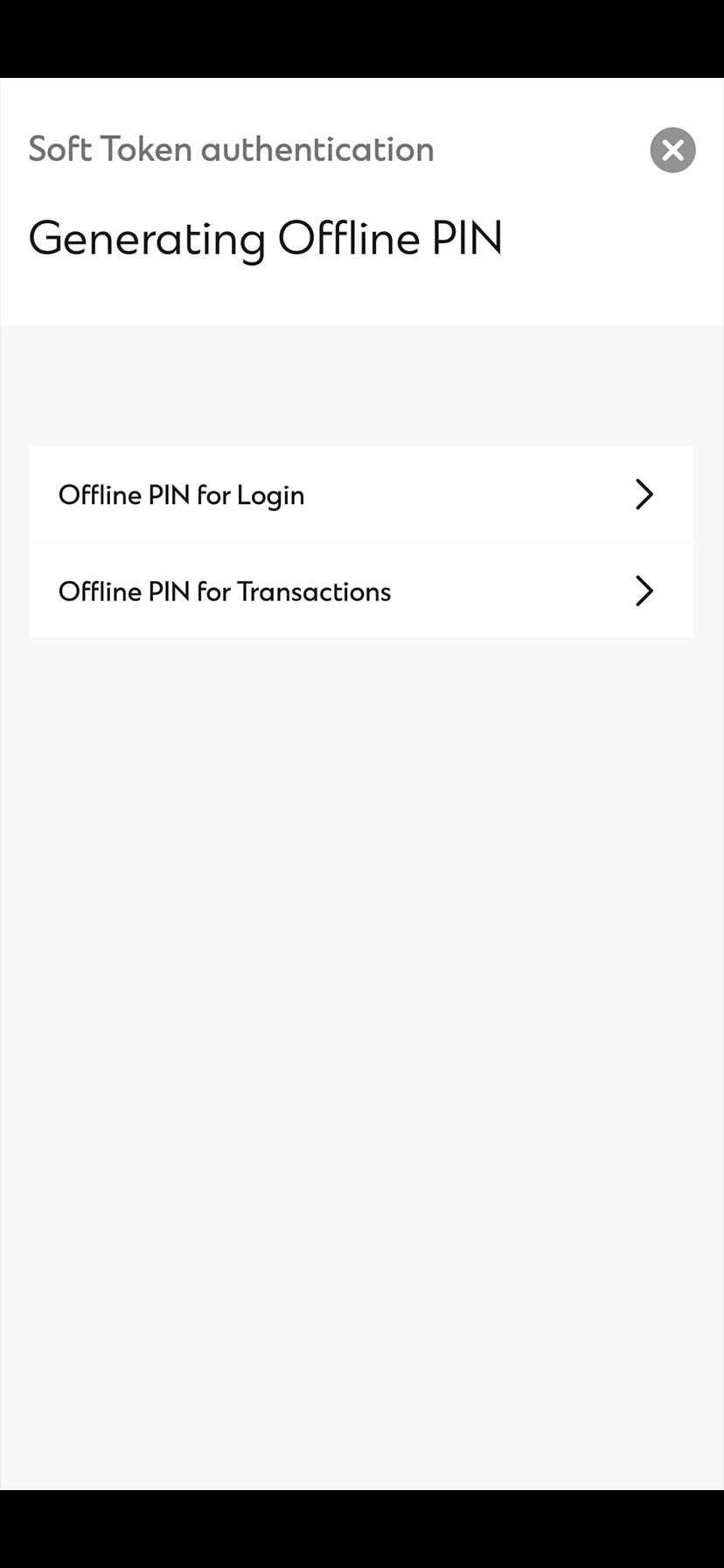
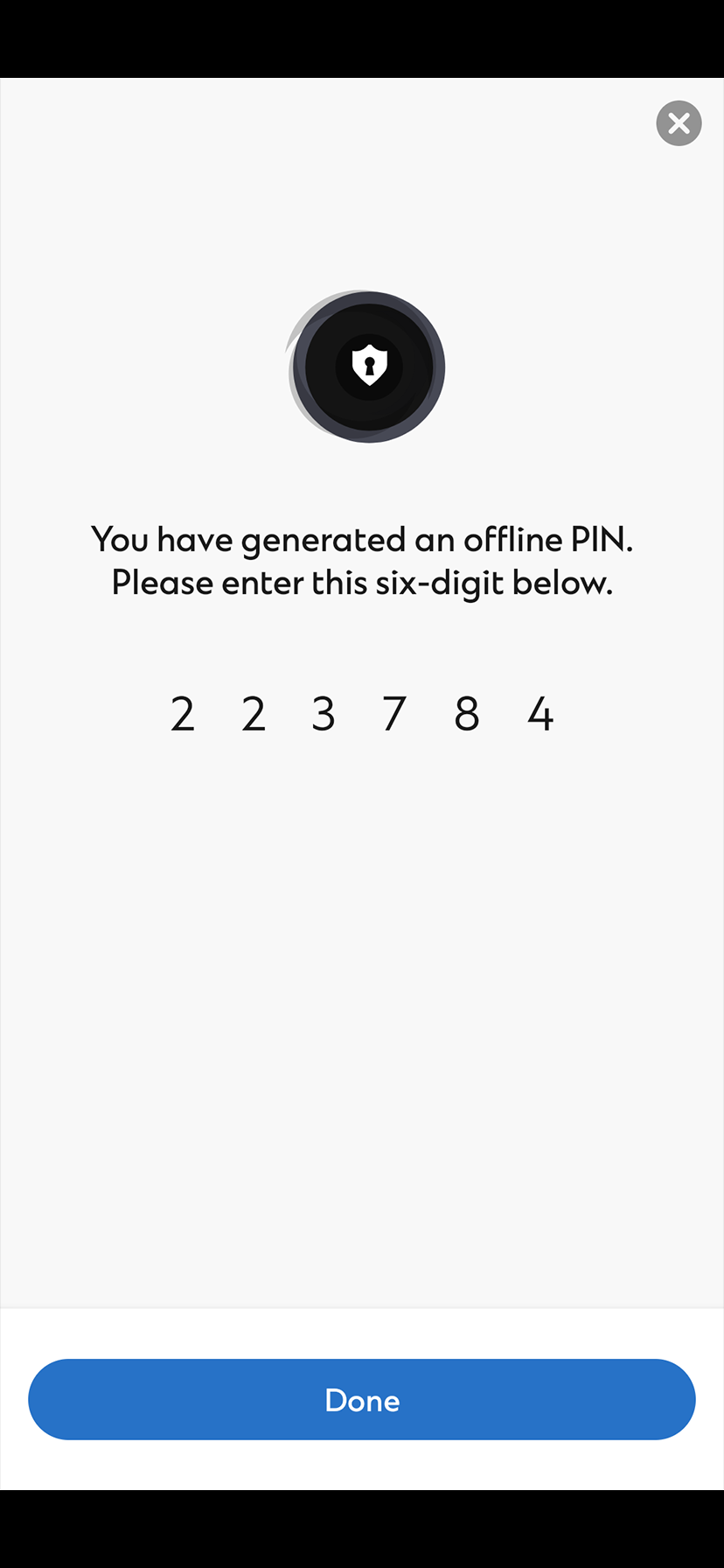
SC Mobile Key can work even when there is you have no mobile network. You can still generate an Offline PIN from your registered mobile phone for login or transaction signing in online banking.
How to register SC Mobile Key?
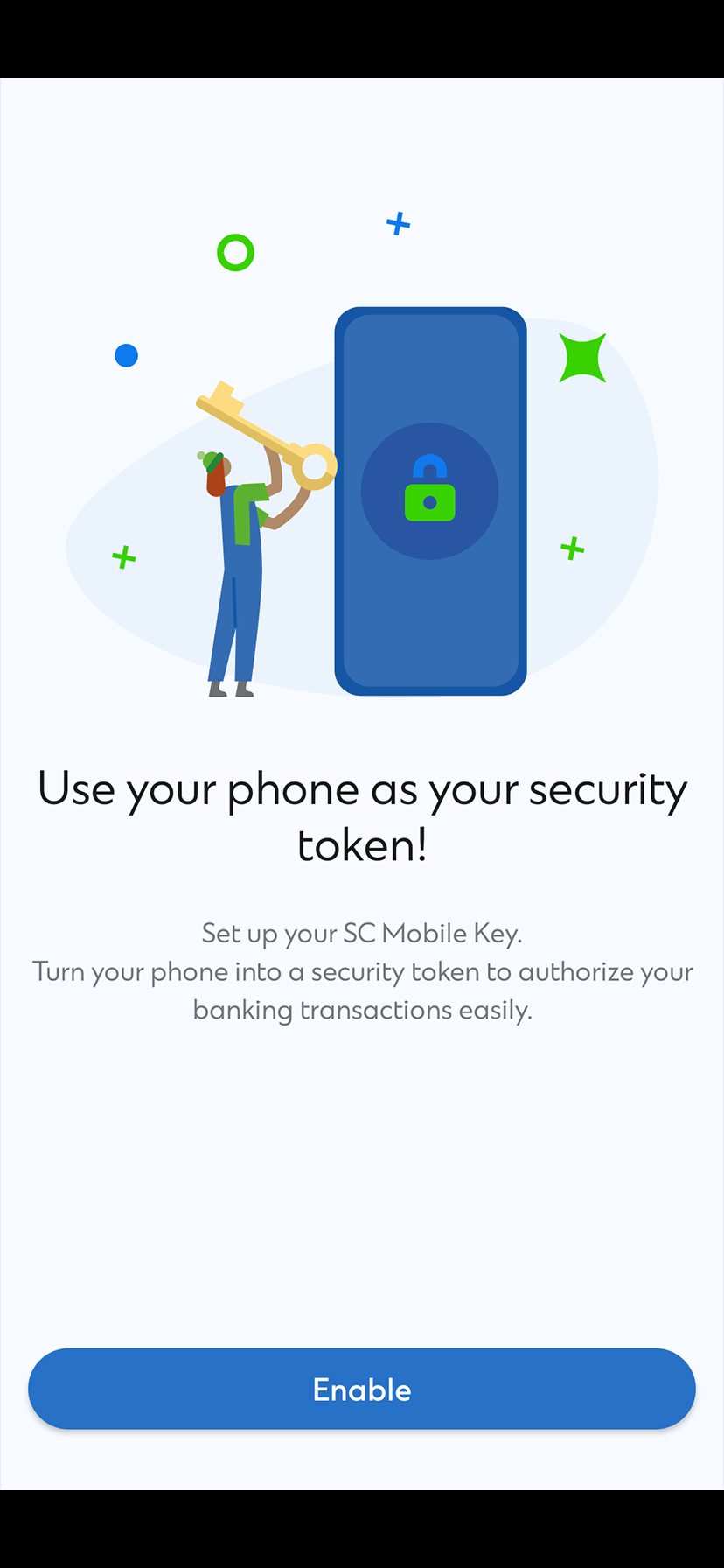
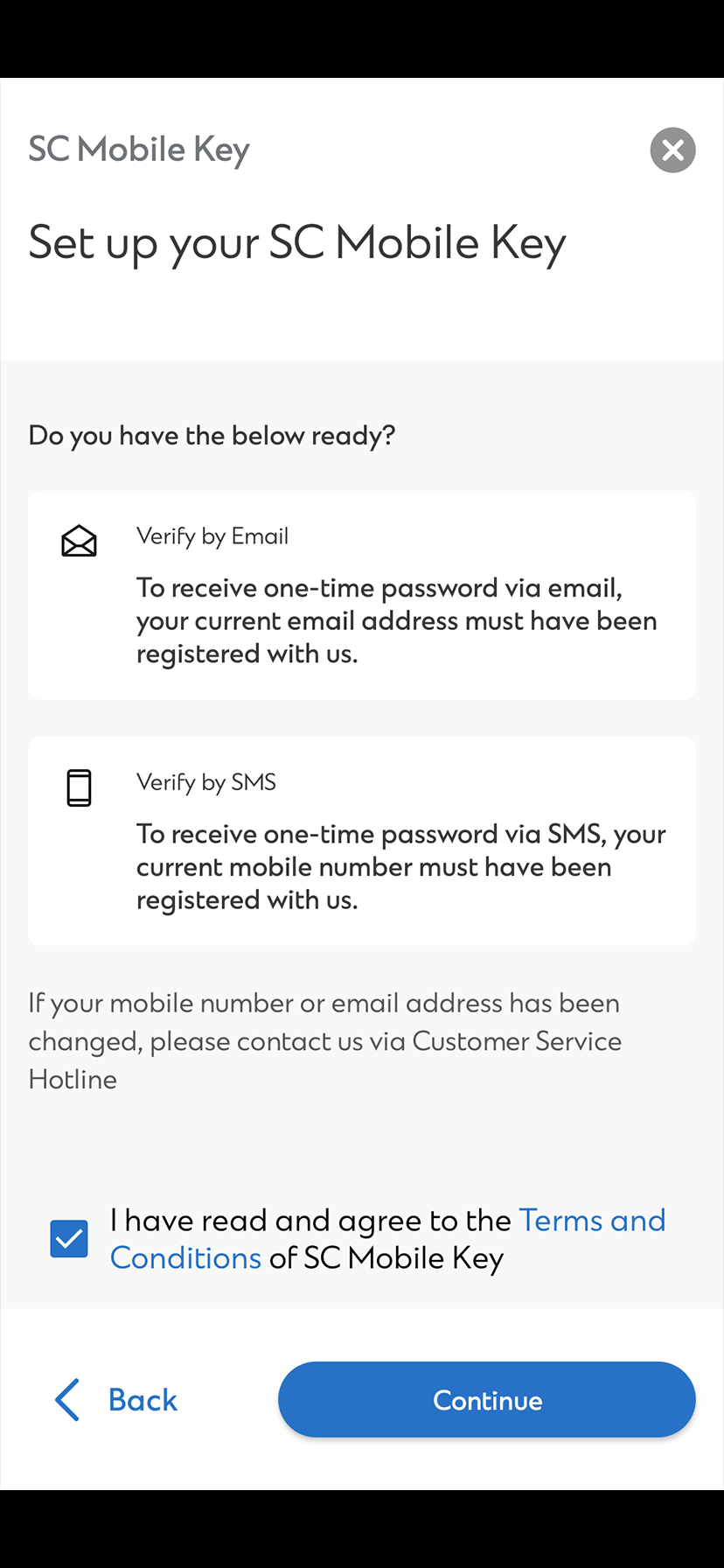
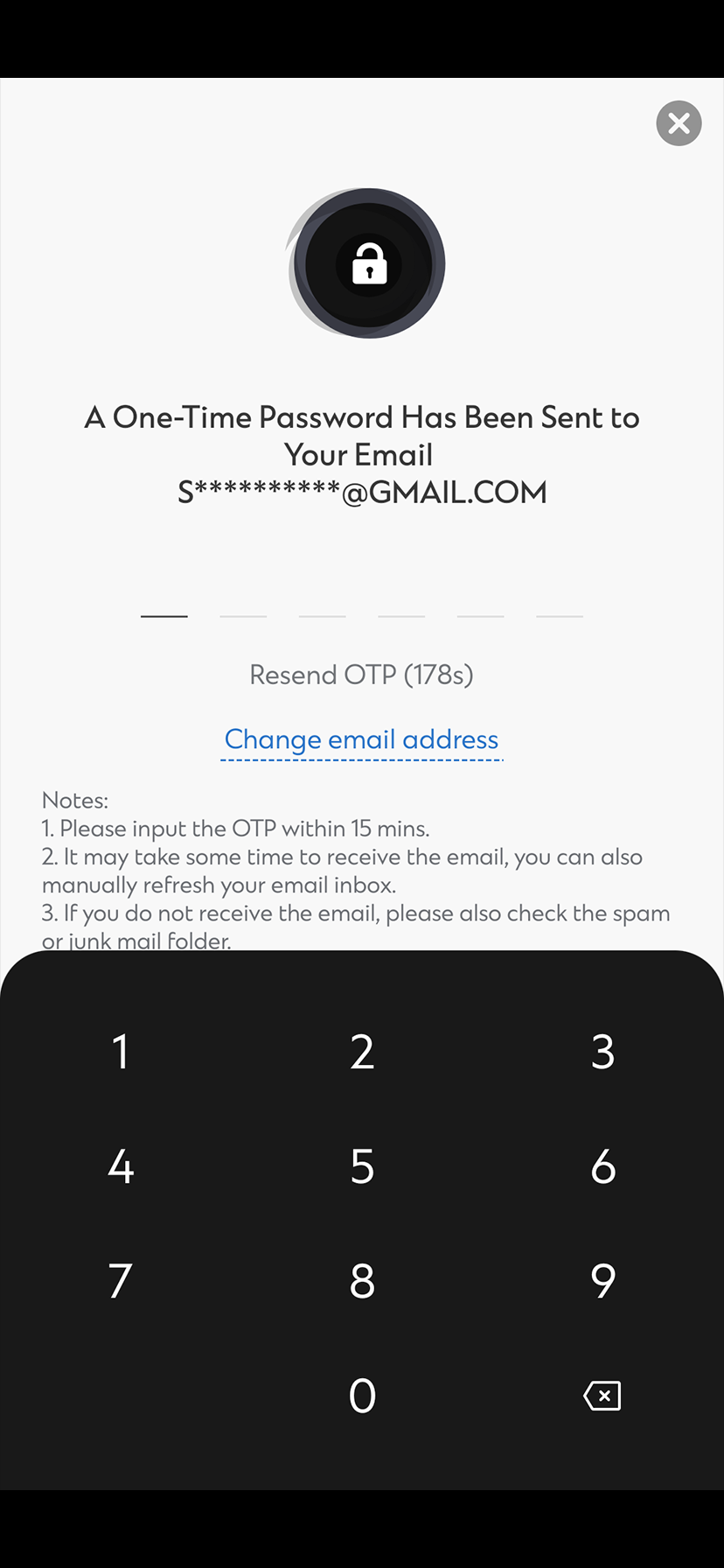
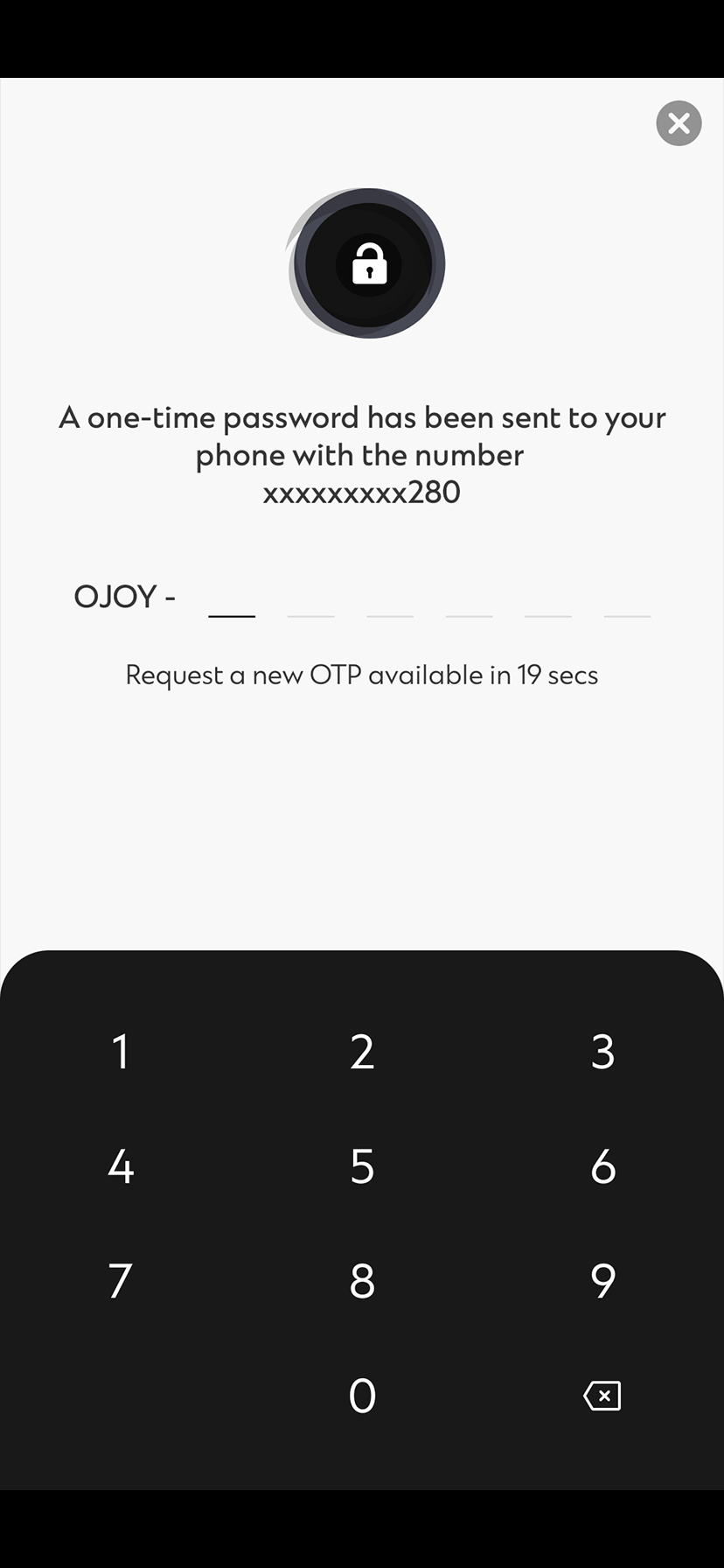
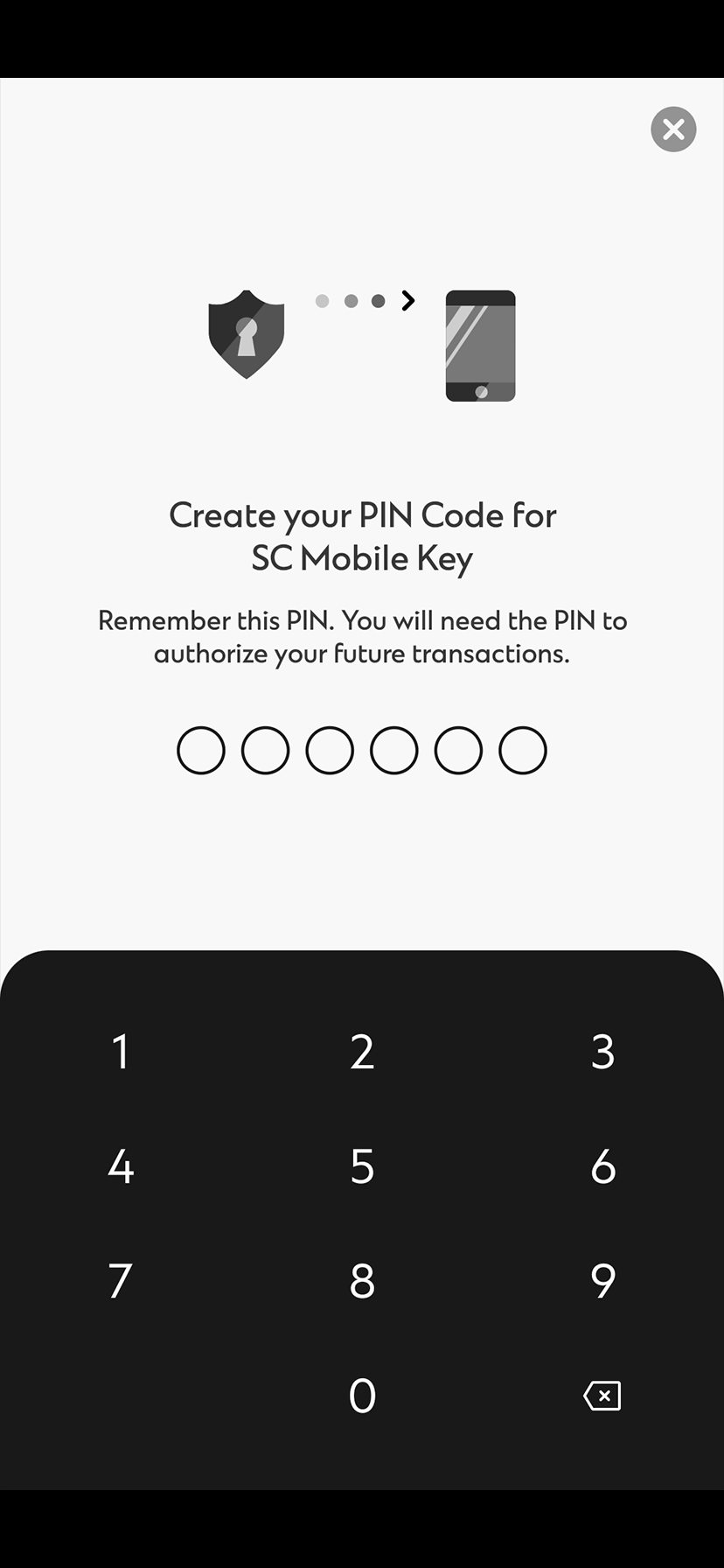
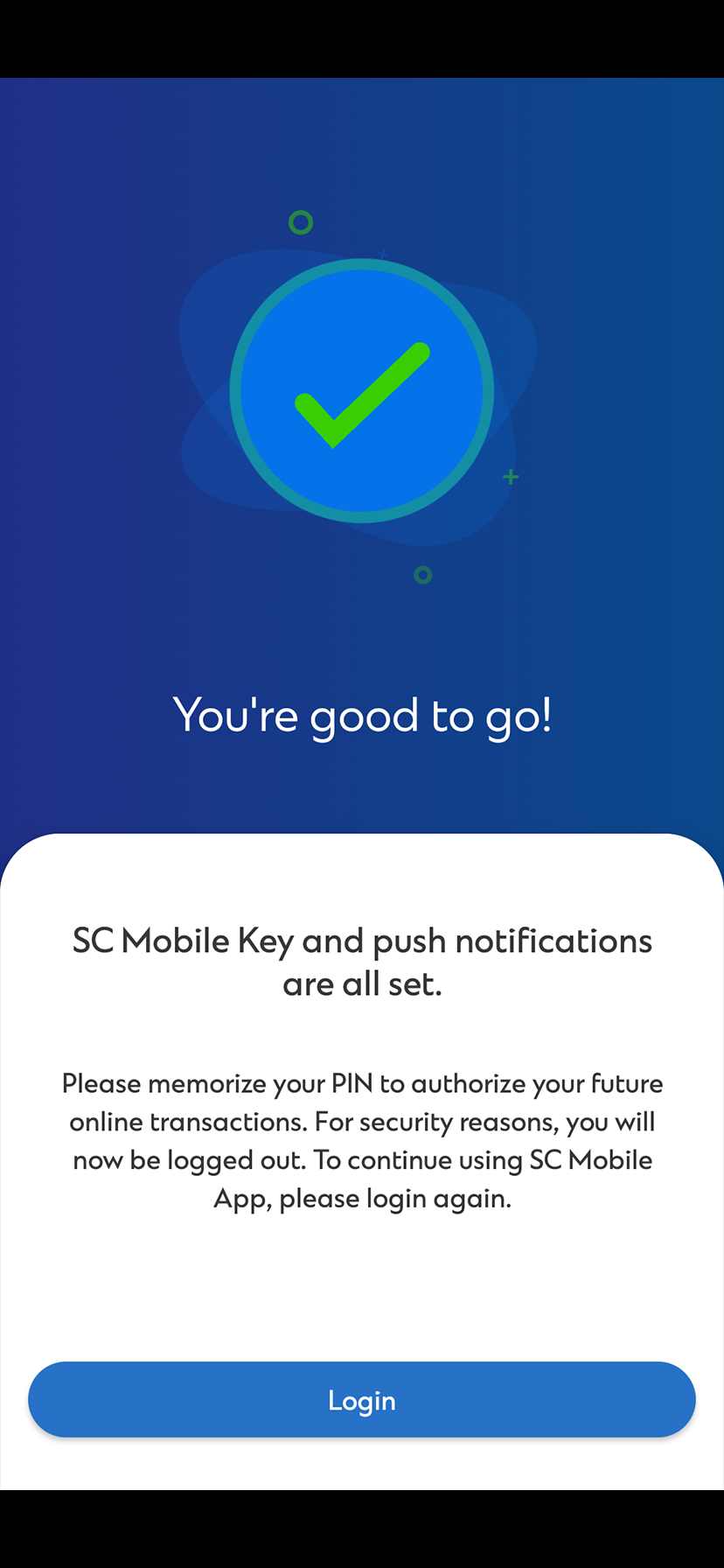
How to register SC Mobile Key?
How SC Mobile Key protects you:
- Login from a different device/ through online banking
- Perform high risk transactions
- Generate offline PIN
Login from a different device/ through online banking
Add an extra layer of protection with SC Mobile Key

Perform high risk transactions
Add an extra layer of protection with SC Mobile Key


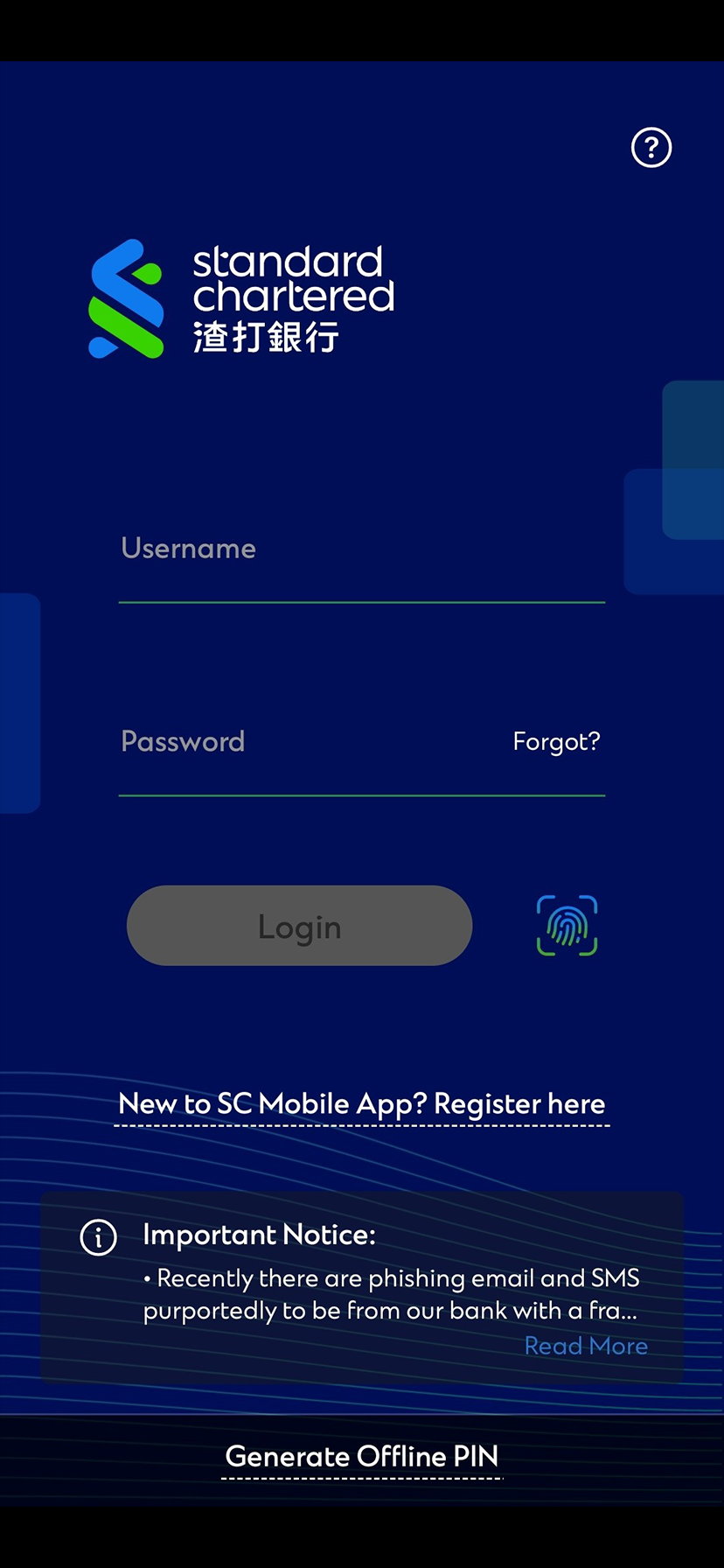
Generate offline PIN
Add an extra layer of protection with SC Mobile Key
Click here to know more about Offline PIN
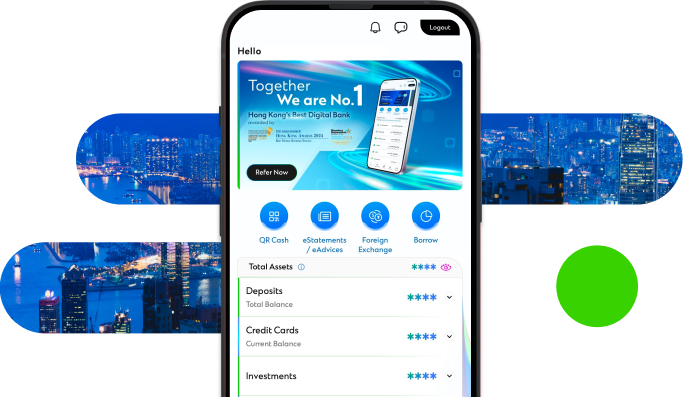
Manage your finances on the go
Experience SC Mobile App now

Scan QR code to download SC Mobile App now
for Android users without Google Play, please click here to download the Android application package (APK)



FAQs for Standard Chartered Mobile Key
SC Mobile Key is an enhancement to your SC Mobile App enable you to authenticate your banking login and transactions. With the SC Mobile Key bound and enabled on your mobile device, there is no longer need for any SMS OTP or/and transaction password.
Seamless: No longer will you need to key in your OTP from your SMS to authenticate your banking transactions or login to Online Equities. Let the SC Mobile Key handle them for you.
Secured: Performing high-risk transactions such as adding of a new payee, SC Mobile Key digitally signs your high-risk transactions adding a layer of security on top of the transaction.
Anywhere: Worried that your SC Mobile Key will not work when you’re overseas? Our SC Mobile Key has the capabilities to work even when you do not have data connectivity. Work in offline mode, you can generate your OTP and perform high-risk transaction signing using a challenge response code.
Download the latest SC Mobile App from your respective app stores. Login with your online banking username and password or Touch Login / Face Login, and you will be prompted to bind and register for the SC Mobile Key.
The SC Mobile Key 6-digit PIN provides an additional layer of security when you perform high risk transaction signing (e.g. add payee, update personal information, limit maintenance, etc) or when your mobile device is in offline mode. Only you who has knowledge of your SC Mobile Key PIN will only be able to perform these types of banking transactions.
You will be able to change your SC Mobile Key PIN by going into “Settings” in the side menu after login SC Mobile App. Then, select “Manage SC Mobile Key” => “Change PIN for SC Mobile Key”.
As part of the registration for digital banking, customers will need to register for SC Mobile Key, which is only available via SC Mobile App.
Starting from SC Mobile App version 7.6.8, you will only be able to log in to the SC Mobile App on one mobile device with SC Mobile Key registered (such as mobile phone, tablet). If you have more than one mobile devices, please ensure that the SC Mobile Key is registered on a secure and reliable mobile device. When you switch to another mobile device, you will be required to transfer and re-register the SC Mobile Key with a 6-digit pin, while the SC Mobile Key on the old device will be invalid immediately.
