Standard Chartered Bank

SC Mobile HK

Standard Chartered Bank

FREE - In App Store

GET

SC Mobile HK

Standard Chartered Bank

FREE - In Google Play

GET

SC Mobile HK

Standard Chartered Bank

FREE - In App Gallery

GET

Faster Payment System (FPS) – Real-time transfers and payments for free


Faster Payment System (FPS)

Explore transfer and payment services by FPS for managing your daily finances easier

Why SC Pay (FPS)

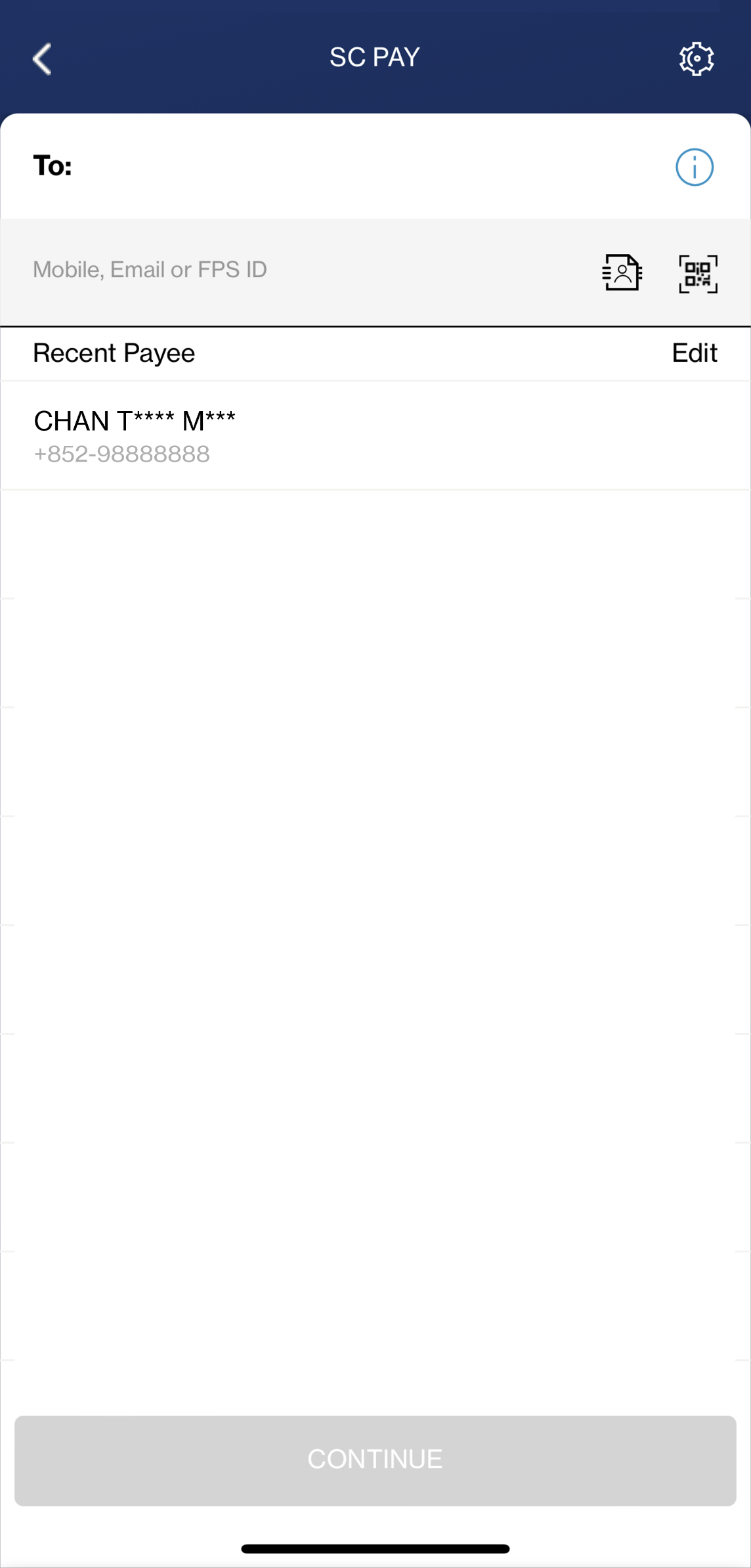
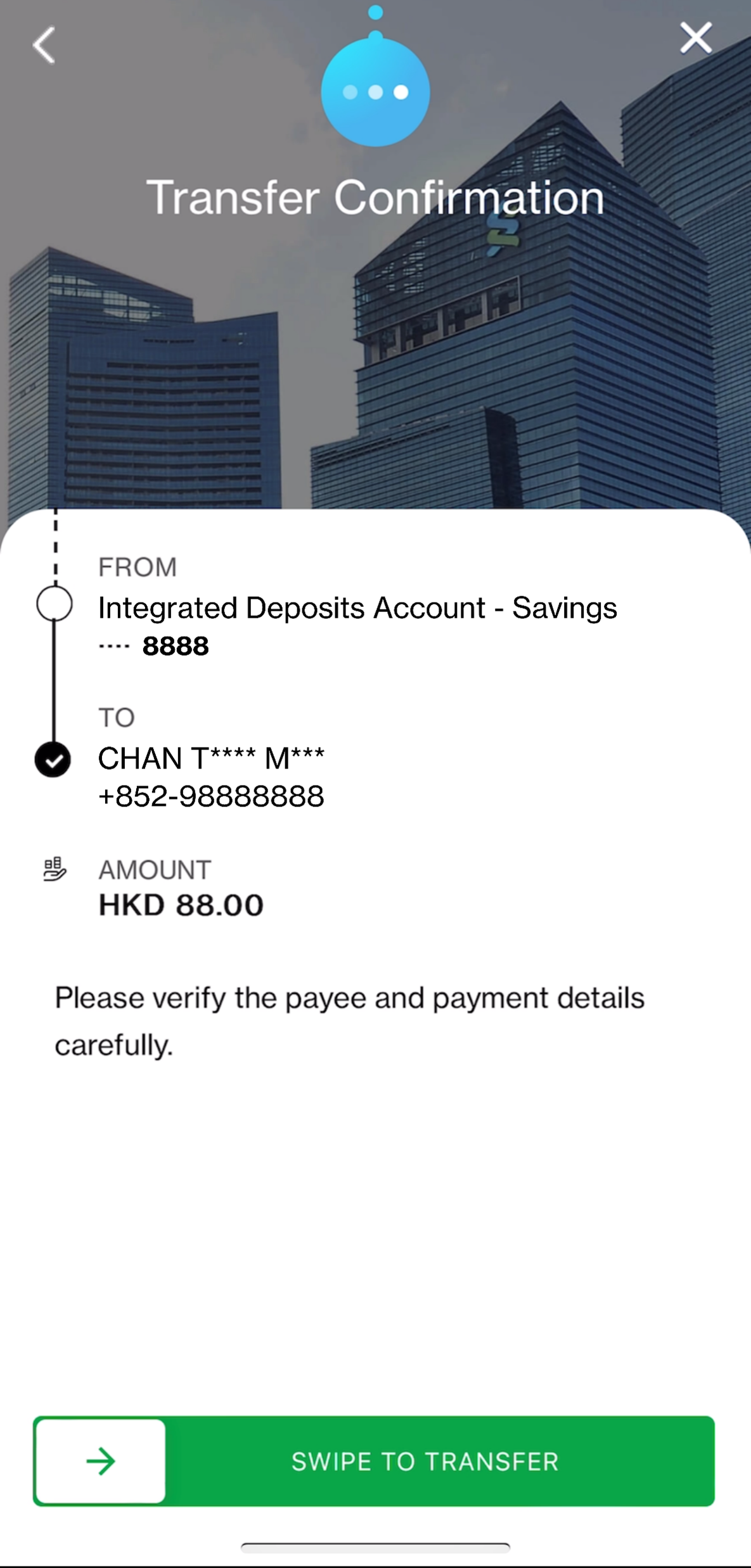
24/7 Instant payment and transfer

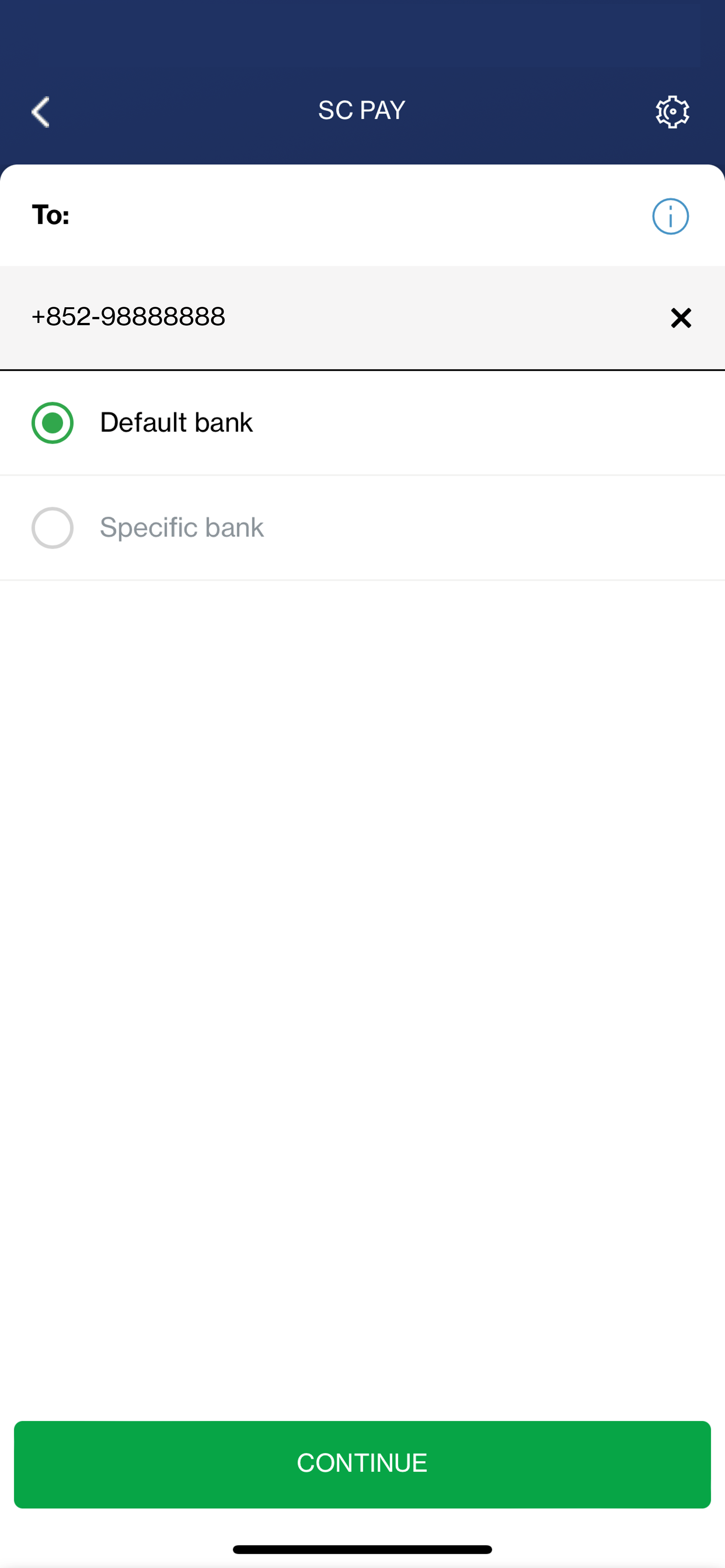
Send or receive money instantly with just a mobile number, email address or FPS ID – Bank account number no longer needed

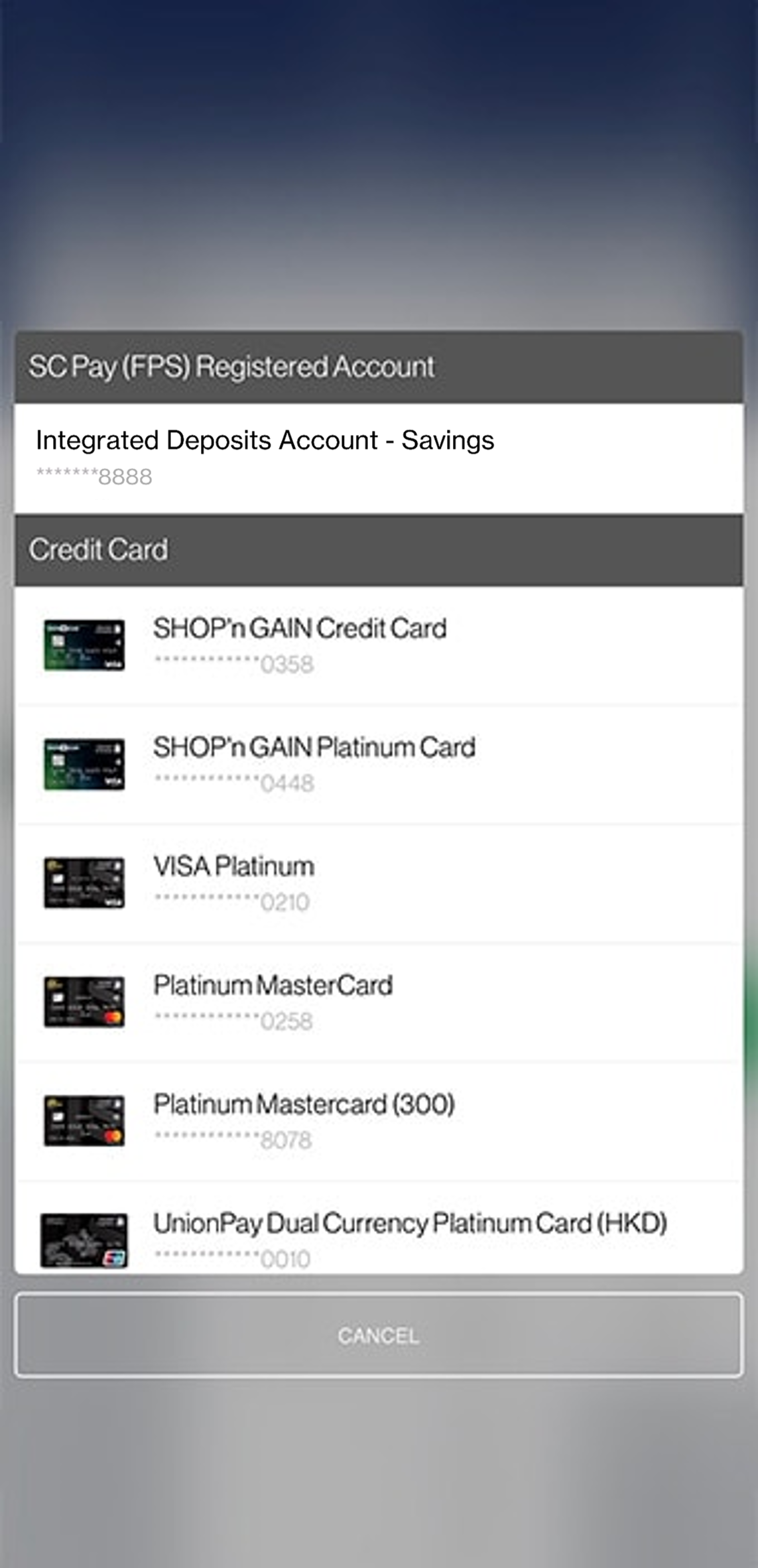
Transfer from bank account or credit card

Add flexibility to choosing your source account while paying via SC Pay (FPS)

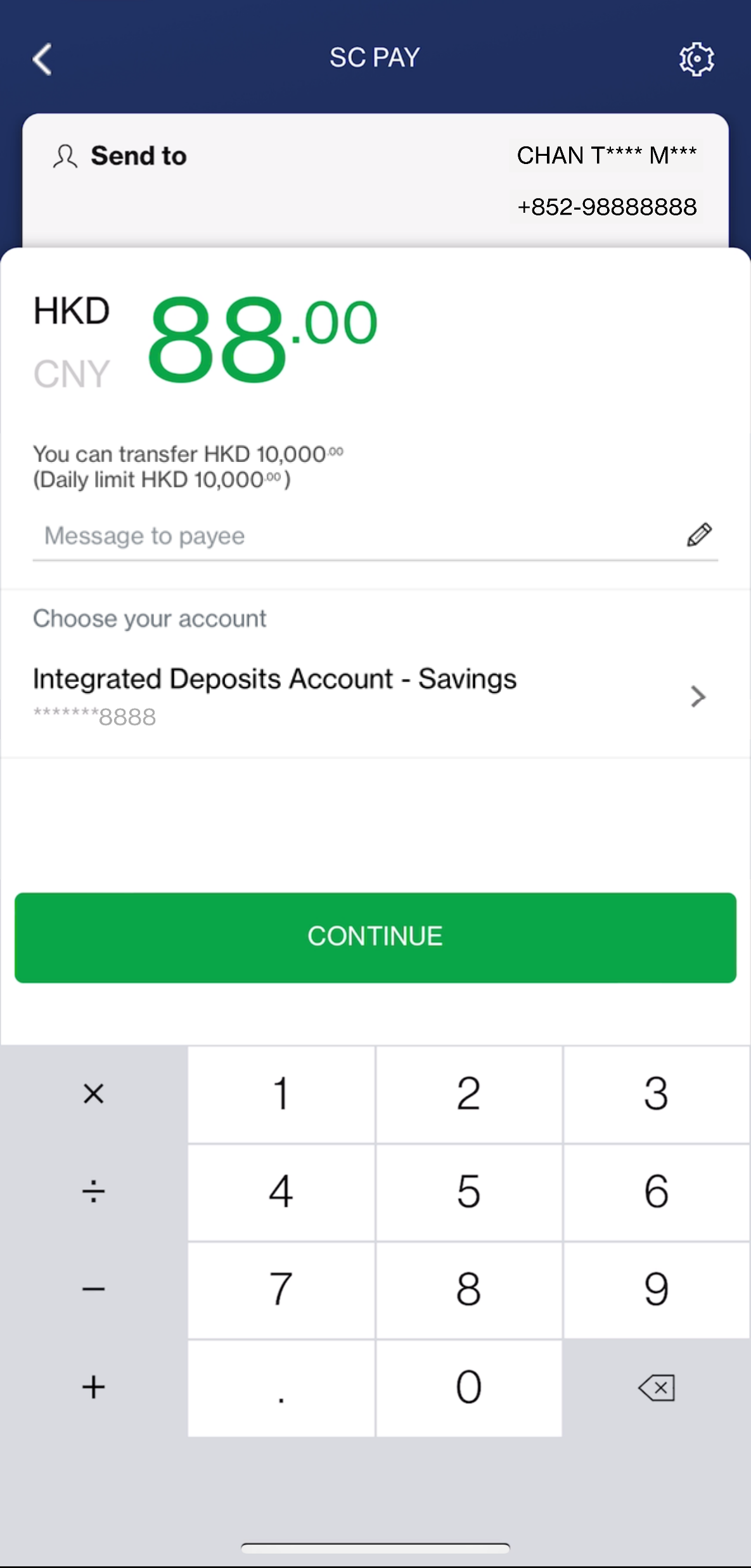
Pay in Hong Kong Dollar or Renminbi

Real-time and free of charge local transfer in both currencies

Pay in a fun way

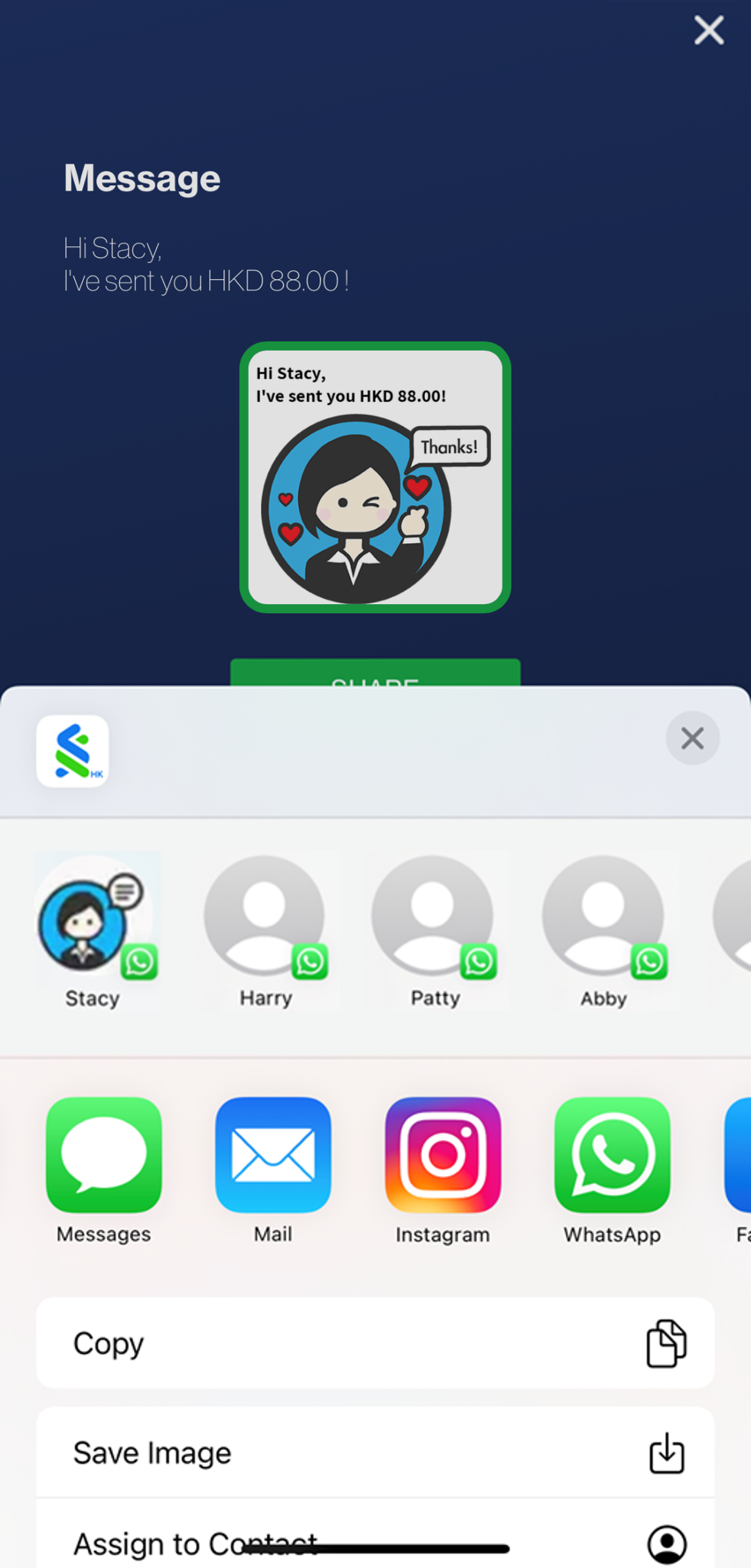
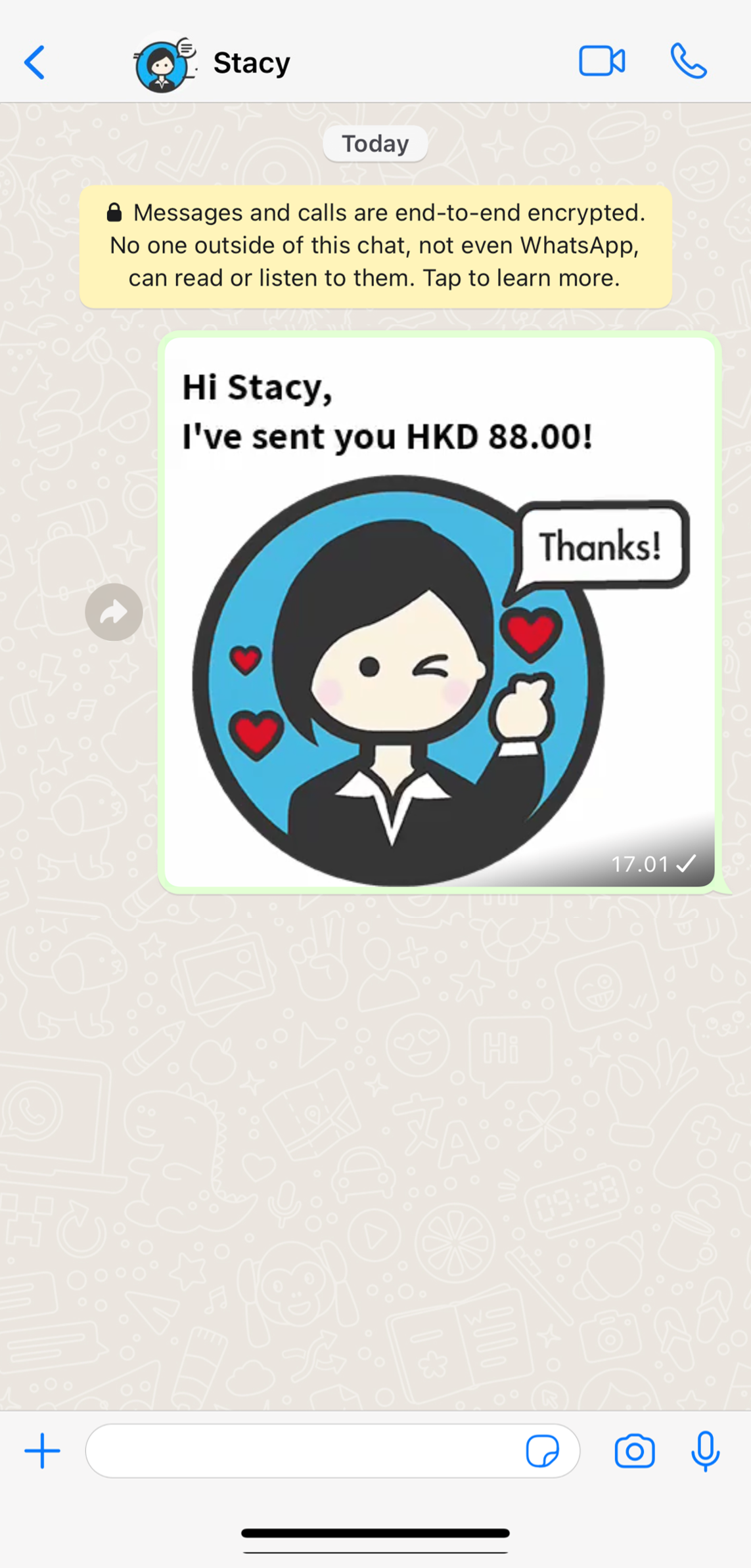
Delight your friend with fun-filled animated stickers created by popular illustrators upon each successful transaction via SC Pay (FPS) Learn more
  1. From 1 August 2021 onwards, if you have enabled Push Notification service in SC Mobile App or maintained your email address with the bank, instead of SMS, you may receive email or Push Notification when you receive money via FPS.
  2. The daily limit of Non-registered Payee Transfer is uplifted to HKD300,000 effective from 25 June 2023. For details, please refer to here .

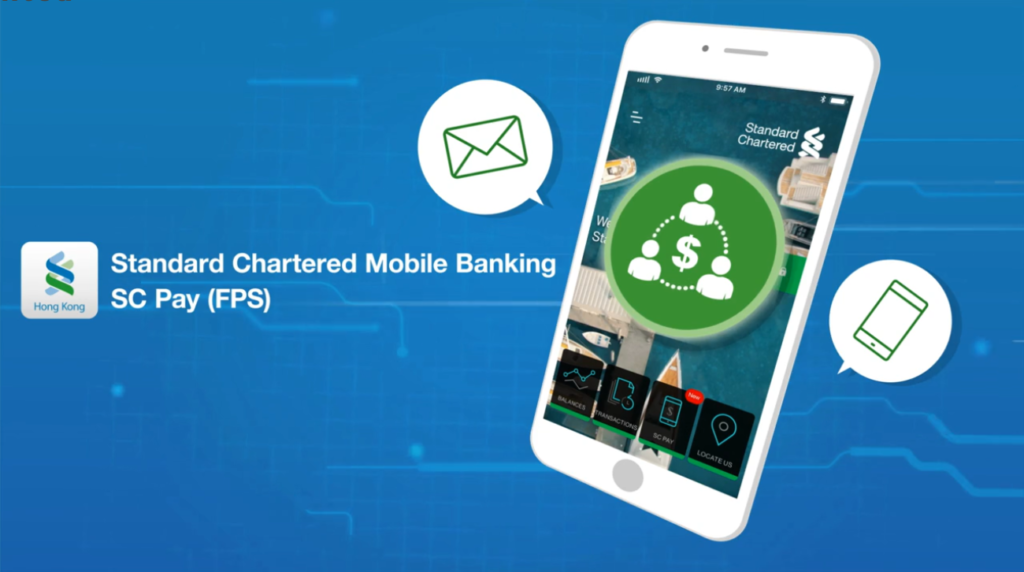
SC Pay (FPS) made payment easier

Introduction for SC Pay (FPS)

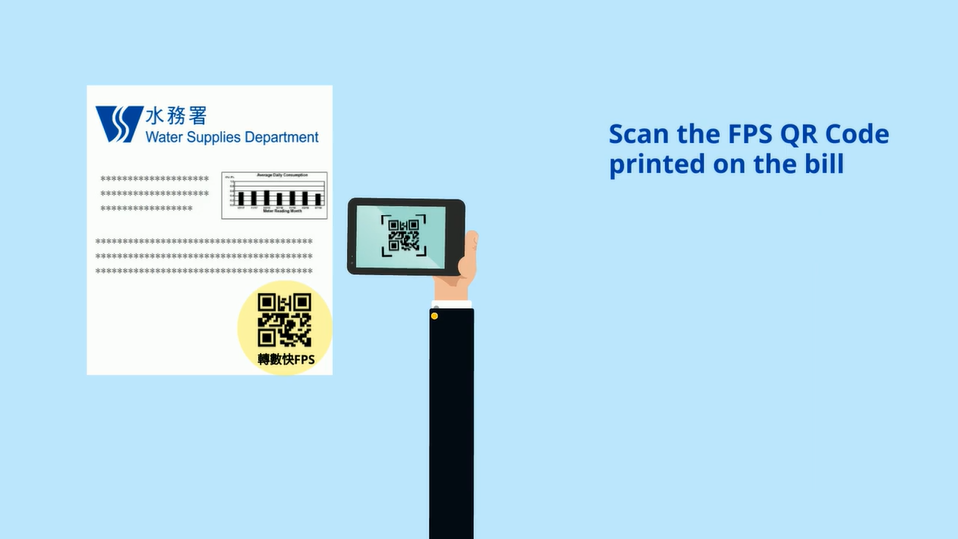
Paying government bills with FPS QR Code

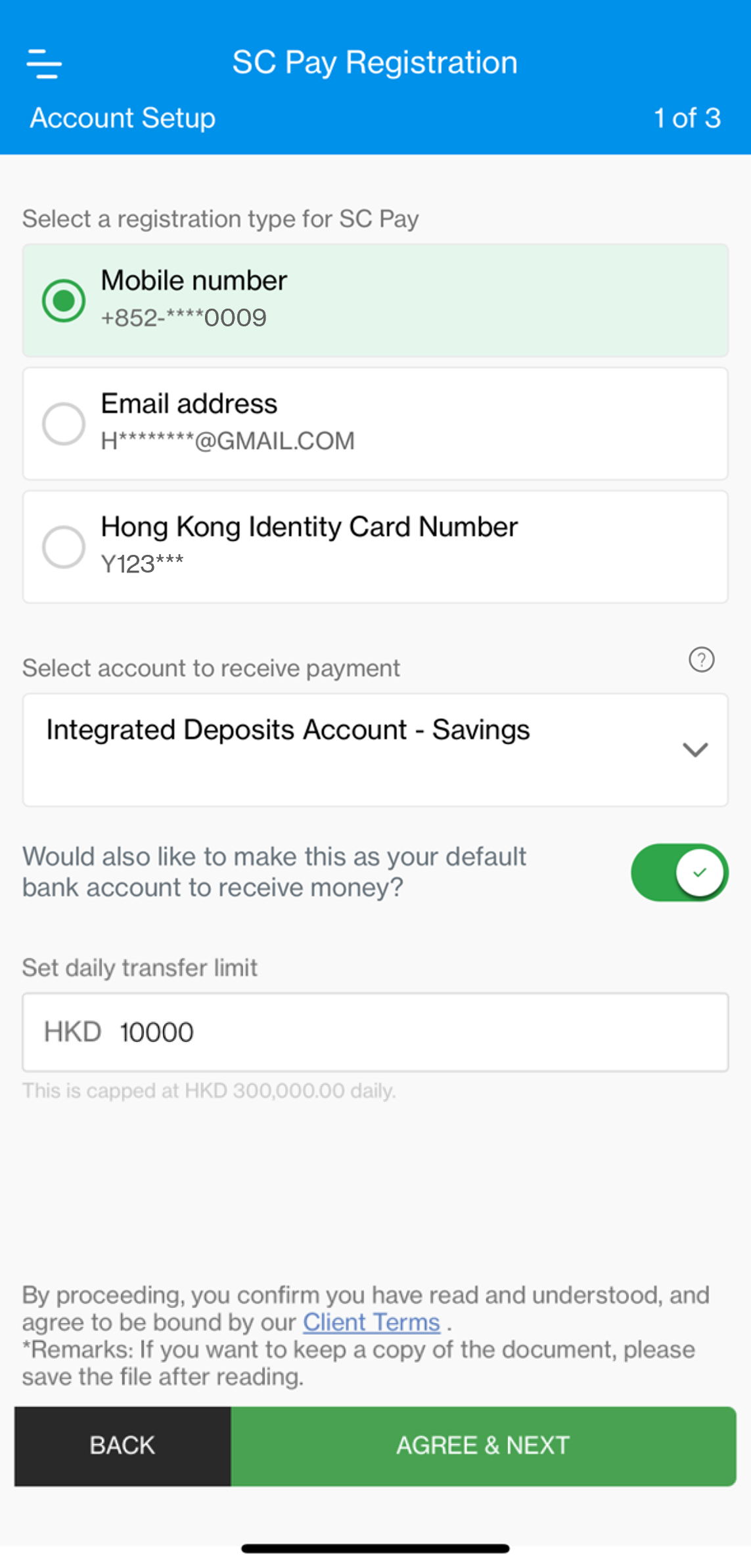
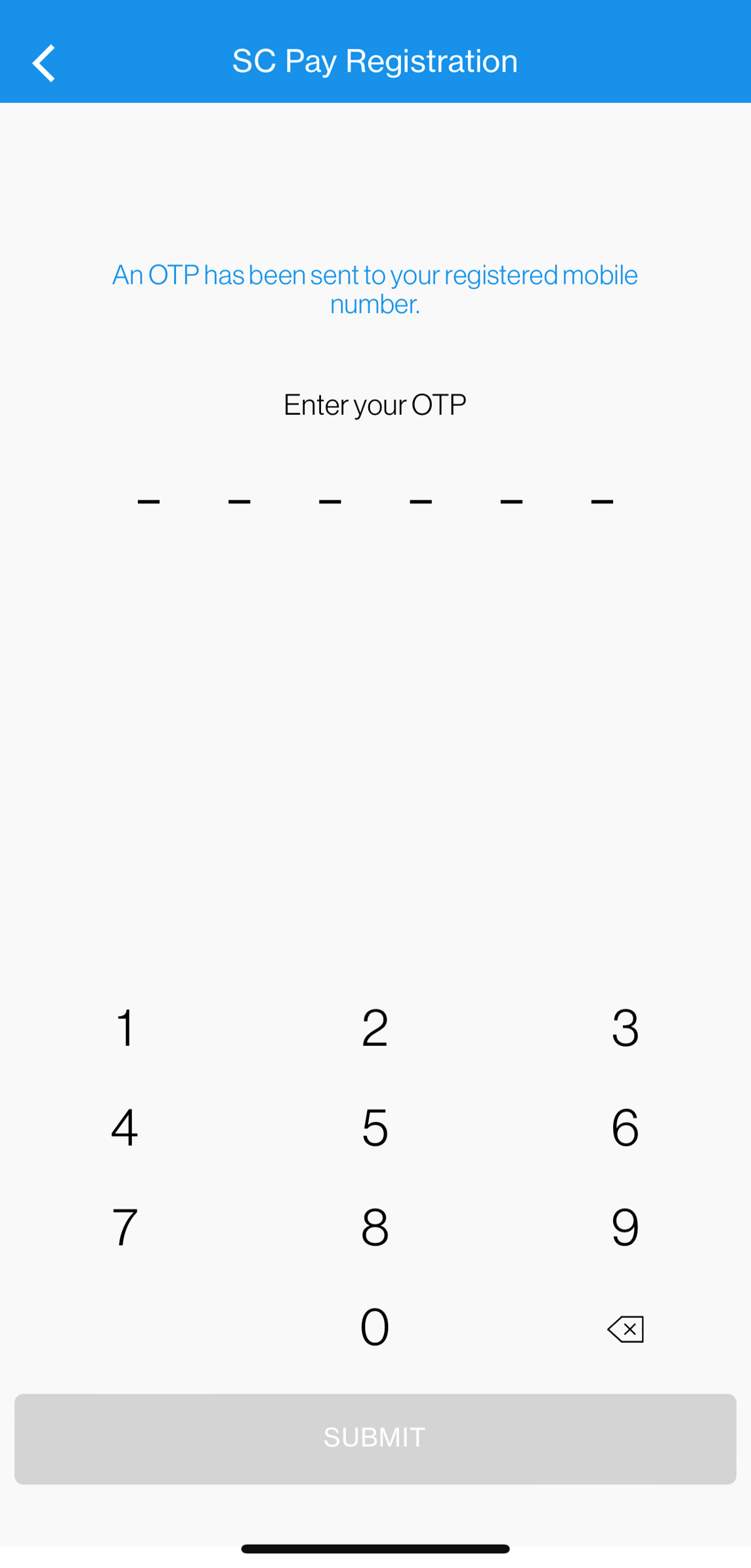
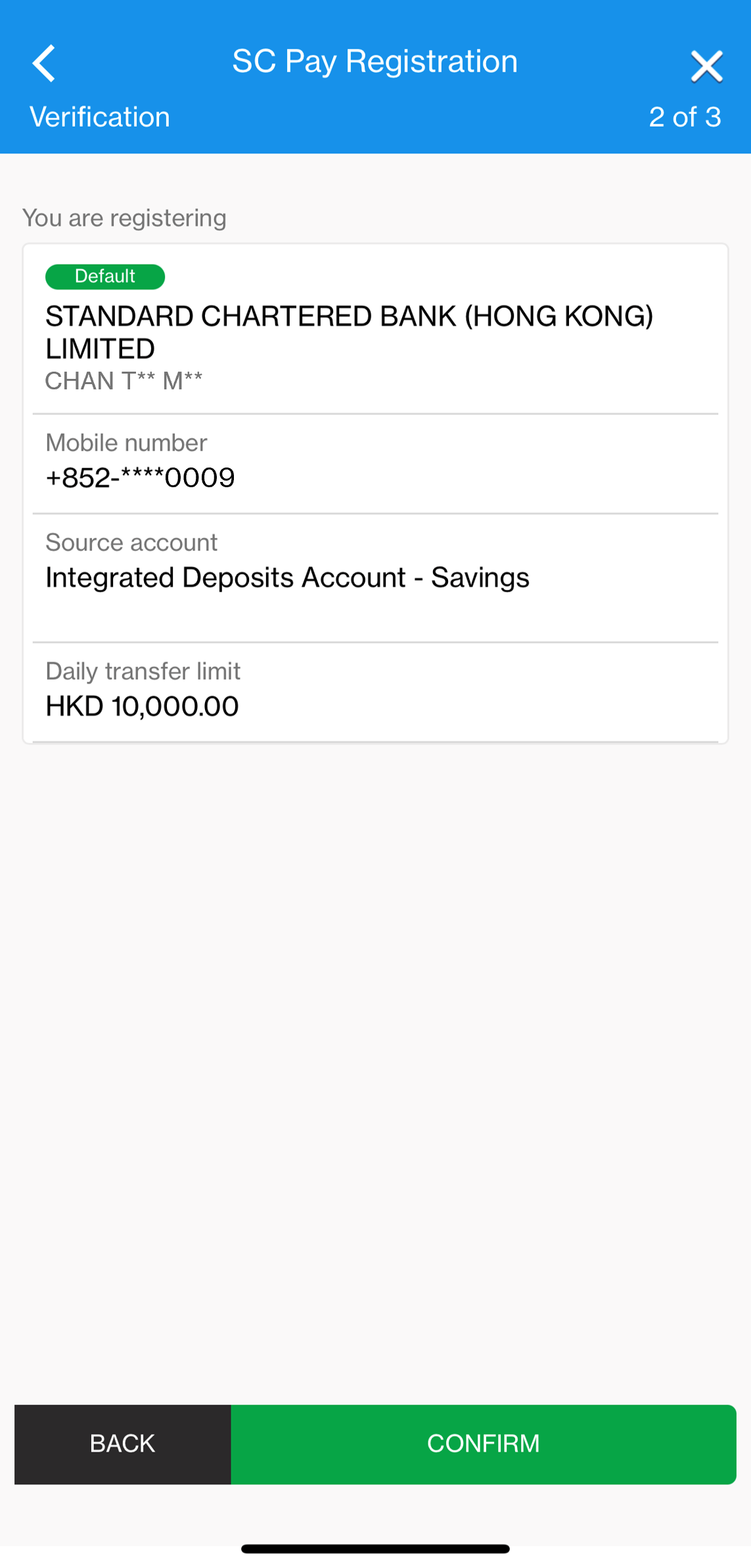
How to register SC Pay (FPS)


Standard Chartered provides an all–in-one digital banking services.


INVEST FROM HOME. BANK FROM HOME.

Manage your finances on the go

Experience SC Mobile App now

/content/sc/hk/zh_hk/help/deposits/mobile-account-opening

Scan QR code to download SC Mobile App now

for Android users without Google Play, please click here to download the Android application package (APK)
You can receive money from any FPS registered bank account or licensed Stored Value Facilities upon successful service registration. Simply provide the payer your registered Proxy ID (mobile number or email address) and once they submit the payment via their banks, the amount will be automatically credited to your default bank account.

You can check your SC Pay(FPS) transaction via the following:

  • Registered account balance via Online Banking and SC Mobile App
  • ‘Transfer History’ via Online Banking
  • ‘Transactions’ of ‘Pay & Transfer’ via SC Mobile App
  • Bank or card statement of registered account

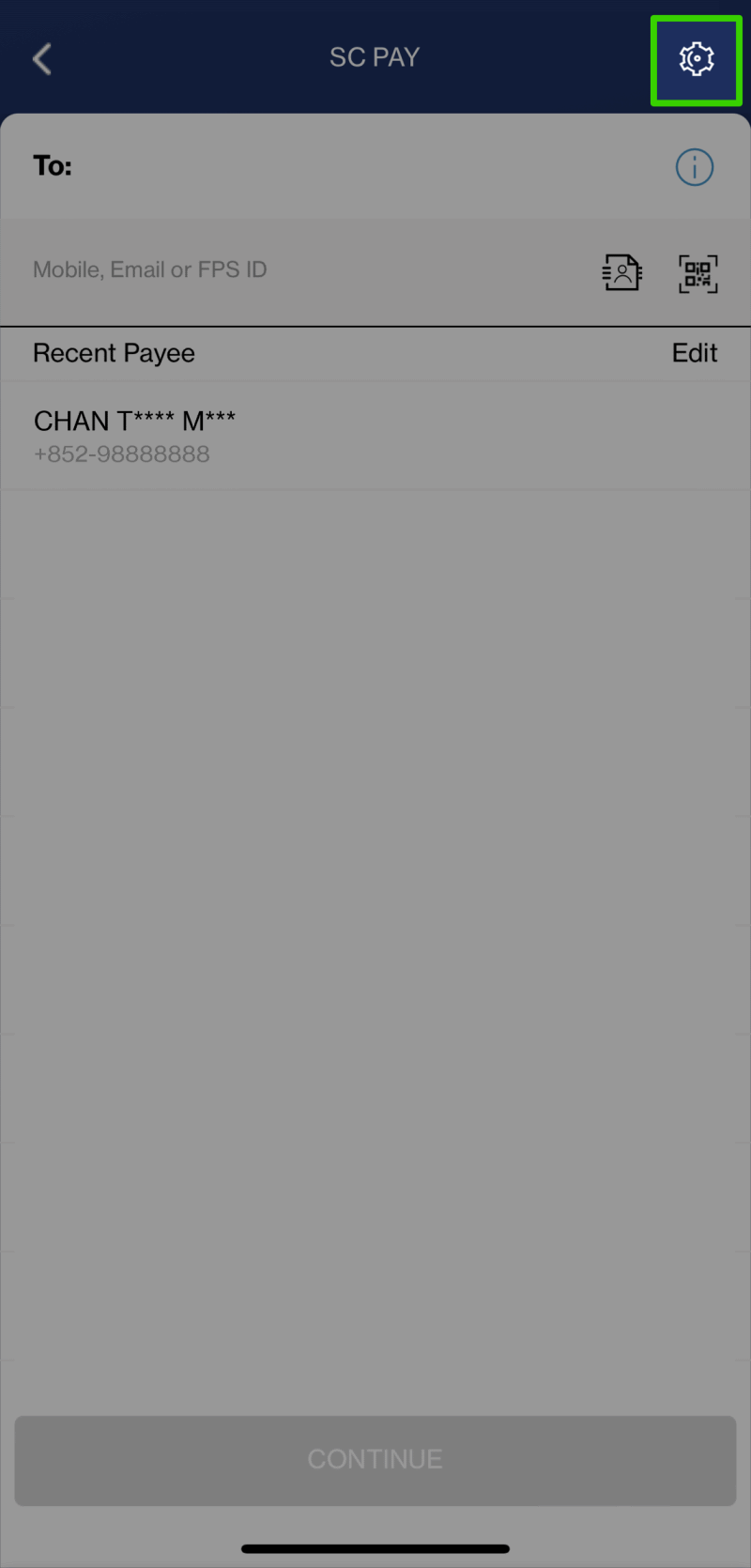
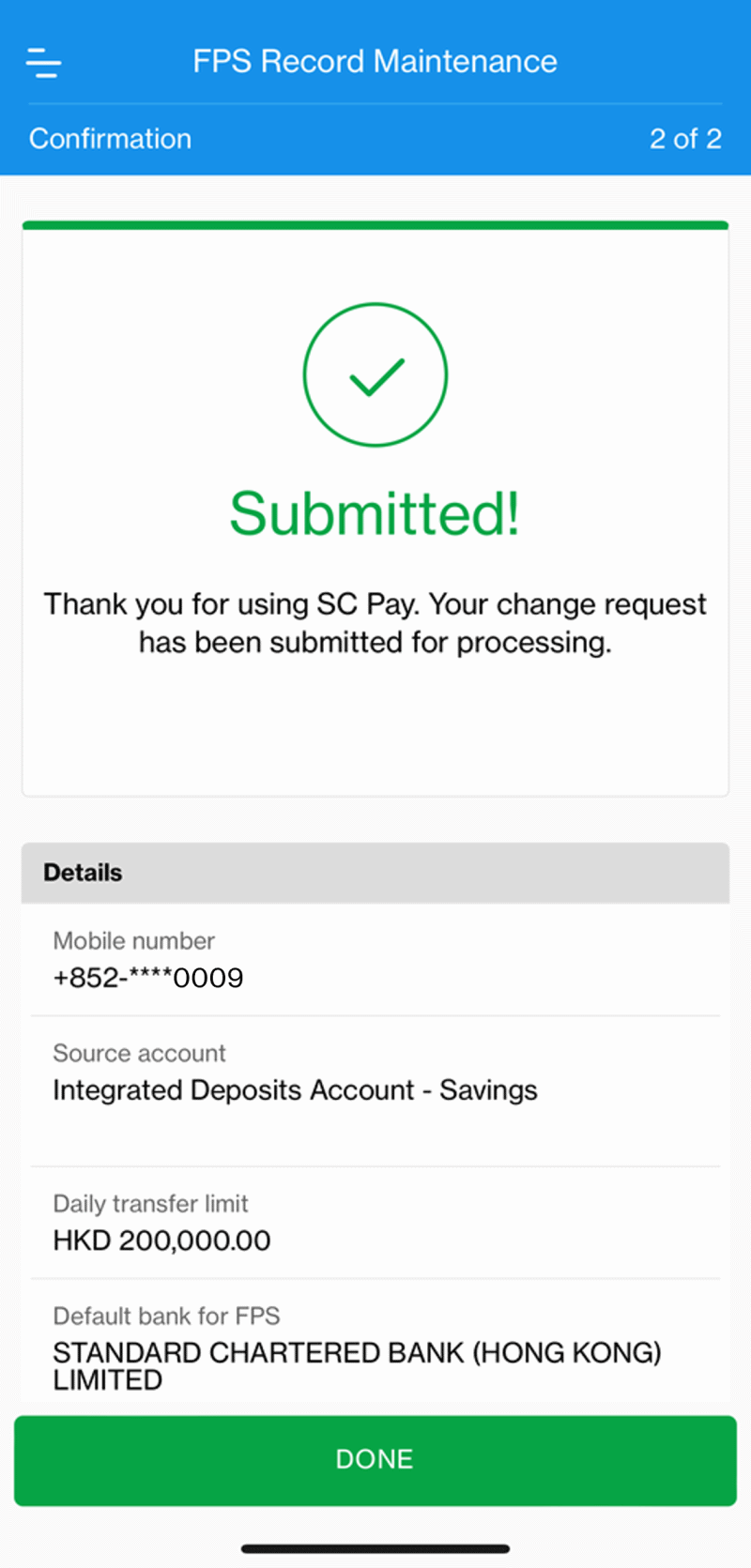
You can login to SC Mobile App, go to “Pay & Transfer”, then “Manage” and select “SC Pay (FPS) Registration and Settings”. In the SC Pay(FPS) Settings page, you can configure your SC Pay (FPS) settings.

No, credit card can only be used for sending money via SC Pay (FPS) but not for receiving payments.

No, as credit card can only be used for sending money via SC Pay (FPS) but not for receiving payments, you can only register SC Pay (FPS) with a valid Standard Chartered Current or Savings account.

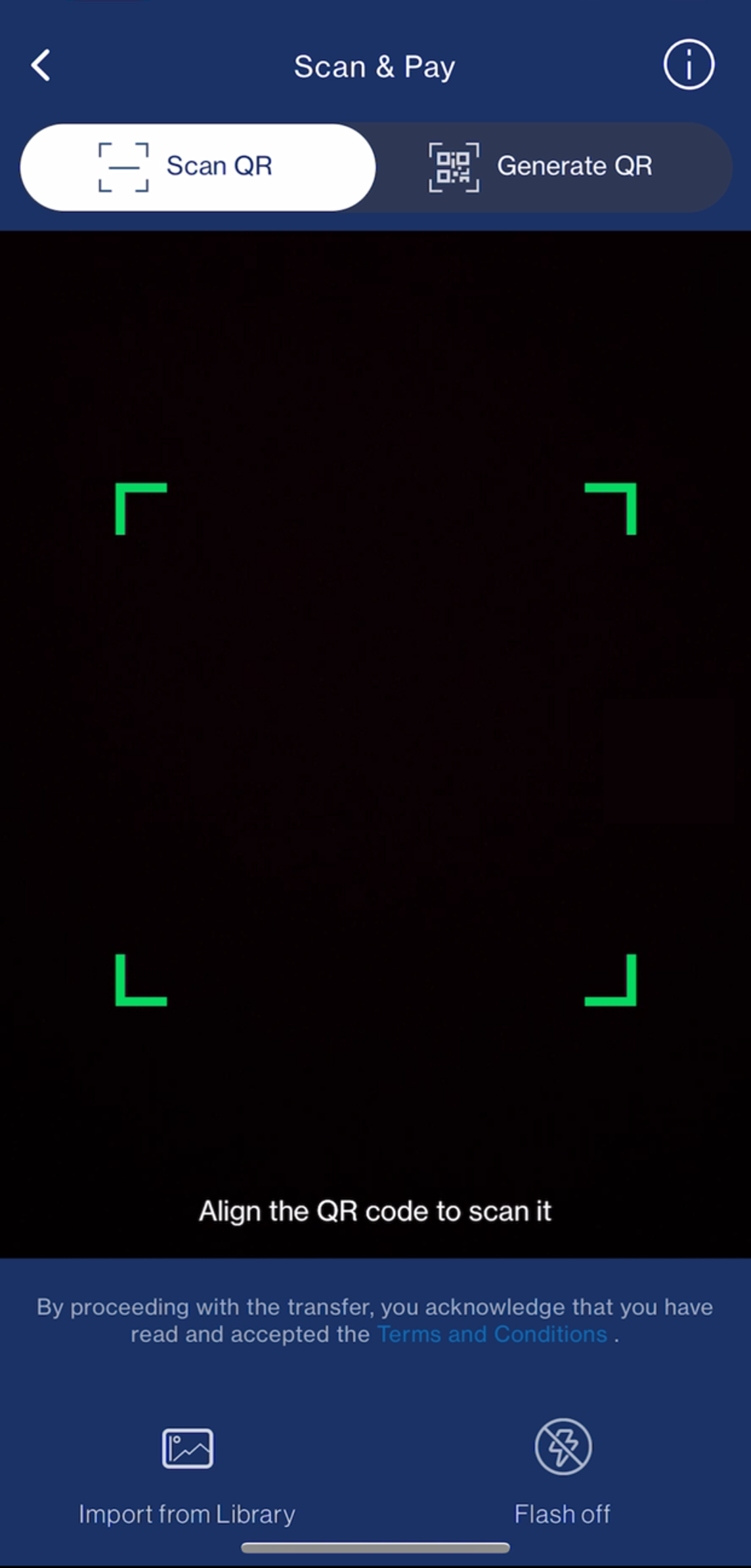
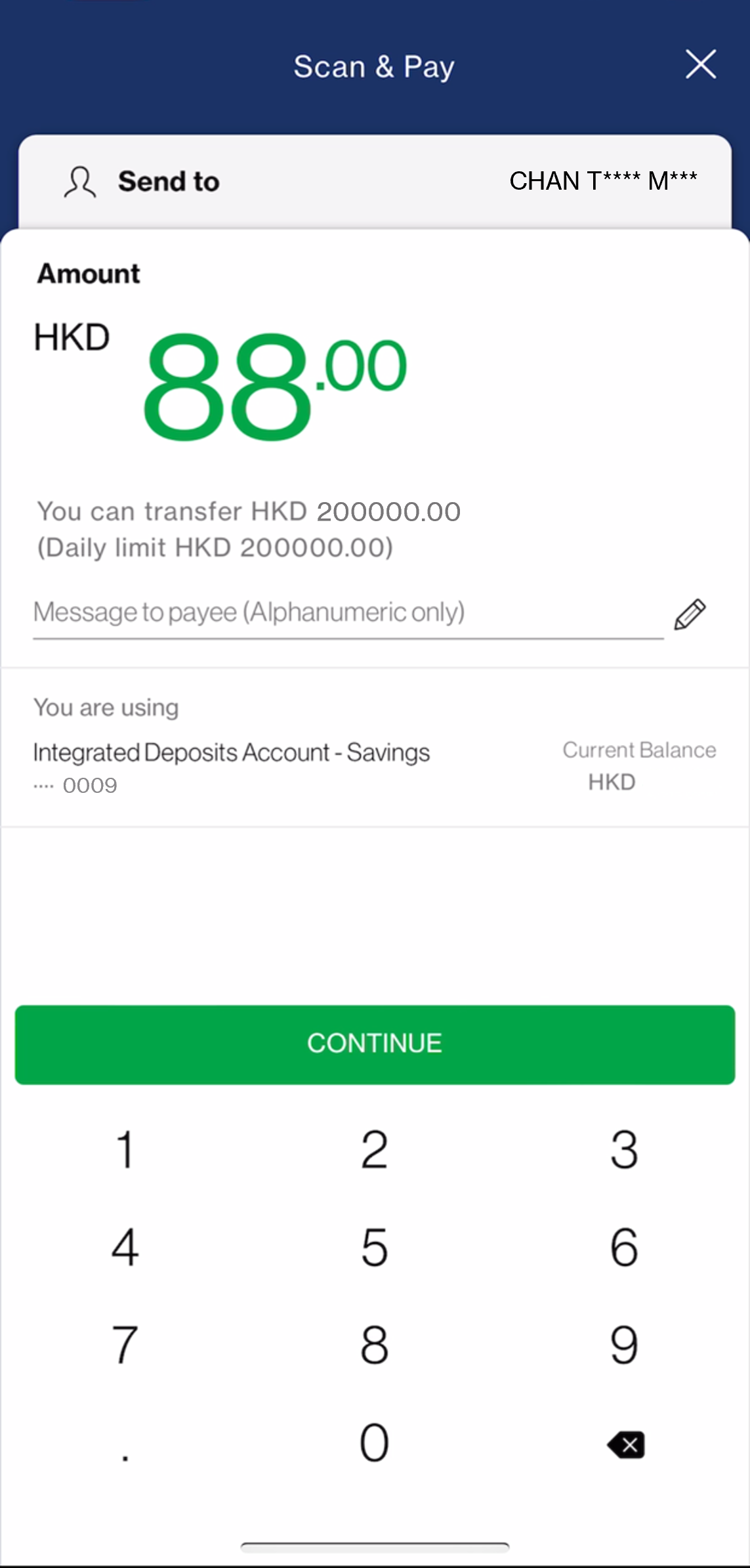
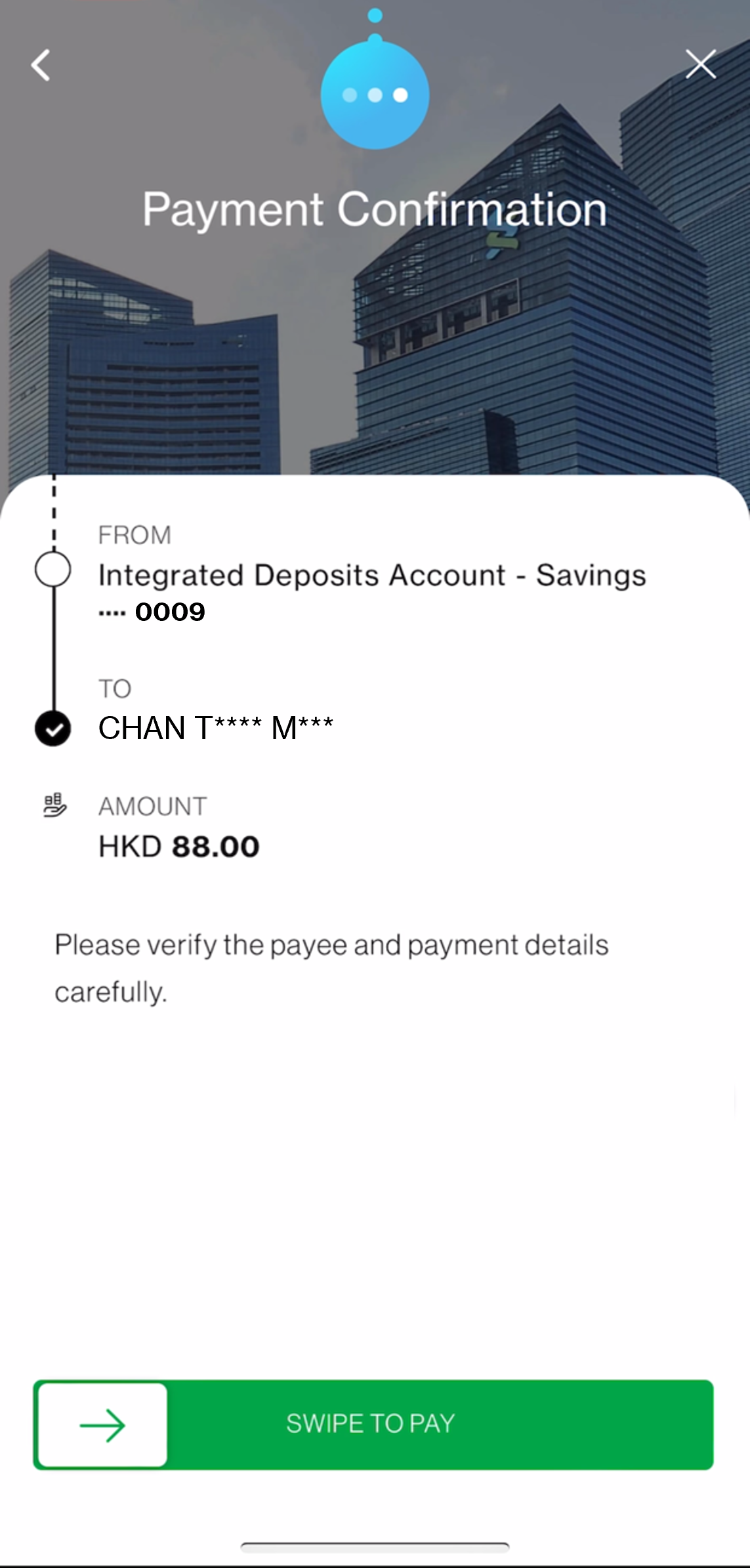
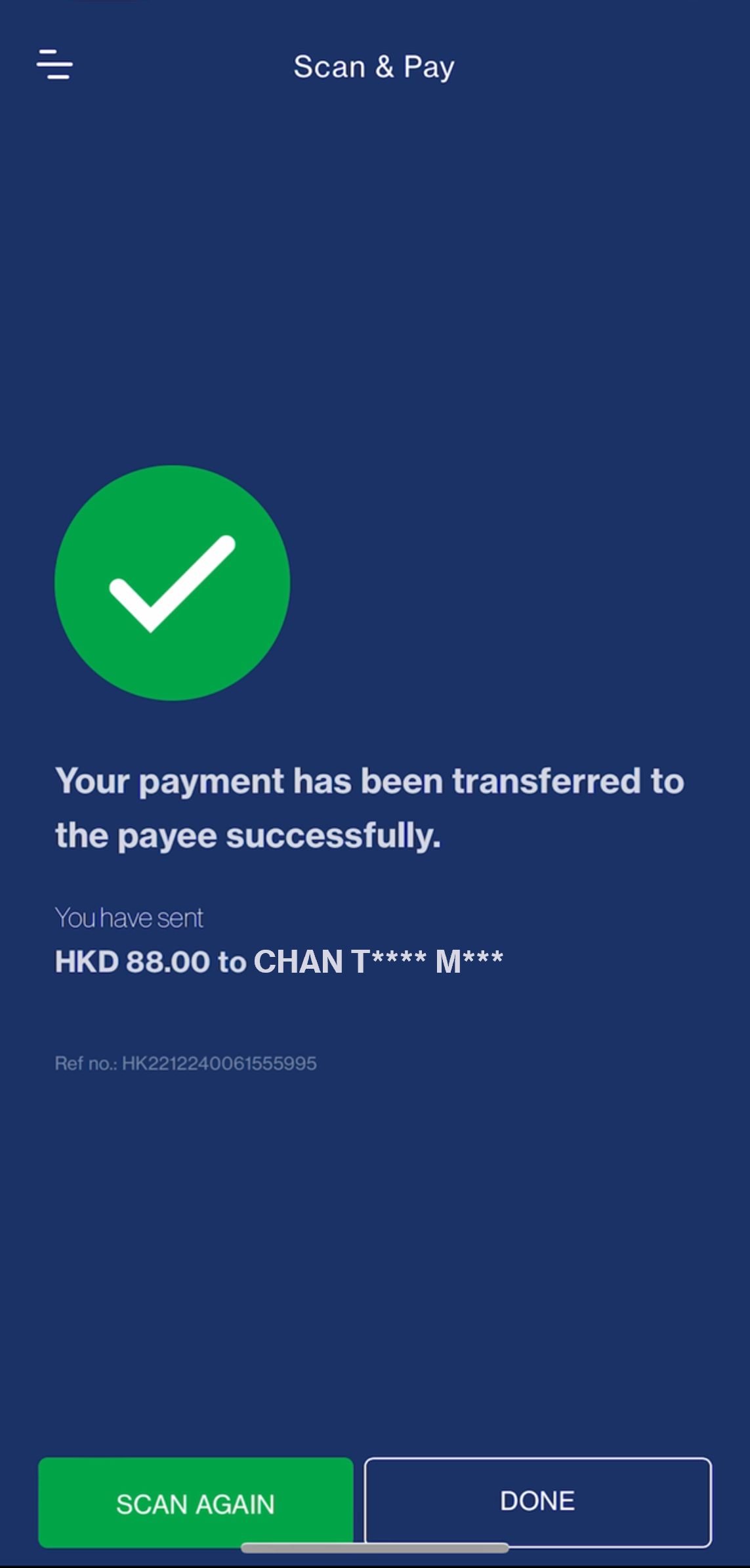
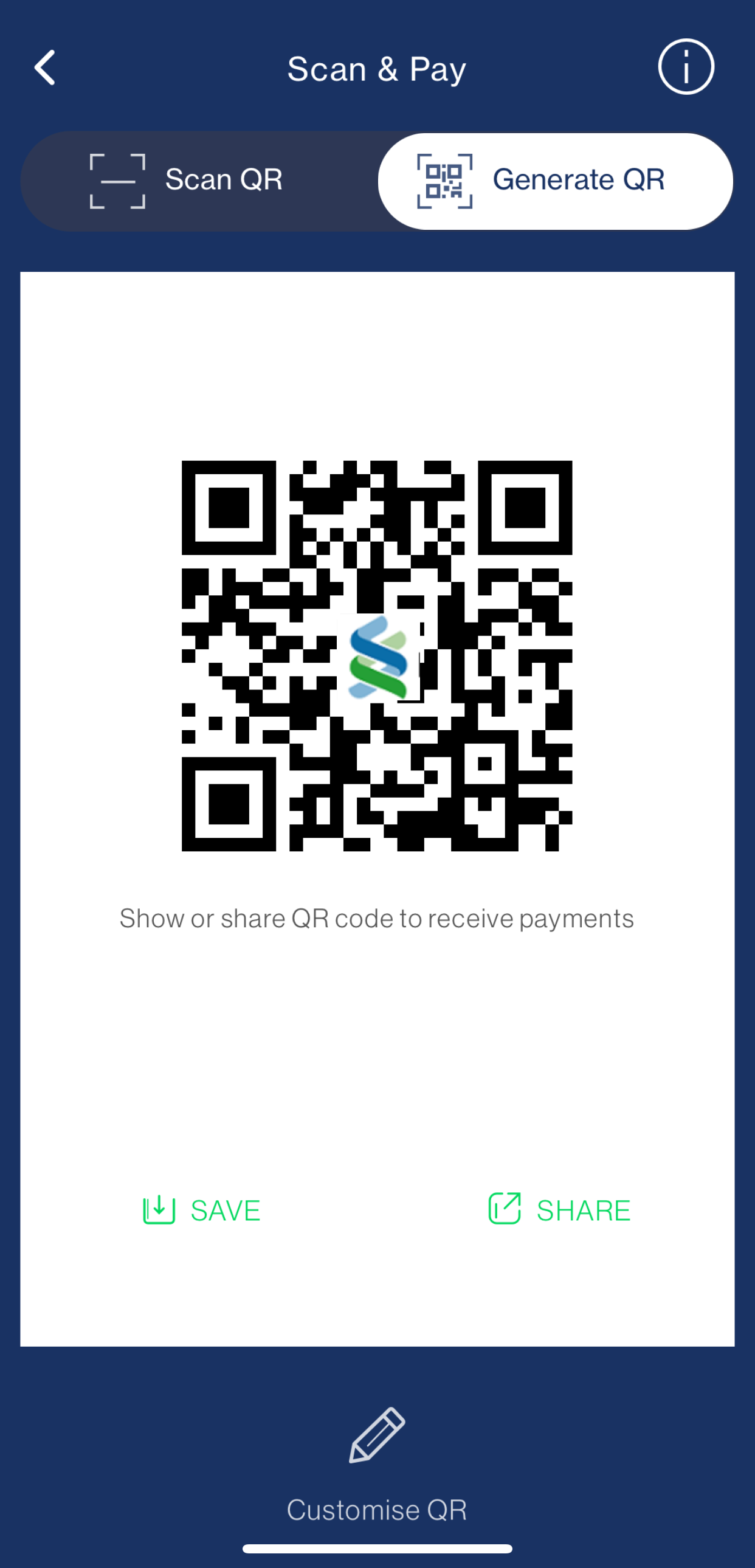
‘Scan & Pay’ is a payment service using QR code (Quick Response Code) compatible with the Faster Payment System (“FPS”) through which you can send payments from your eligible source account to a QR Payee by simply scanning the QR Payee’s QR Code and receive payments via this service by generating a QR Code using the SC Mobile App and applications as specified by us from time to time.

‘Scan QR’ is a function that allows you to send/transfer money to friends or merchants simply by scanning a FPS QR code of your friends and merchants. You can also import your friends’ and merchants’ QR code from your device’s photo library.

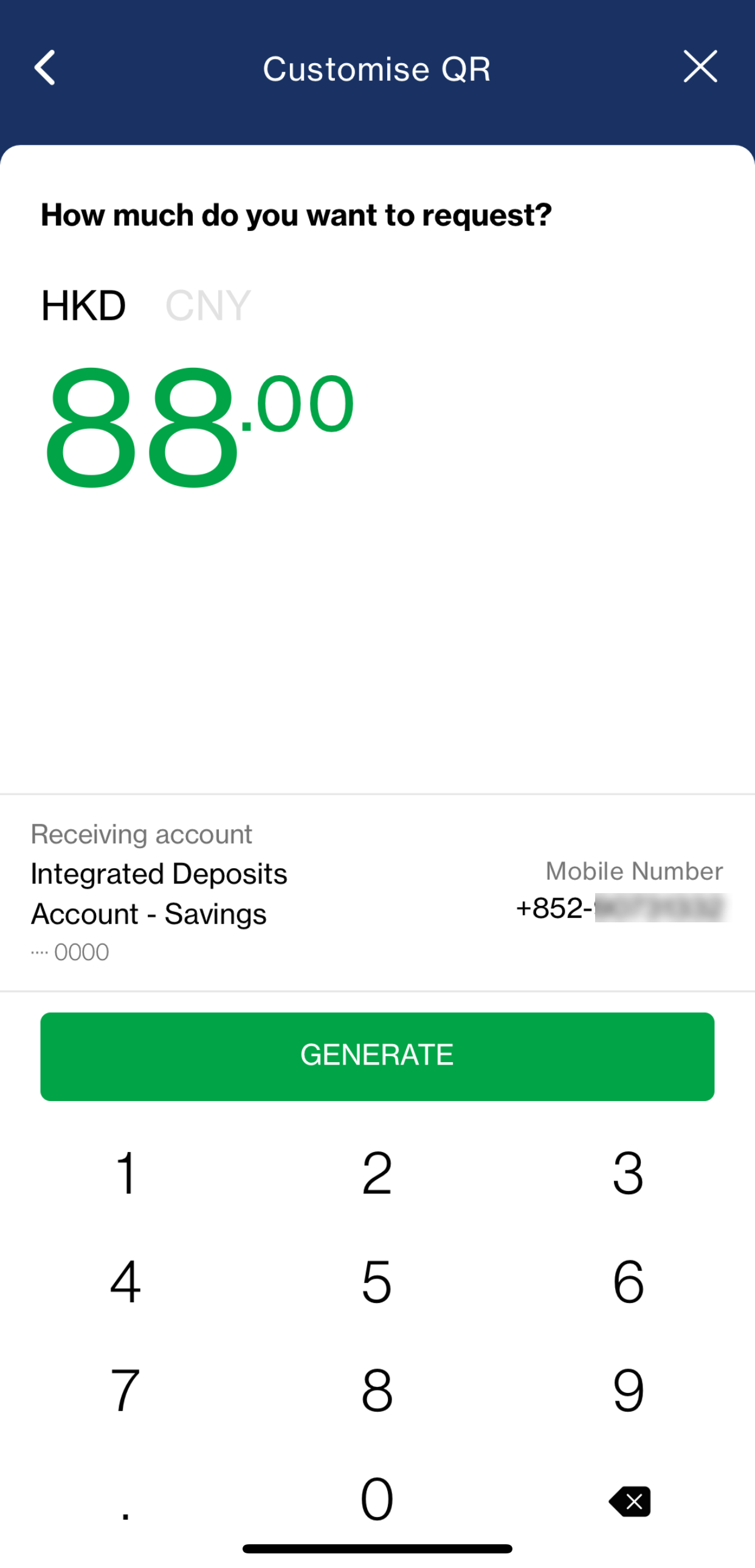
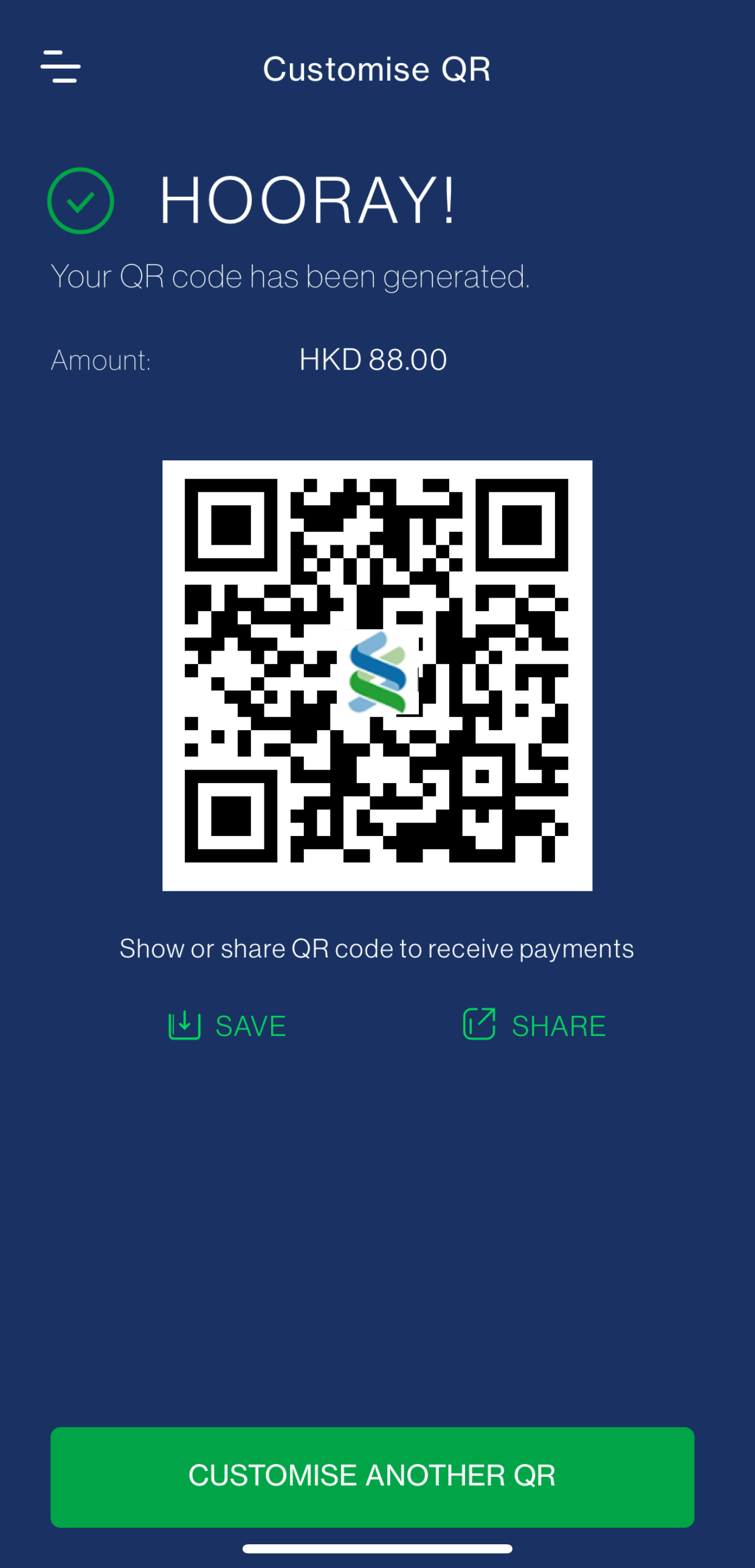
‘Generate QR’ is a function that allows you to create your own FPS QR code for requesting payments from your friends by showing or sending it to your friends and requesting for the payments, with an option to specify an amount.

To send/transfer or receive payments from QR transactions, the currency of the accounts of the payor and payees must be the same.

To use ‘Scan & Pay’, you need to:

  1. Be a Standard Chartered Online banking client;
  2. Download SC Mobile App version 5.7.3 or above;
  3. Hold an eligible HKD or CNY sole or ‘either-to-sign’ joint account (Current or Savings account); and
  4. Register SC Pay (FPS) with either mobile number or email address as a proxy

The source account you have selected at “SC Pay (FPS) Registration and Settings” will be the bank account for making and receiving payments by ‘Scan & Pay’.

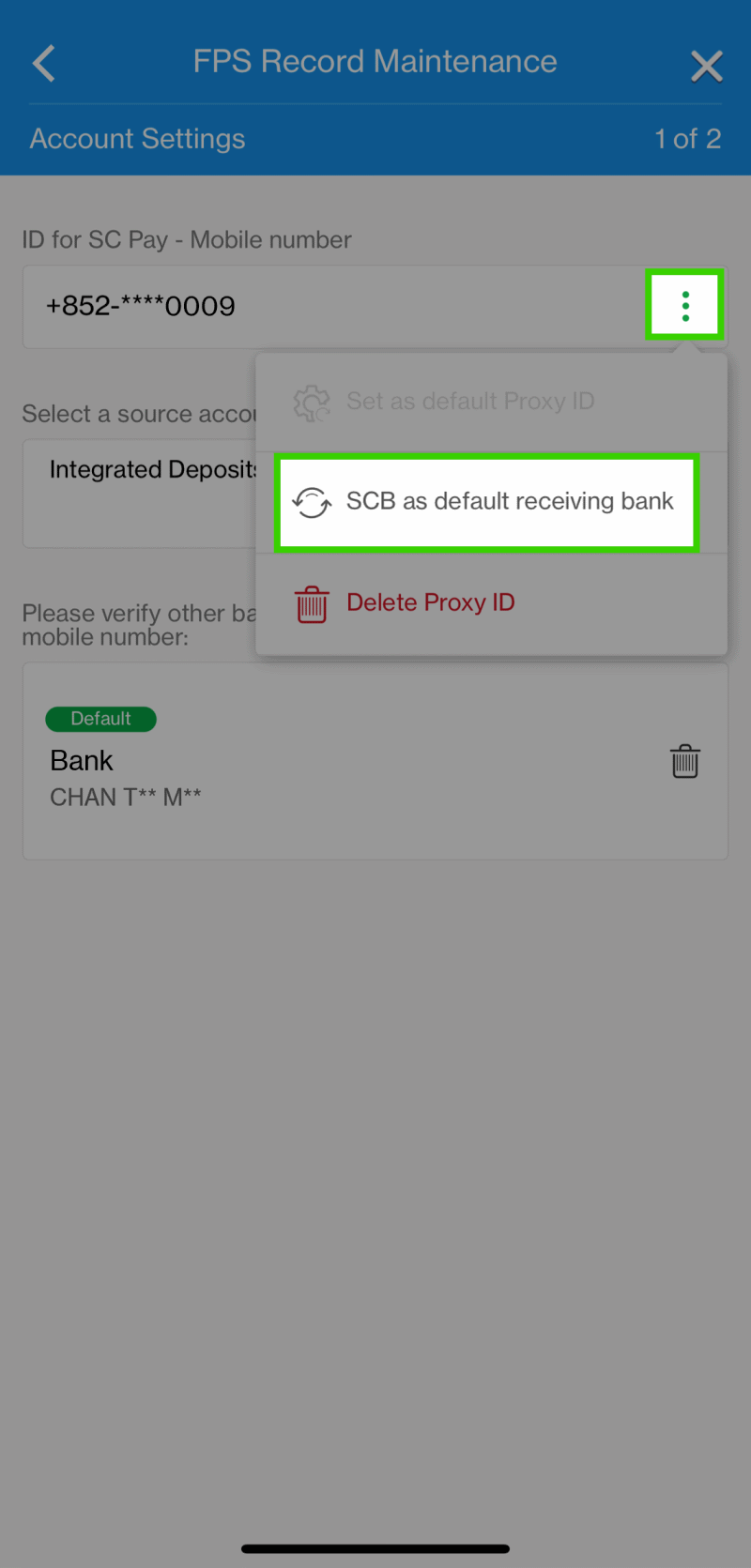
To change the source account of your Default Proxy:

  1. Login SC Mobile App.
  2. Go to “Pay & Transfer”, then “Manage” and select “SC Pay(FPS) Registration and Settings” .
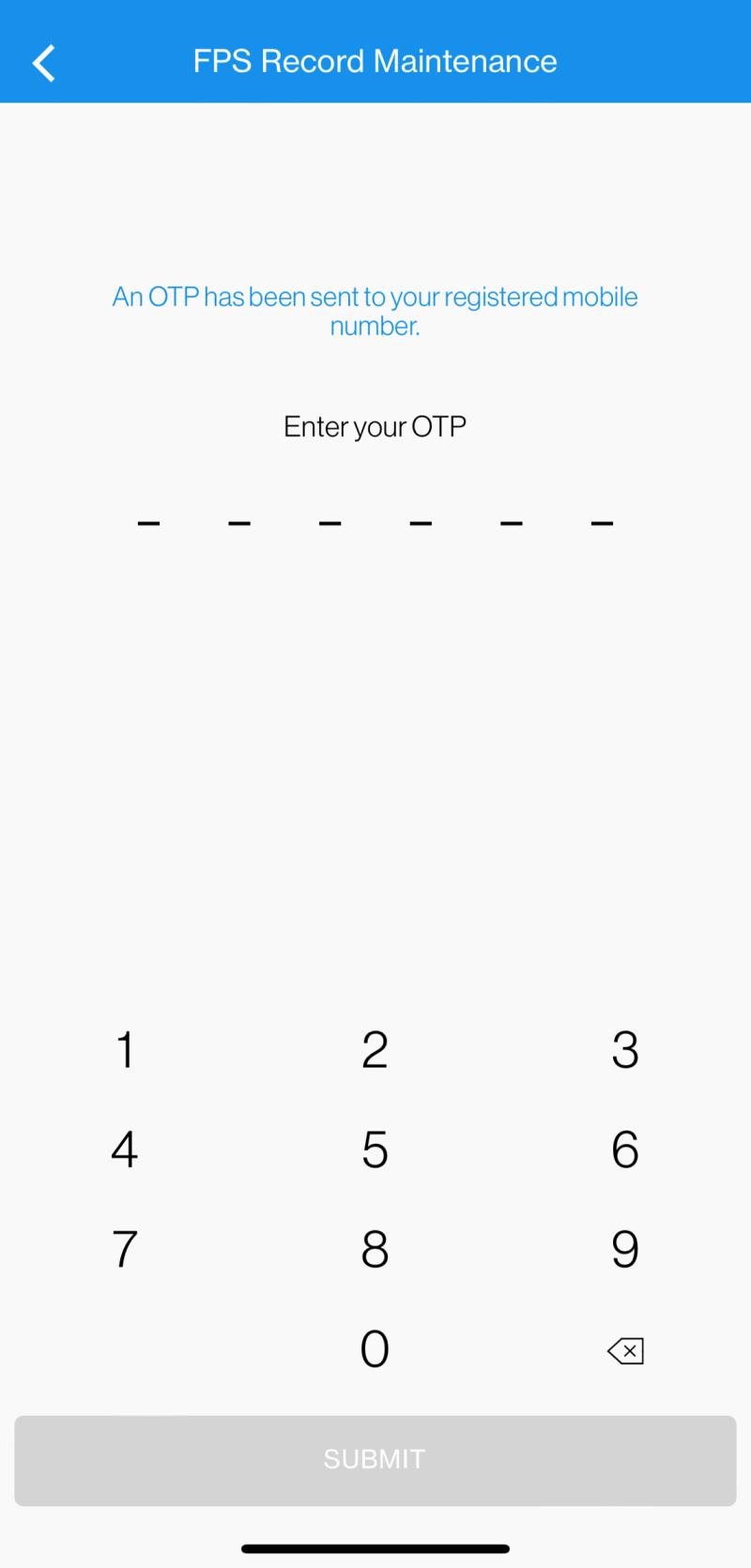
  3. Select the Default Proxy and enter the One-Time-Password received.
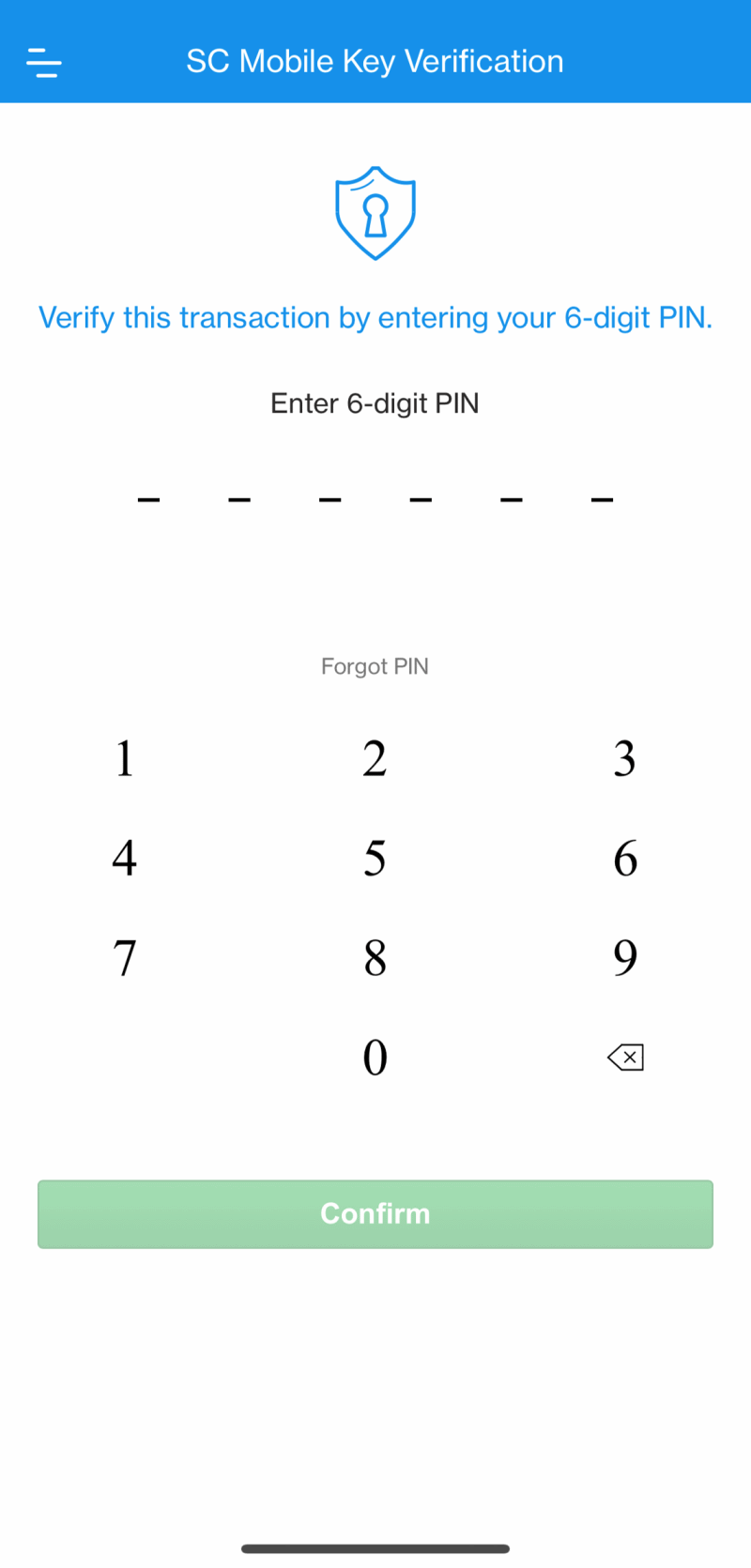
  4. Change the ‘source account to transfer money via SC Pay’.

There are 2 ways you can access ‘Scan & Pay’ in SC Mobile App:

  1. Login SC Mobile App, go to ‘Pay & Transfer’ and select ‘Scan & Pay’; or
  2. While selecting payee in SC Pay (FPS), tap the QR icon appearing next to the payee details input field.

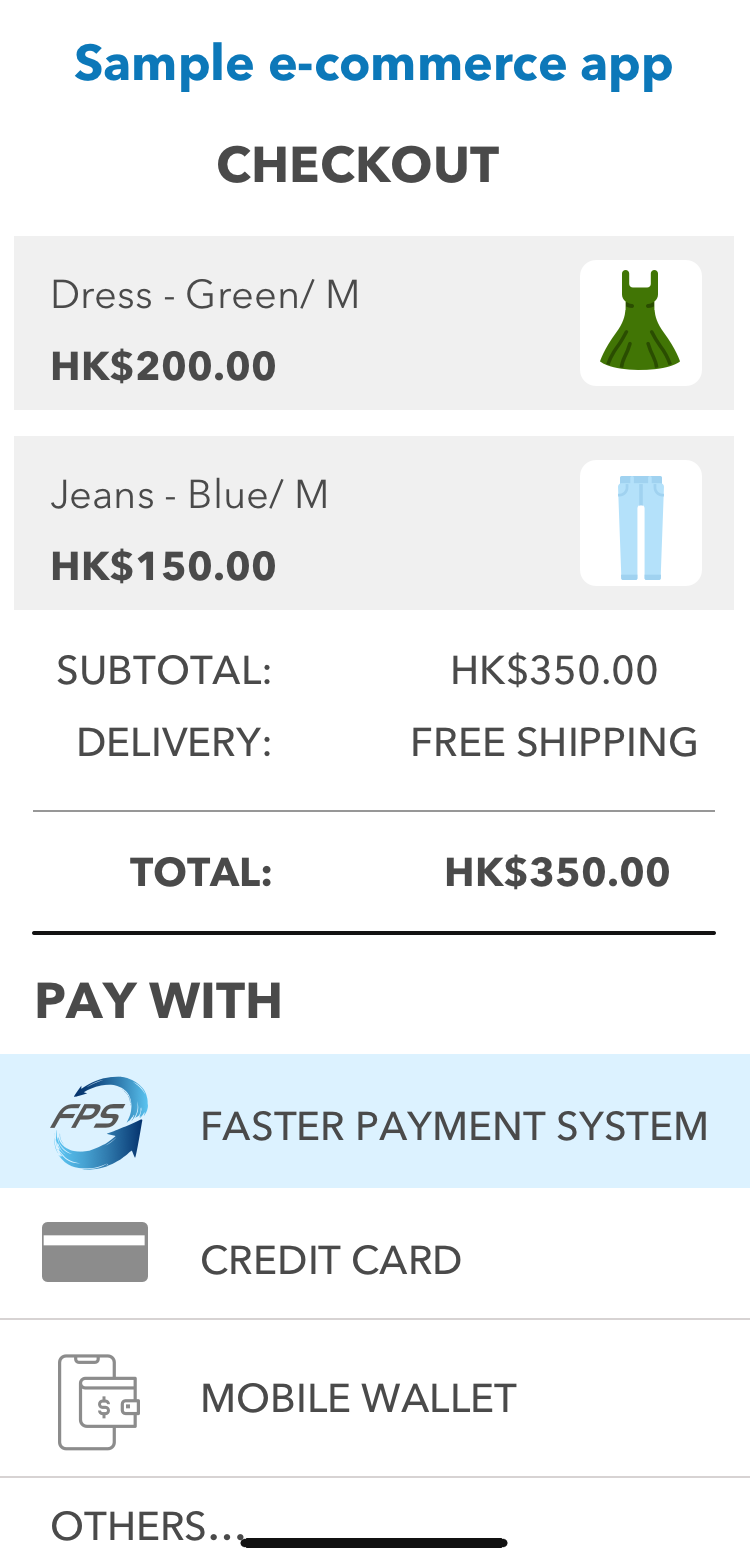
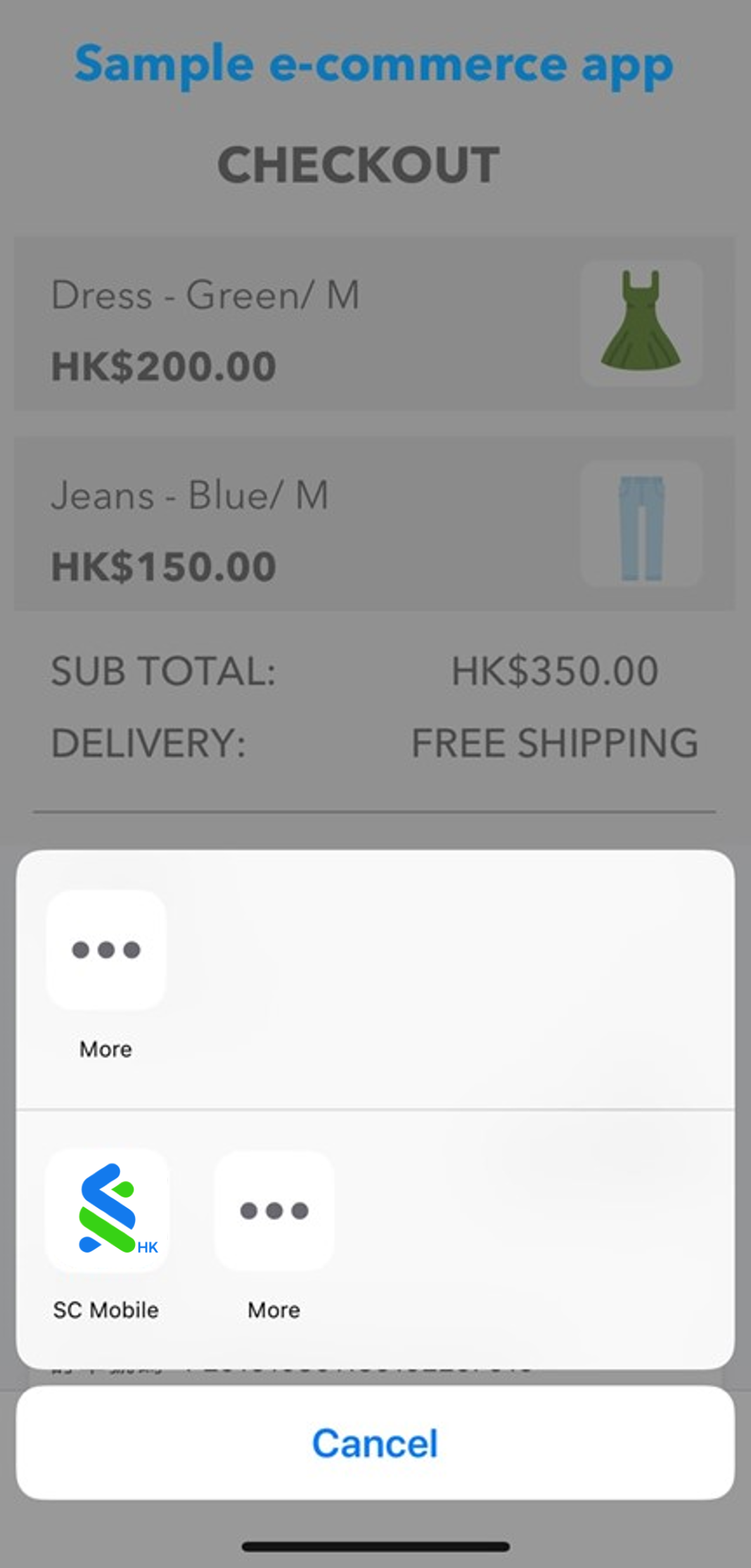
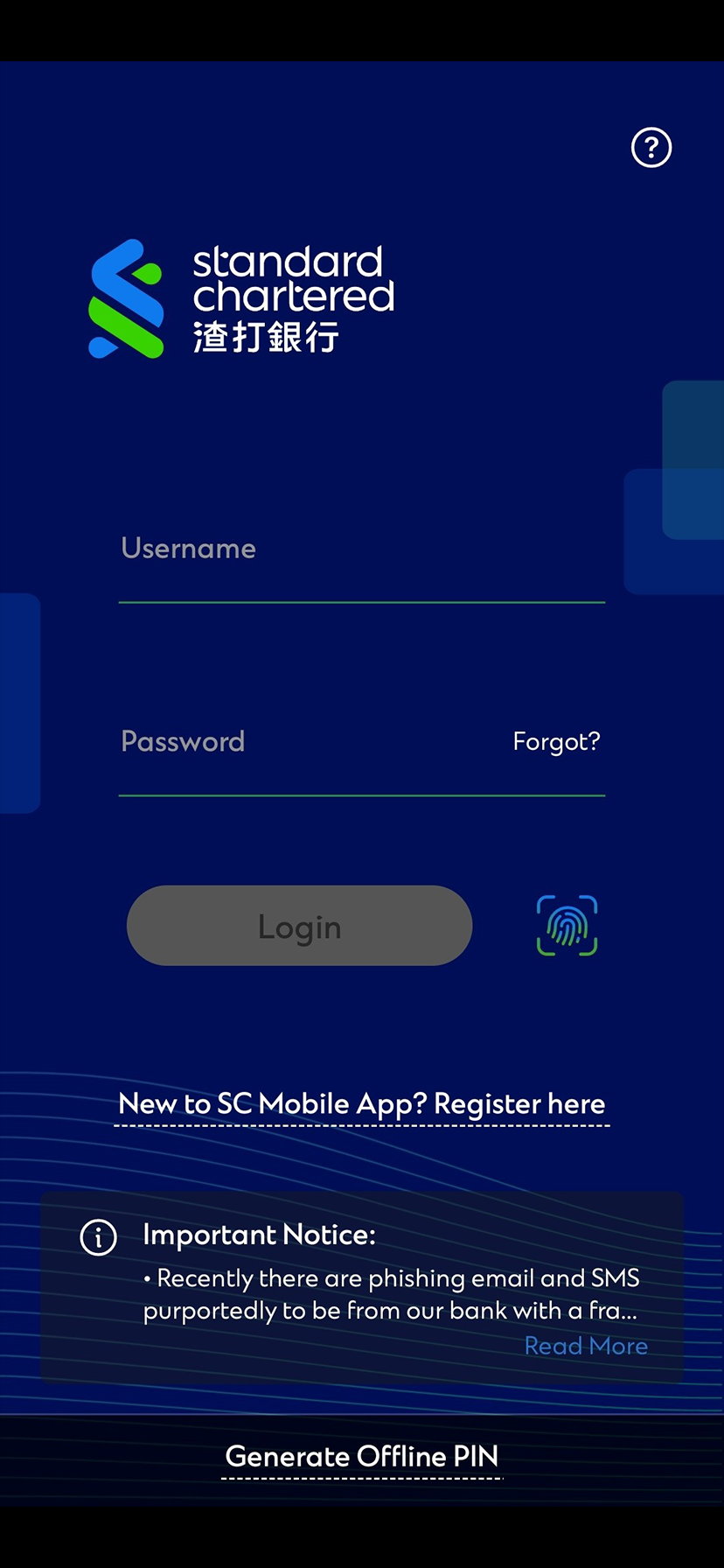
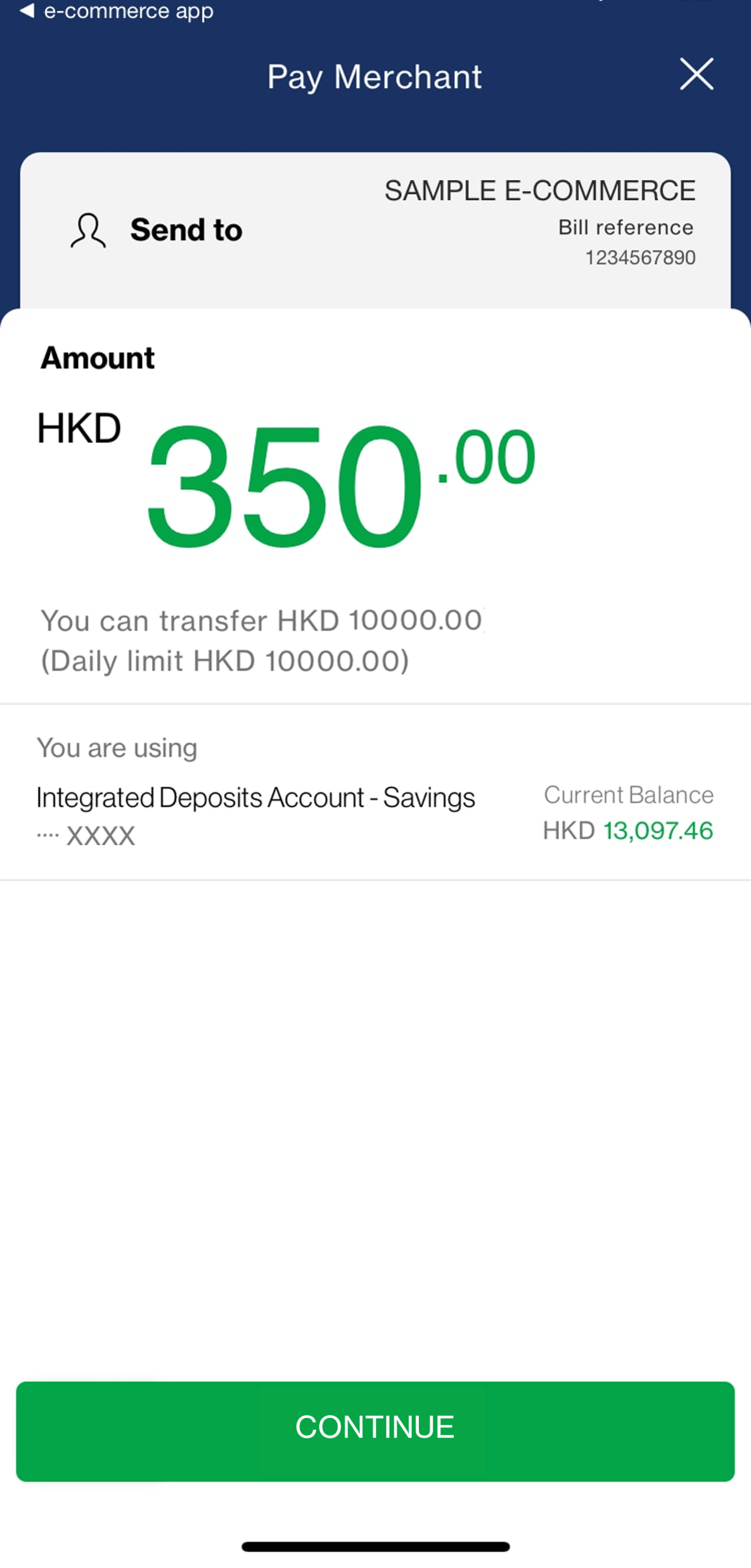
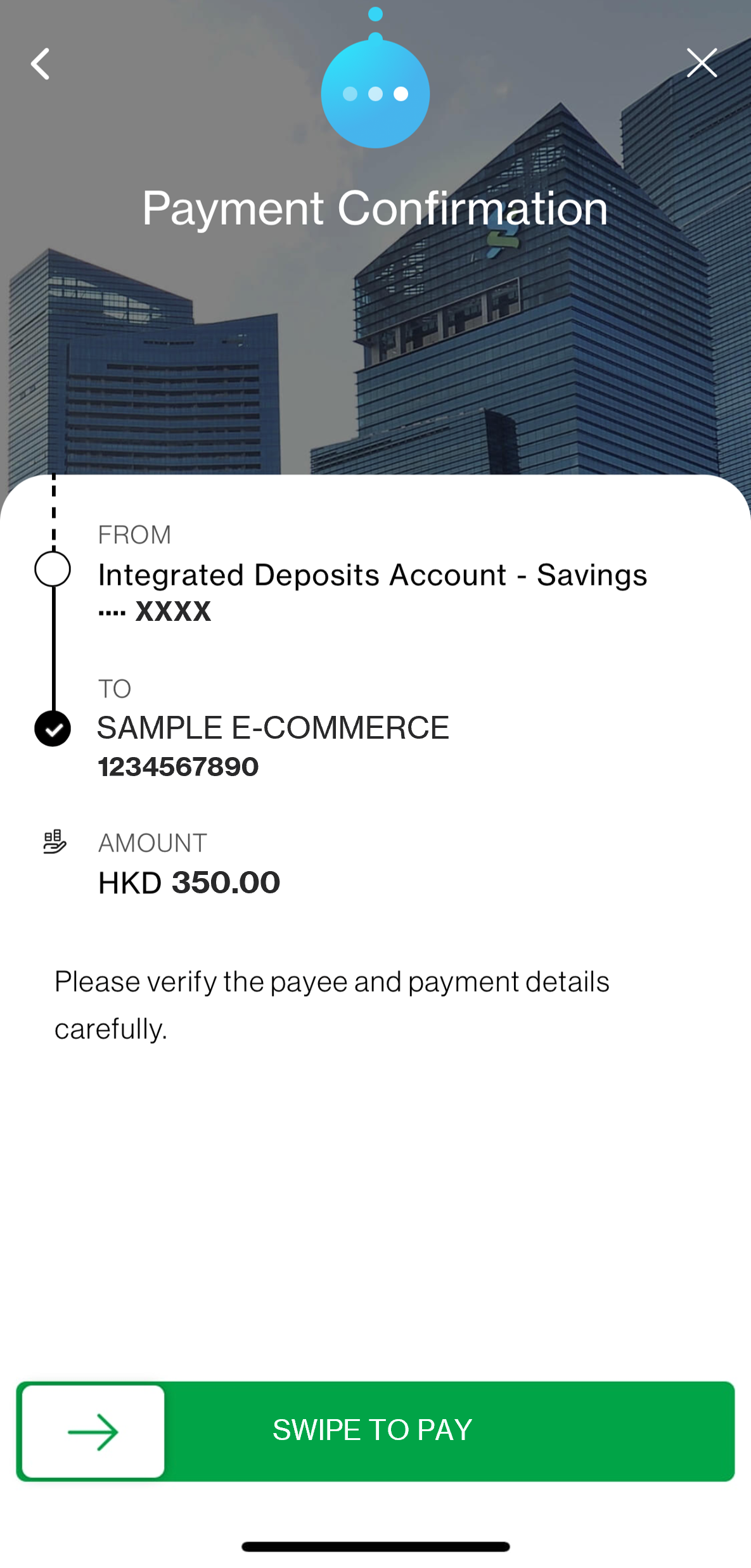
To be able to make FPS payment in merchant app, you will need to:

-Download SC Mobile App version 5.7.21 or above on same device as merchant app; and

-Hold an eligible HKD or CNY sole or “either-to-sign” joint account (Current or Savings); and

-Register for SC Pay (FPS)

You can use SC Mobile App to pay for any merchant apps with the FPS app-to-app payment capability built.

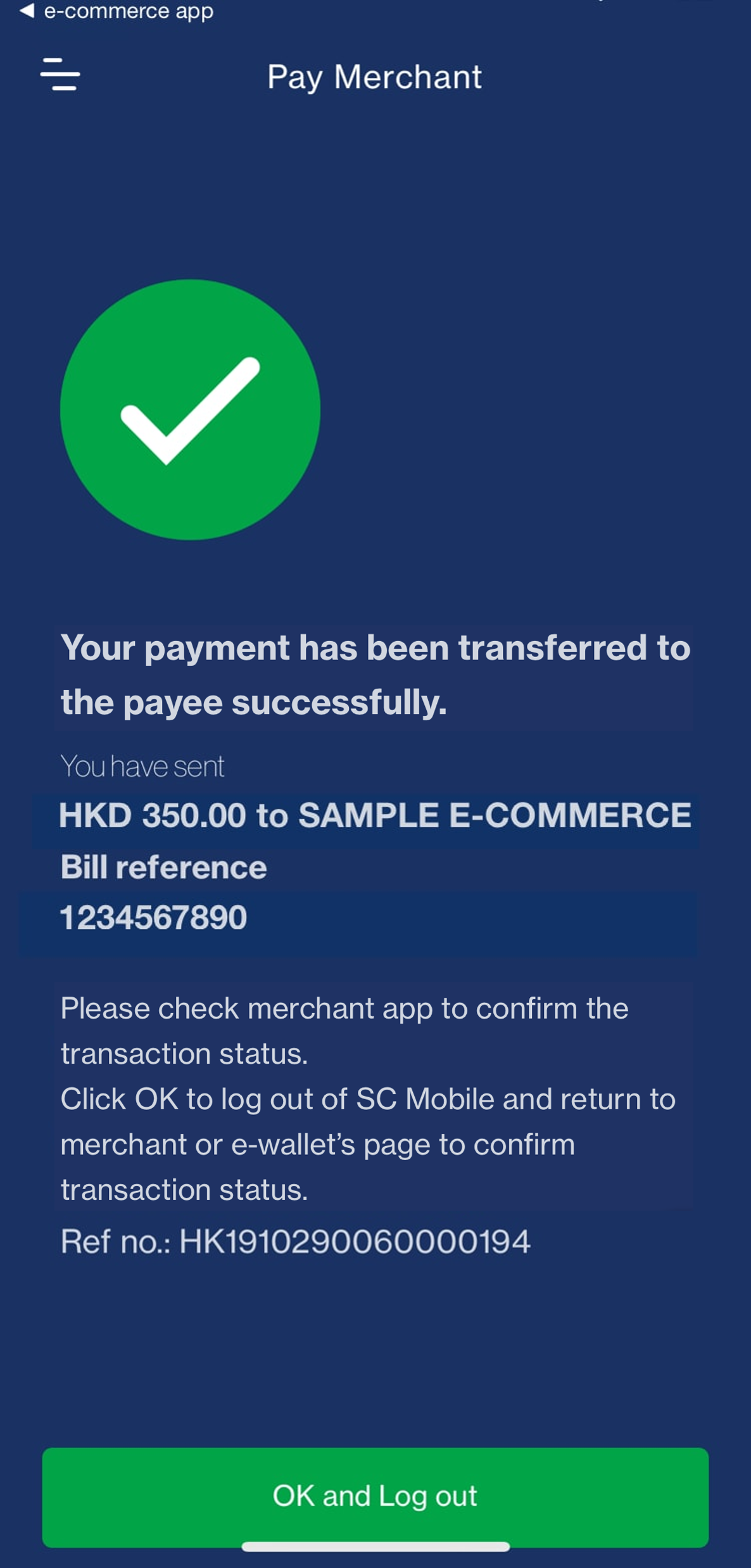
The merchant app may not support returning to merchant app after payment – please switch to merchant app manually.

You will receive SMS and/or email notification on the payment status. Transaction records can also be viewed in Transfer History on Online Banking or SC Mobile App.

Once merchant has received the payment, there should be confirmation on merchant app immediately. If you have any enquiry or dispute with merchant, contact the merchant directly.

Contact the merchant directly in case of any dispute or issues with your order.

Need more Help? Find out more on our FAQ

CLICK HERE

1.SC Pay (FPS) is only applicable to payees who have registered for FPS service. Your payment is also subject to the daily limit for Non-registered Payee Transfer.

2.You will need a valid Standard Chartered Current or Savings account to register for SC Pay (FPS).

3.You may transfer via SC Pay (FPS) on SC Mobile App with Standard Chartered Current/ Savings Account or Standard Chartered Credit Card (except UnionPay Dual Currency Platinum Credit Card). Credit Card only supports SC Pay (FPS) transfers on SC Mobile App in HKD.

4.Any transfer by credit card is subject to your available credit card limit and the daily limit for Non-registered Payee Transfer. For details, please refer to here.

5.Asia Miles/ 360° Reward Points/ Cash Rebate or any other credit card reward campaign and chargeback right/ protection is not applicable to SC Pay (FPS) transactions via SC Mobile App by credit card.

6.Over-limit electronic fund transfer handling fee may apply, if the total accumulated transfer amount exceeds the limit. For details, please refer to here.

Stacy
Log Out
登出
Need help?