Standard Chartered Bank

SC Mobile HK

Standard Chartered Bank

FREE - In App Store

GET

SC Mobile HK

Standard Chartered Bank

FREE - In Google Play

GET

SC Mobile HK

Standard Chartered Bank

FREE - In App Gallery

GET

Passwords are history. Access instantly with your biometric credential
 

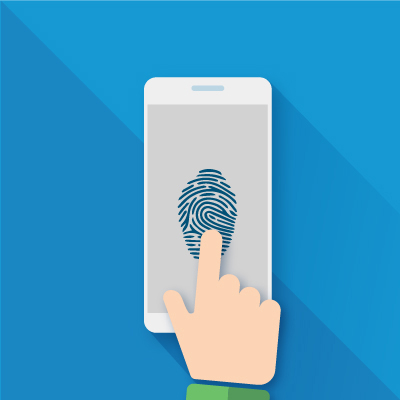
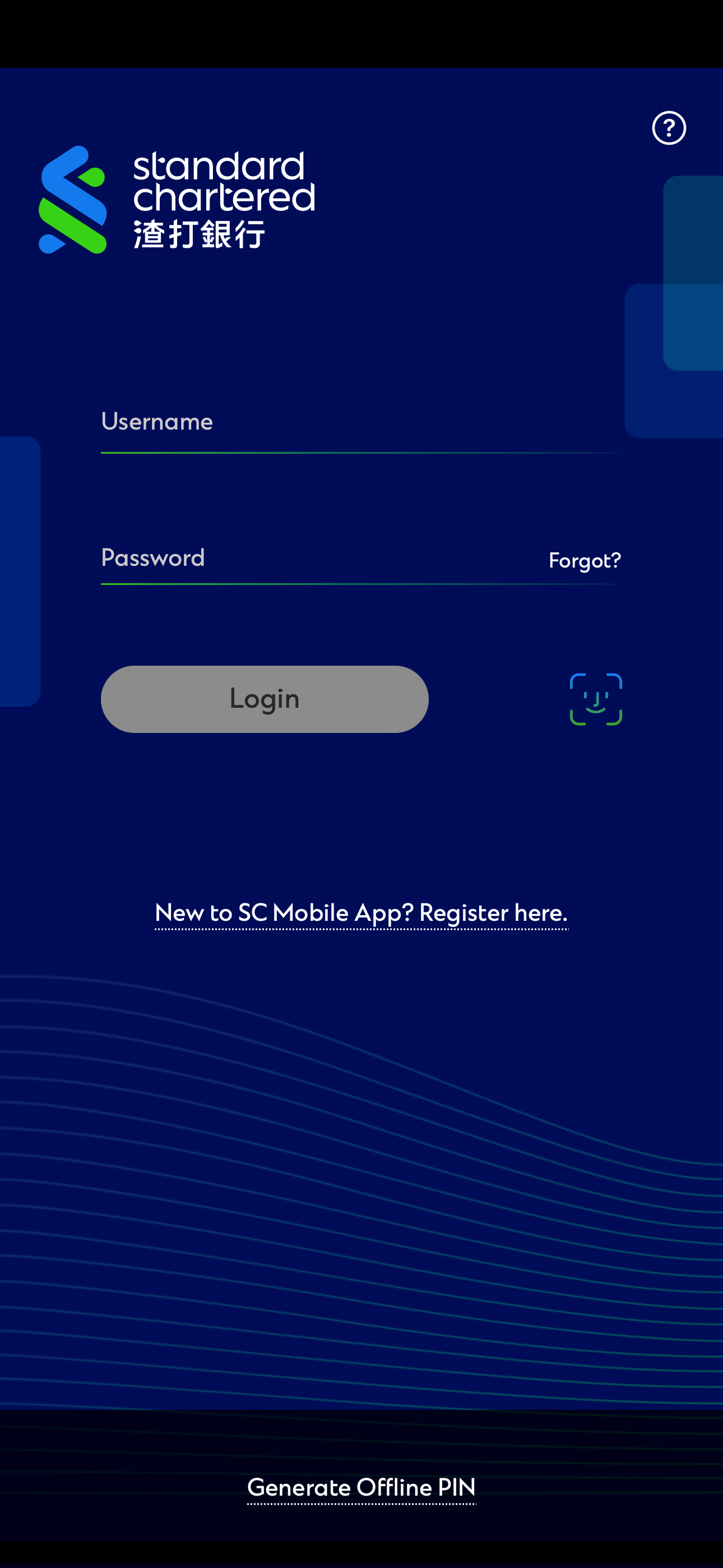
Accessing your accounts is simple and secure with just a touch or glance, instead of having to enter your username and password. Now your fingerprint or face can be your unique password that no one can guess.

Biometric Login

  1. Currently supported devices for Face Login service: Apple iPhone X or later model (on iOS 14 or above).
  2. Currently supported devices for Touch Login service: Apple iPhone 6s or later model (on iOS 14 or above), Android™ 9.0 Pie or above.


Security Tips
 

Any fingerprint / face profile in mobile device will have access to Standard Chartered Mobile through Touch / Face Login service.

The Touch / Face Login feature will be disabled immediately when

  • There is any change to fingerprint / face profile (e.g. add or delete fingerprint / face) in mobile device
  • There is any change to your Online Banking Username and Password
  • Another user logs into mobile banking on the same device using a different set of Username and Password
  • Consecutive failure of fingerprint / Face Login attempts

We are committed to help our clients manage their money safely on the go. Discover some of the measures you can take to safeguard your account information on your mobile phone.

Learn more »


Manage your finances on the go

Experience SC Mobile App now

/content/sc/hk/zh_hk/help/deposits/mobile-account-opening

Scan QR code to download SC Mobile App now

for Android users without Google Play, please click here to download the Android application package (APK)

Yes, after enabled the Touch/Face Login Service, it allows user to login SC Mobile App by

  • Touch ID or Face ID (iOS) / Fingerprint (Android)
  • Username and Password

The Touch Login Service supports Apple /Android mobile devices with fingerprint sensor and the following operating systems:

  • Apple iOS version 14 or above
  • Android OS version 9.0 Pie or above

The Face Login Service supports Apple iPhone X or later model with face recognition feature and Apple iOS version 14 or above.

No, the Bank does not collect or store your fingerprint/face related information in any case. The Touch/Face Login Service will access the fingerprint/face module from the mobile device.

Please restart your mobile device and try again. If you still encounter problem with your Touch/Face ID Login, please turn "OFF" and then turn "ON" under "Touch ID"/ "Face ID" in settings from side menu.

  • NOT allow jailbroken / rooted mobile devices to access the SC Mobile App
  • Notification messages (e.g. SMS, email, Online Banking Inbox message) will be sent once user enabled / disabled the feature
  • The Touch/Face Login feature will be disabled immediately when:
    • there is any change to Touch/Face Login, fingerprint profile (e.g. add or delete fingerprint/face record) in mobile device;
    • there is any change to Online Banking Username and Password;
    • another user logs into mobile banking on the same device using a different set of Username and Password
    • Consecutive failure of Fingerprint / Face login attempts
  • Allow to activate the Touch/Face Login feature for maximum of 20 concurrent mobile devices per each User ID
  • Offer the feature to a list of permitted mobile devices only of which the fingerprint/face recognition technology is secured and sophisticated

Need more help? Find out more on our FAQ
 

CLICK HERE

Enhance your daily life with Standard Chartered Biometric Login

Stacy
Log Out
登出
Need help?