Straight2Bank

Select SC Mobile App or Online Banking related FAQs

Popular questions
Simply re-register your SC Mobile App or Online Banking account by following the registration guide found here.
Standard Chartered Online Banking is committed to providing reliable online banking services and has introduced Transaction Password to further enhance online authentication and security.
After login to SC Mobile App, go to “Transfer & Payment” and “SC Pay (FPS)”. Then you can register with your mobile number, email address or HKID in the Bank’s record (Note: HKID only allows receiving money from institutions).
You may first check if your merchant or bill accepts FPS as payment method. Then use “Scan & Pay” in SC Mobile App to scan the FPS QR code from your merchant or printed on your bill and proceed with the payment.
Please call our Standard Chartered Service Hotline for assistance.
- Priority Banking (852)2886-8866
- Premium Banking (852)2886-8877
- Other customers (852)2886-8888
The desired language must be selected before login.
If you suspect your Online Banking / SC Mobile App account / Online Securities Trading / SC Equities account credential have been compromised, you may call (852)2886-8862 to suspend your digital banking account.
When you think your account is safe or recovered, please call our hotline (852)2886-8868 to unlock it.
You could visit our branch with the required documents or login to Online Banking / Mobile Banking to open an account. Please see the requirements and documents needed here and the overview on Client Due Diligence here.
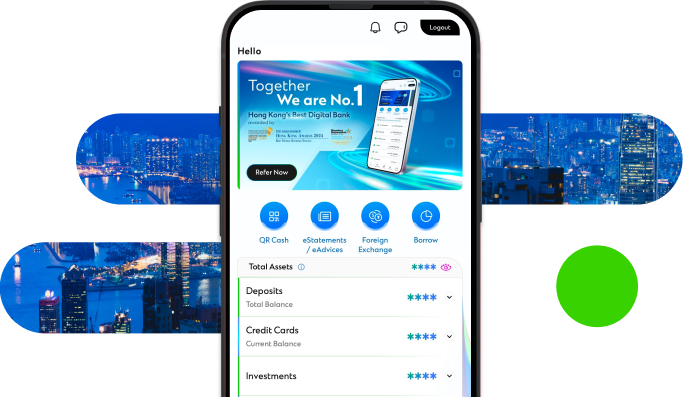
Manage your finances on the go
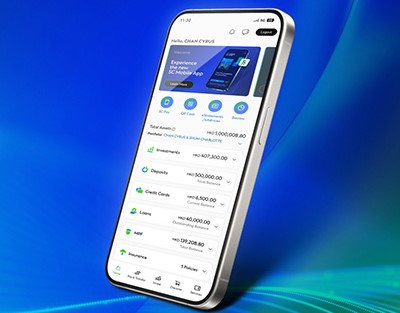
Experience SC Mobile App now

Scan QR code to download SC Mobile App now
for Android users without Google Play, please click here to download the Android application package (APK)