Straight2Bank
SYSTEM REQUIREMENTS
| |
|---|---|
| SC Mobile App is supported on iPhone 6S or later models with iOS 14/+, smartphones with Android 10.0/+ or Harmony 2. | The Touch Login Service – Apple iOS: version 14 or above – Android OS: version 10.0 or above The Face Login Service – Apple iPhone X or higher with face recognition feature and Apple iOS version 14 or above. – The Face Login Service is not supported by Android OS yet. Please stay tuned. |

Digital Service FAQs
- Login and Passwords FAQs
- Lost Device FAQs
- SC Mobile Key FAQs
- Face ID/Touch ID Login FAQs
- eStatement/eAdvice FAQs
- Notification Hub FAQs
- SC Pay (FPS) Send & Receive Money FAQs
- SC Pay (FPS) Registration FAQs
- Scan & Pay FAQs
- Pay In Merchant App FAQs
- SC Pay (FPS) Others FAQs
- QR Cash FAQs
- Fund Transfer FAQs
- Telegraphic Transfer/ Remittance Service General FAQs
- Telegraphic Transfer/ Remittance Service Limit and Charges FAQs
- Telegraphic Transfer/ Remittance Service Others FAQs
- Transfer History & Limits FAQs
- Direct Debit Authorization FAQs
- Bill Payments FAQs
- Post-dated Instruction FAQs
- AlipayHK FAQs
- Octopus Wallet FAQs
- HKJC FPS Services FAQs
- Apple Pay FAQs
- Apple Pay Security Tips
- Google Pay FAQs
- Google Pay Security Tips
- Samsung Pay FAQs
- Samsung Pay Security tips
- Visa payWave/Mastercard Contactless FAQs
- Masterpass™ by Mastercard FAQs
- Visa Checkout FAQs
- myRM FAQs
- Virtual Assistant Stacy FAQs
- Chat with Live Agent FAQs
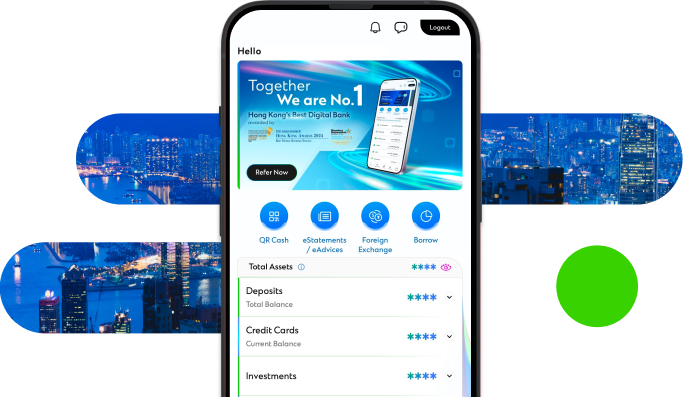
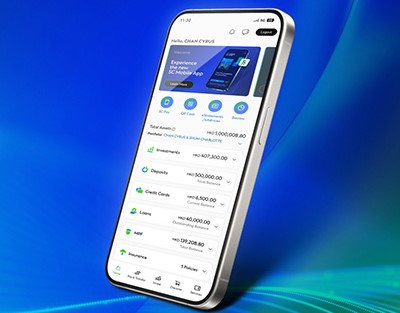
Manage your finances on the go
Experience SC Mobile App now

Scan QR code to download SC Mobile App now
for Android users without Google Play, please click here to download the Android application package (APK)