Straight2Bank
Any of your personal data collected by the Bank from myRM at any time is subject to the Bank’s personal information collection and privacy policies: https://www.sc.com/en/privacy-policy/ .

Secure
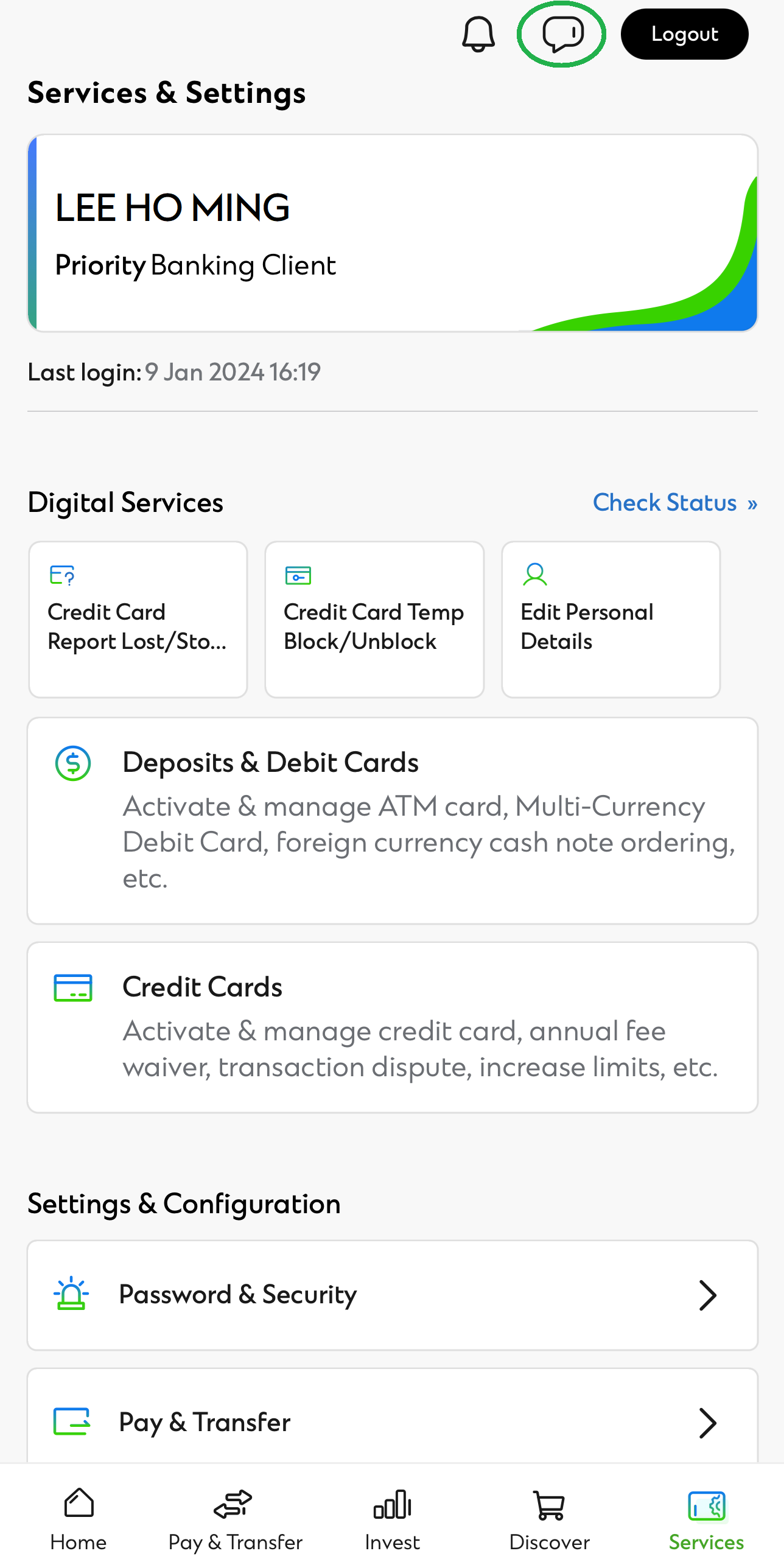
myRM can be accessed after logging into SC Mobile or Online Banking. All conversations and exchanged information will be kept confidential
Seamless connection
myRM allows you to connect with your Relationship Manager. You can also receive appointment request to go through the latest market views Learn More
Professional advice
myRM enables your Relationship Manager to guide you through the latest market views and offer personalised advice for your needs while you are at home Learn More
How can myRM help?
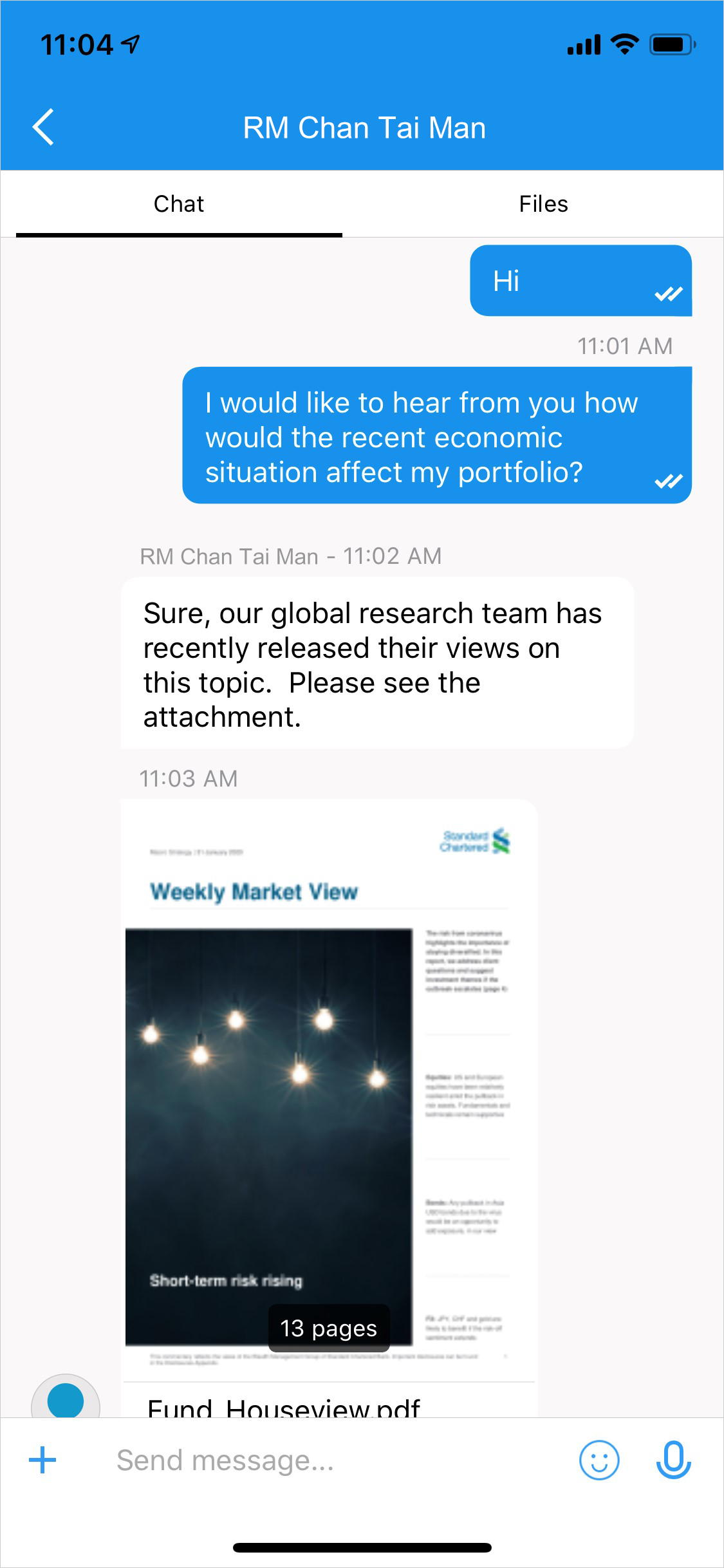
Interaction with your Relationship Manager
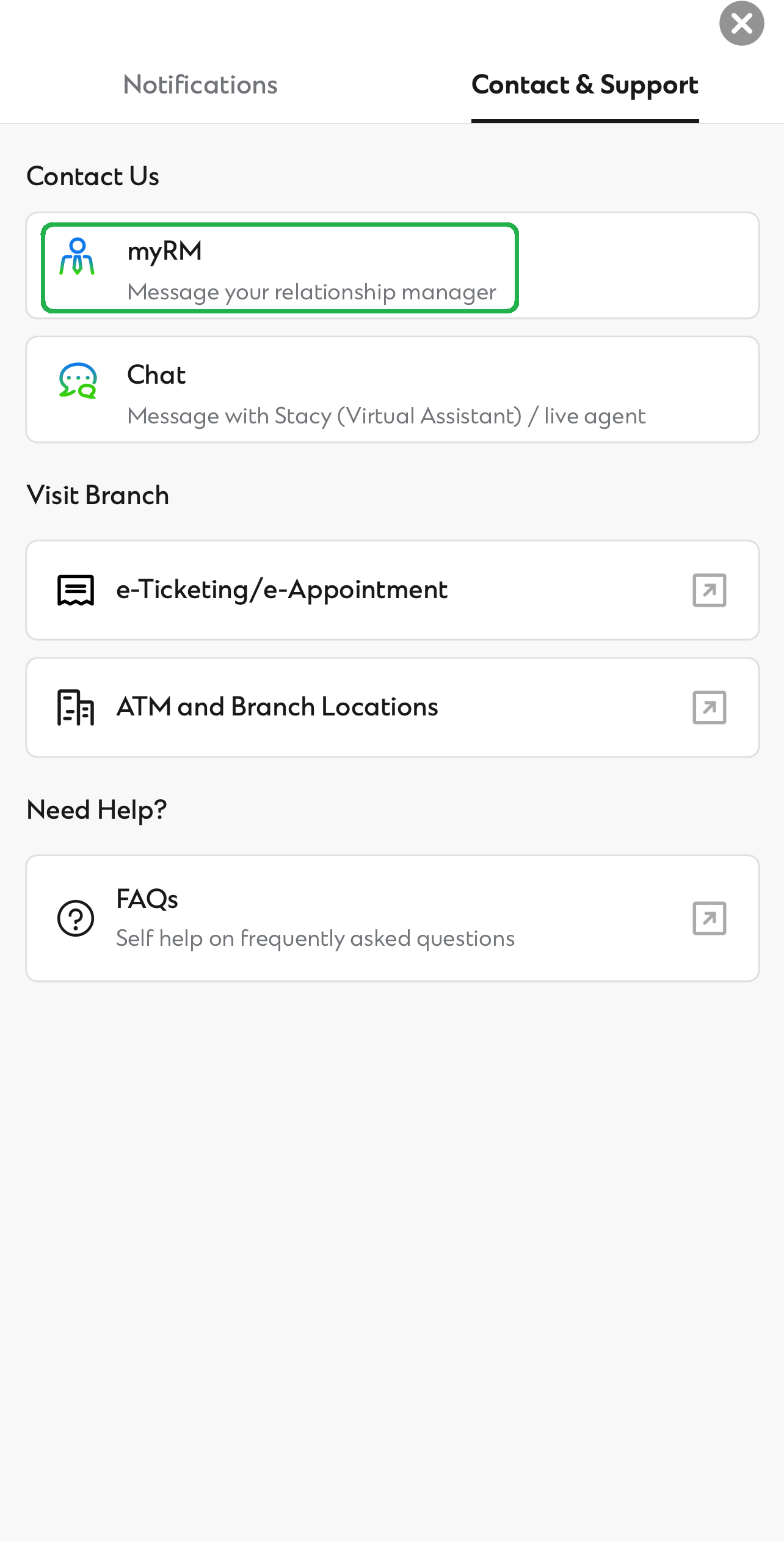
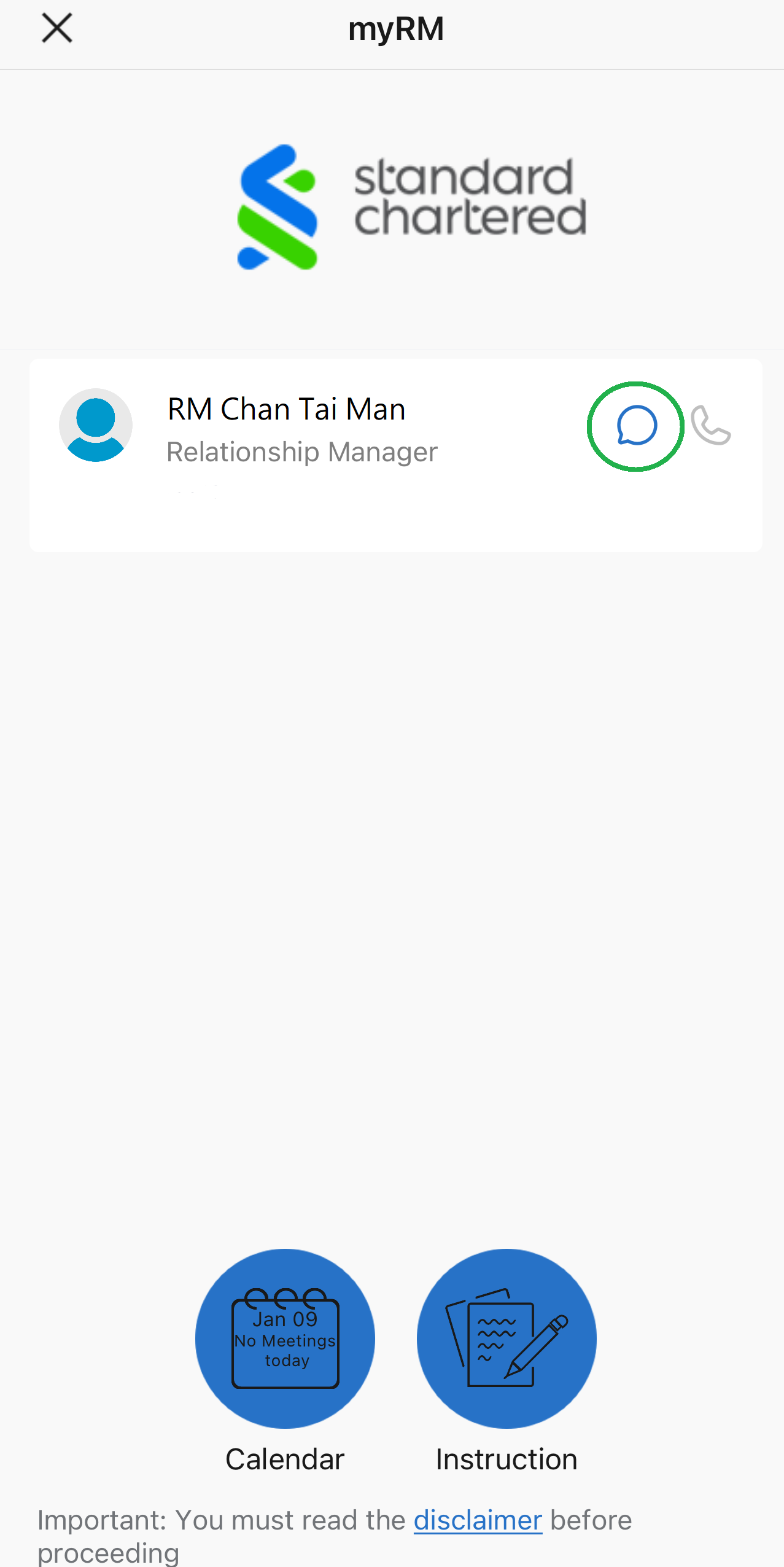
Interact with your dedicated Relationship Manager via text chat or audio call. You can also receive offline message2 from your Relationship Manager when you are not available.
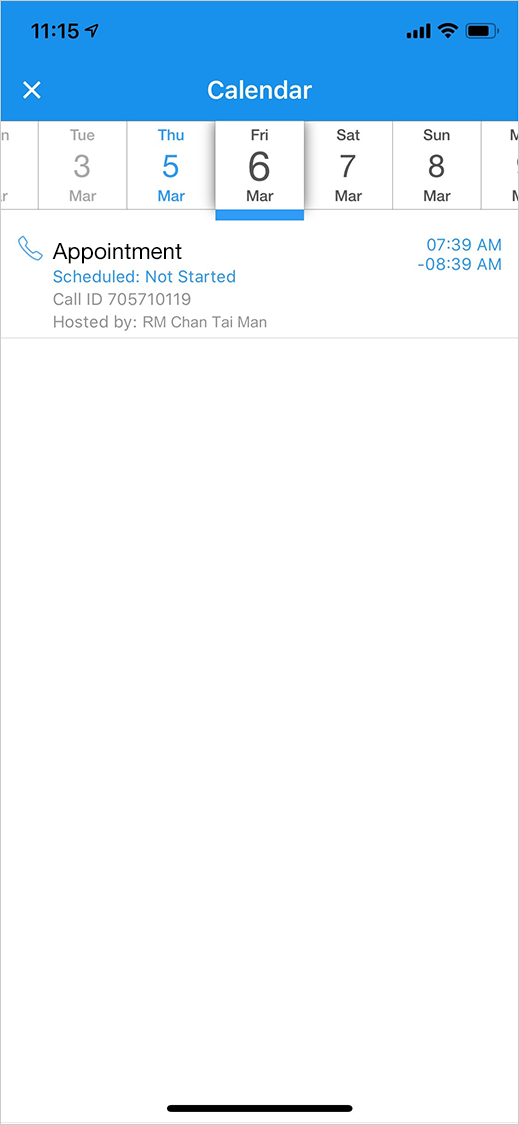
Appointment request from Relationship Manager
Receive appointment request from your Relationship Manager to go through the latest market views together.
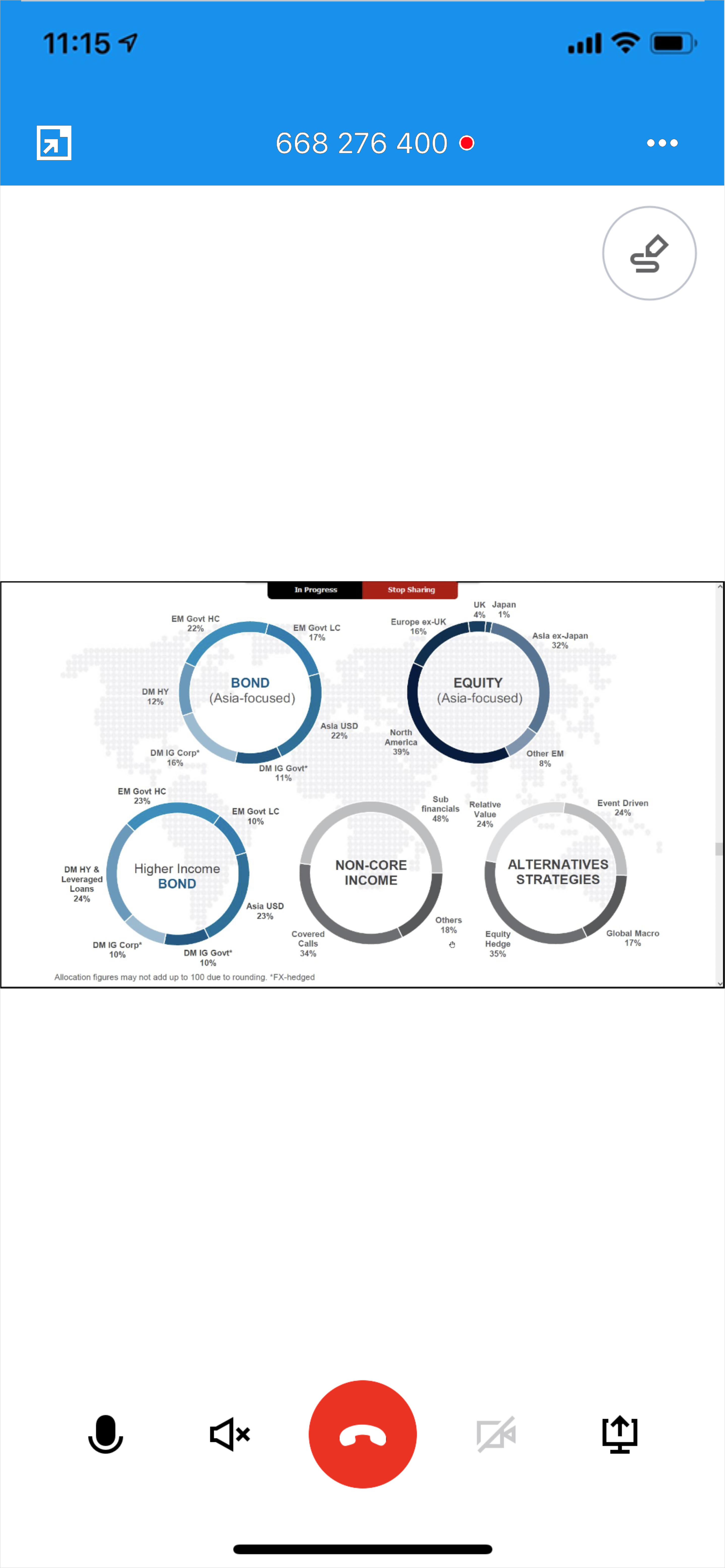
Co-browsing the latest market views with your Relationship Manager
Your Relationship Manager can go through with you our latest market views via the myRM platform.3
Getting started with myRM on SC Mobile App!
Getting started with myRM on SC Mobile App!
1
2
3
- myRM services are only applicable to selected Priority Banking and Priority Private clients.
- Client is required to turn on the push notification in SC Mobile app.
- Client is required to install plug-in in Google Chrome to enable the screen sharing function.
FAQs
myRM is an electronic banking software that enables you to connect with your dedicated Relationship Manager through your SC Mobile & SC Online Banking post-login access point.
myRM is an official chatting platform for Standard Chartered Hong Kong Priority Banking client to communicate with the dedicated Relationship Manager.
Servicing hours are the same as branch opening hours. On the other hand, you are highly encouraged to schedule the desired time and date with our dedicated Relationship Manager first.
myRM enables you to connect with us wherever you are in a secure post-login environment through text chat or audio call. It enables your dedicated Relationship Manager to share product documents and files with you, and make an appointment for portfolio review.
You may refer to the below on the deposit accounts that you can open via myRM and relevant Terms and Conditions for the product.
| DEPOSIT PRODUCT | TERMS AND CONDITIONS |
|---|---|
| Marathon Savings Account | Download PDF |
| Wealth Saver Account | Download PDF |
| Bonus Payroll Account | Download PDF |
| Asia Miles Time Deposit Account | Download PDF |
| Sustainable Savings Account | Download PDF |
| Time Deposit Account | Download PDF |
You can access myRM after logging into SC Mobile App or SC Online Banking.
All data are encrypted end-to-end and stored securely.
Still have questions? Find out more on our FAQ

Risk Disclosure Statements
- Investment involves risks. The prices of investment products fluctuate, sometimes dramatically and the worst case may result in loss of your entire investment amount. Past performance is no guide to its future performance.
- Investors should read the terms and conditions contained in the relevant offering documents and in particular the investment policies and the risk factors and latest financial results information carefully and are advised to seek independent professional advice before making any investment decision.
- Investors should consider their own investment objectives, investment experience, financial situation and risk tolerance level.