Straight2Bank

SC Mobile App
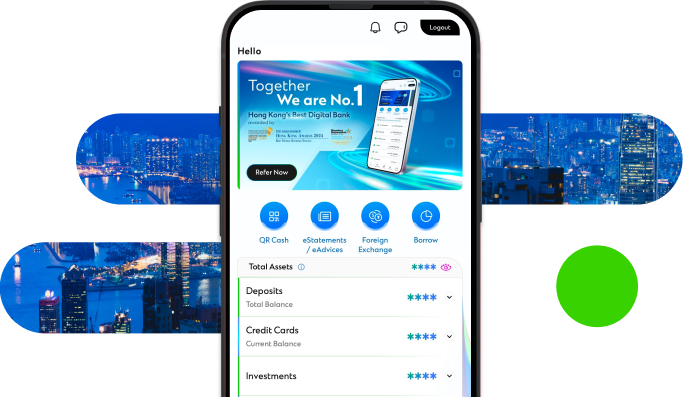
The new Standard Chartered Mobile App offers an extensive range of functionalities to take care of your banking needs. Enjoy our simpler, faster and more secure mobile banking.
How to register or update your mobile number and email address?
To enjoy our services and the benefits of mobile banking, please ensure your mobile number and email registered with us is valid and up to date.
Registering or Updating your mobile number
- Download the form for changing contact information here or from sc.com/hk and mail it to Standard Chartered Bank (Hong Kong) Limited at P.O. Box 68383, Kowloon East Post Office
- Visit the nearest branch
Registering or Updating your email address
- Simply login to Standard Chartered Online Banking and click “Update Client Information” -> “Update Profile” to submit your requests
- Download the form for changing contact information here or from sc.com.hk/ and mail it to Standard Chartered Bank (Hong Kong) Limited at P.O. Box 68383, Kowloon East Post Office
- Visit the nearest branch
Security Tips
Any fingerprint / face profile in mobile device will have access to Standard Chartered Mobile through touch / face login service.
The touch / face login feature will be disabled immediately when
- There is any change to fingerprint / face profile (e.g. add or delete fingerprint / face) in mobile device
- There is any change to your Online Banking Username and Password
- Another user logs into mobile banking on the same device using a different set of Username and Password
- Consecutive failure of fingerprint / face login attempts
We are committed to help our clients manage their money safely on the go. Discover some of the measures you can take to safeguard your account information on your mobile phone.
Manage your finances on the go
Experience SC Mobile App now

Scan QR code to download SC Mobile App now
for Android users without Google Play, please click here to download the Android application package (APK)