
 Straight2Bank
Lock in your preferential FX rates with our FX Trading Platform. Spend smarter on all local & overseas with expenses directly deducted from your account. Enjoy 0.5% cash rebates with 0 handling fees, no FX mark-up, and effortless control over 11 major currencies.


Shop with ease and spend freely wherever you go with the Multi-Currency Mastercard Debit Card

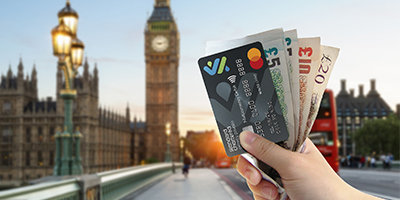

Tips for travelling with your card
Set your limits
You can set your overseas withdrawal limits and duration with your SC Mobile app before your trip for even greater peace of mind.
Check your funds
Remember to double-check if your foreign currency account has sufficient funds to cover your expenses during your trip!
Select the right account
When making a withdrawal at an overseas ATM, make sure you have selected your Savings Account and not your Credit Card or Current Account.
Promptly deactivate your overseas withdrawal
Deactivate the overseas ATM withdrawal function immediately if you return to Hong Kong earlier.
Do not have an Integrated Deposits Saving Account yet?
Open an account now! You will need an Integrated Deposits Account to apply for the Debit Card:
- For a new client, open with SC Mobile app or visit a branch (click here to book an appointment)
- For an existing client, open in Online Banking
Your current banking plan is not Priority Private or Priority Banking?
Click here to visit the upgrade page or visit any of our branches to upgrade your account to Priority Private or Priority Banking.
Your current banking plan is not Priority Private or Priority Banking?
Click here to visit the upgrade page or visit any of our branches to upgrade your account to Priority Private or Priority Banking.
